Chipp
Builds no-code AI agents for teams from company docs
I remember the first time I fired up Chipp, coffee in hand on a quiet Tuesday morning. Just a couple hours poking around, nothing intense, but enough to feel that spark when something clicks without the usual tech headache. Picture this: you’re knee-deep in a project, sifting through old emails and spreadsheets, and suddenly there’s this AI sidekick pulling it all together. That’s Chipp in a nutshell, a no-code haven where I uploaded a handful of my notes and watched it spin up a chat agent that actually sounded like me, not some robotic echo.
The Executive Assistant template hooked me quick. I fed it a sample report, asked it to summarize trends, and out popped a crisp breakdown with bullet points I could’ve sworn I’d written myself. Automating social posts? A breeze, repurposing a blog draft into snappy LinkedIn fodder in seconds. It’s witty how it anticipates follow-ups, like suggesting content tweaks based on past chats. After messing with it for an afternoon, I shared a link with a colleague, who fired back, “This just saved me an hour.” True story, no exaggeration. The branding bit added flair too, letting me slap on my colors and logo so it didn’t scream “generic AI.”
Competitors? I glanced at CrewAI, which orchestrates multi-agent teams like a conductor, but it demands more orchestration know-how than my casual spin with Chipp. Perfect for complex workflows, sure, but overkill if you’re just testing waters. Gumloop nails automation loops with a visual drag-and-drop vibe, yet lacks Chipp’s deep knowledge training for doc-heavy tasks. Chipp wins on accessibility for solo tinkerers like me, though Gumloop might pull ahead for pure no-brainer zaps.
The surprises? Analytics popped up unexpectedly useful, graphing my test queries to spot patterns I hadn’t noticed. Cool, right? But here’s the rub: during my short playtime, a couple file uploads stuttered on larger PDFs, probably my spotty connection, but it broke the flow a smidge. Nothing deal-breaking, and the privacy toggle to keep data in-house felt reassuring, especially versus cloud-only rivals. Pricing-wise, it leans team-friendly, often cheaper per builder than seat-hogging plans elsewhere, though I didn’t drill into dollars.
What I liked most was the embed ease, dropping a widget onto a test page like magic. No one likes? The template variety’s solid, but customizing prompts took a few tries to avoid bland outputs. Still, that raw potential, turning raw docs into a chatting brain, left me grinning. If you’re eyeing this, grab a template like Customer Support Agent and iterate on real queries. It’ll build your confidence faster than staring at blank screens.
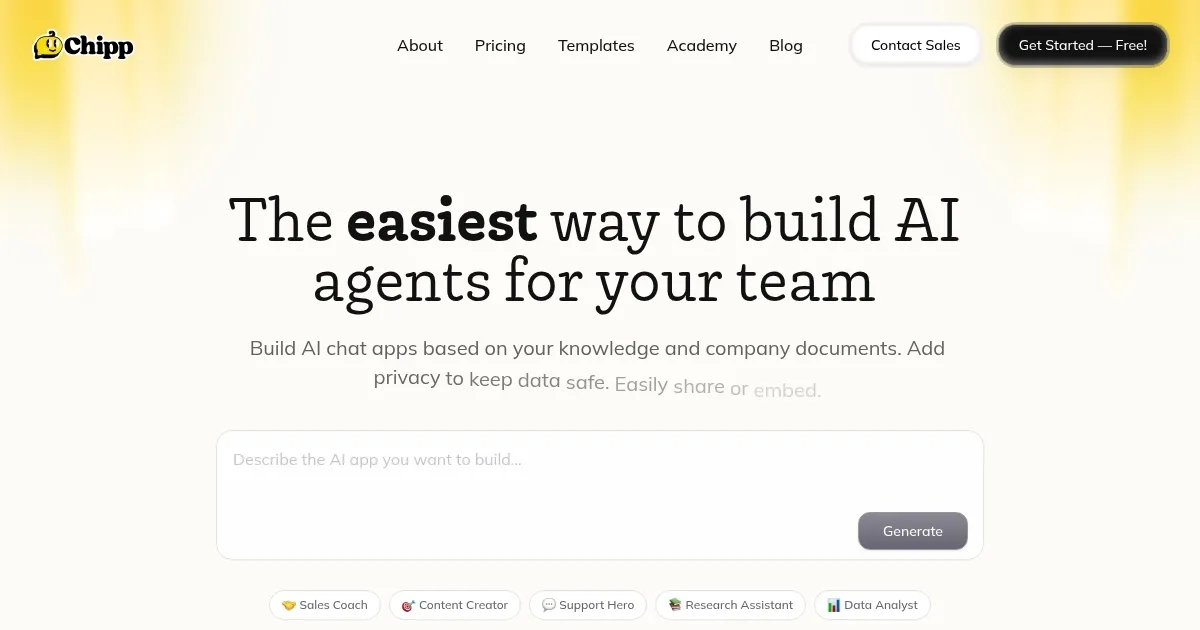
Homepage Screenshot 📸
Video Overview 🎬
What are the key features? ✨
- No-Code Builder: Enables creation of AI agents without programming by uploading documents and selecting prompts.
- Template Marketplace: Provides over 200 pre-built starters like Executive Assistant for quick deployment.
- Branding Tools: Allows customization with logos, colors, and custom domains for a professional look.
- Sharing Options: Supports distribution via links, widgets, or WhatsApp for team and client access.
- Analytics Dashboard: Tracks user engagement and performance to optimize agent effectiveness.
Who is it for? 🤔
Examples of what you can use it for 💡
- Executive: Uses the template to draft documents and analyze reports, freeing time for strategic decisions.
- Marketer: Generates social posts and repurposes content from brand guidelines for consistent campaigns.
- Support Agent: Answers customer queries from knowledge bases, reducing response times in help desks.
- Data Analyst: Processes spreadsheets to extract insights and create summaries for team reports.
- HR Specialist: Builds Q&A bots from policy docs to handle employee questions on benefits.
Pros & Cons ⚖️
- Easy no-code setup
- Strong privacy controls
- Template variety
- Upload lag on big files
- Basic scripting limits
FAQs 💬