logo-darklogo-darklogo-darklogo-dark
  • Tool Categories
    • 🎨Art & Creative Design505
    • 🏢Business Management644
    • 💻Coding & Development515
    • 👮Detection83
    • 🧠General Use727
    • 🏥Health & Wellness55
    • 📷Image & Photo Analysis100
    • 🖼️Image Generation & Editing618
    • 📐Interior & Architectural Design37
    • 🎓Learning & Education483
    • ⚖️Legal & Finance90
    • 🎭Lifestyle & Entertainment236
    • 📢Marketing & Advertising627
    • 🎧Music & Audio138
    • 👔Office & Workplace1,014
    • 🔬Research & Data Analysis372
    • 👥Social Media245
    • 🎥Video Generation & Editing426
    • 👧🏻Virtual Companion135
    • 🎤Voice Generation & Editing381
    • ✍️Writing & Editing808
    • All Categories
    • AI Use Cases
  • News
  • Events
    • Academic Conferences
    • Developer Conferences
    • Expos / Trade Shows
    • Industry Summits
    • Workshops / Training
    • All Events
    • Past Events
  • Saved Tools
  • Suggest a Tool
✕
Home › Learning & Education › Tutorial› Dubble
Dubble

Dubble by Paperform

Automates creation of step-by-step guides from screen actions.

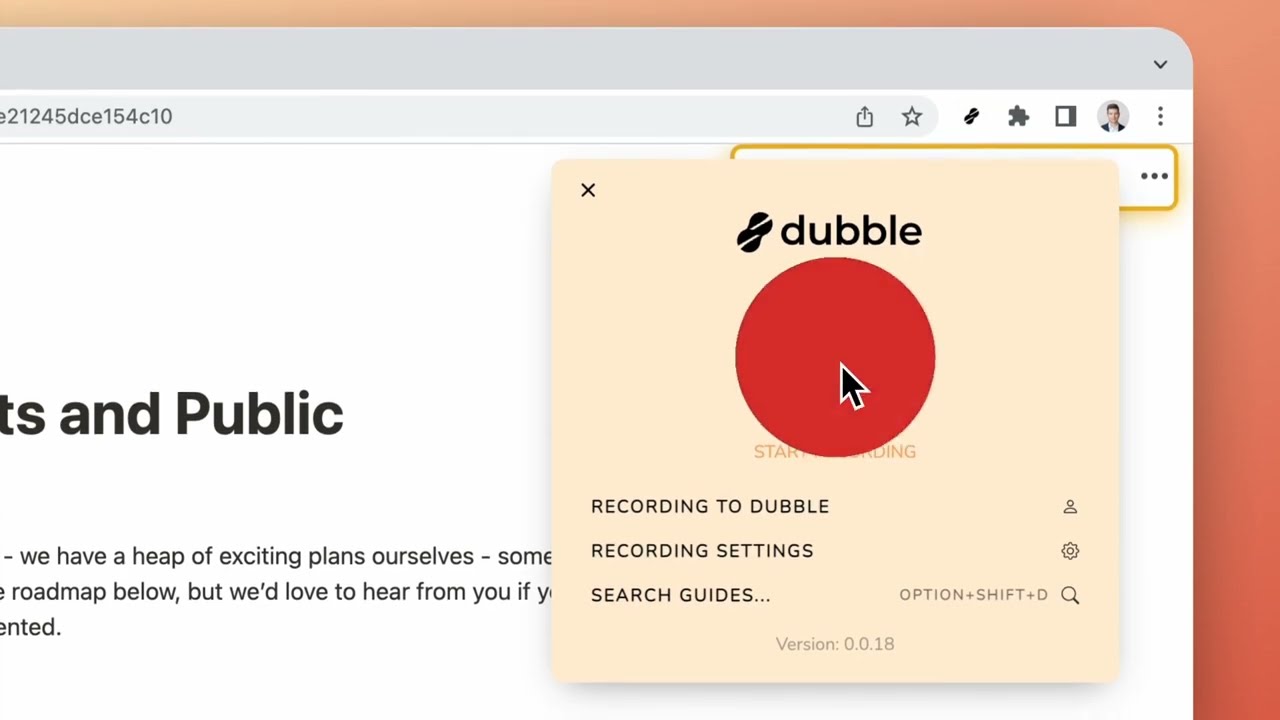
Dubble is an AI-powered Chrome extension that records user actions on web applications to automatically generate step-by-step documentation guides, including screenshots, text descriptions, videos, and audio. It targets teams in support, operations, and product roles who need quick, accurate process records without manual effort. The tool processes recordings through lightweight AI to identify key steps and produce editable outputs.

Core features include instant guide creation upon stopping a recording, with options for pausing, restarting, or discarding sessions. Users can blur sensitive content pre-record to maintain privacy. Editing tools allow rich-text modifications, screenshot annotations, redaction, and uploading custom images. New steps can be captured or pulled from video frames during edits.

Sharing supports direct links for private viewers, PDF downloads, and Magic Copy for pasting into markdown-compatible platforms like Notion or Confluence. Pro and Enterprise plans add collaborator invites, watermark removal, API access, and integrations. All plans offer unlimited guides and exports, with secure cloud hosting standard.

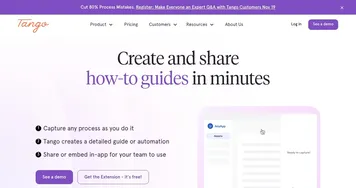
Competitors include Scribe AI, which focuses on screenshot-only workflows but lacks native video; Tango, offering similar capture but with higher per-user costs and less flexible updates; and Loom, geared toward general video messaging without automated step parsing. Dubble’s strength lies in hybrid media support and easy revisions, though its browser limitation narrows appeal.

For maintenance, users re-record altered steps, merging them into existing guides without full rewrites. Technical implementation uses optimized capture to minimize resource use, supporting Mac desktop recording in beta. Free plan suits individuals; Pro fits small teams with three creators; Enterprise handles large-scale needs via custom setups. Start with free recordings of routine tasks to build a baseline library, then scale edits as processes evolve.

Visit Dubble ↗
Categories
🎓 Education
📺 Tutorial 📋 Lesson Plan Generation
👔 Work
📜 SOP Generation 📄 Document Generation 🖨️ Scanning
🏢 Business
🔄 Workflow

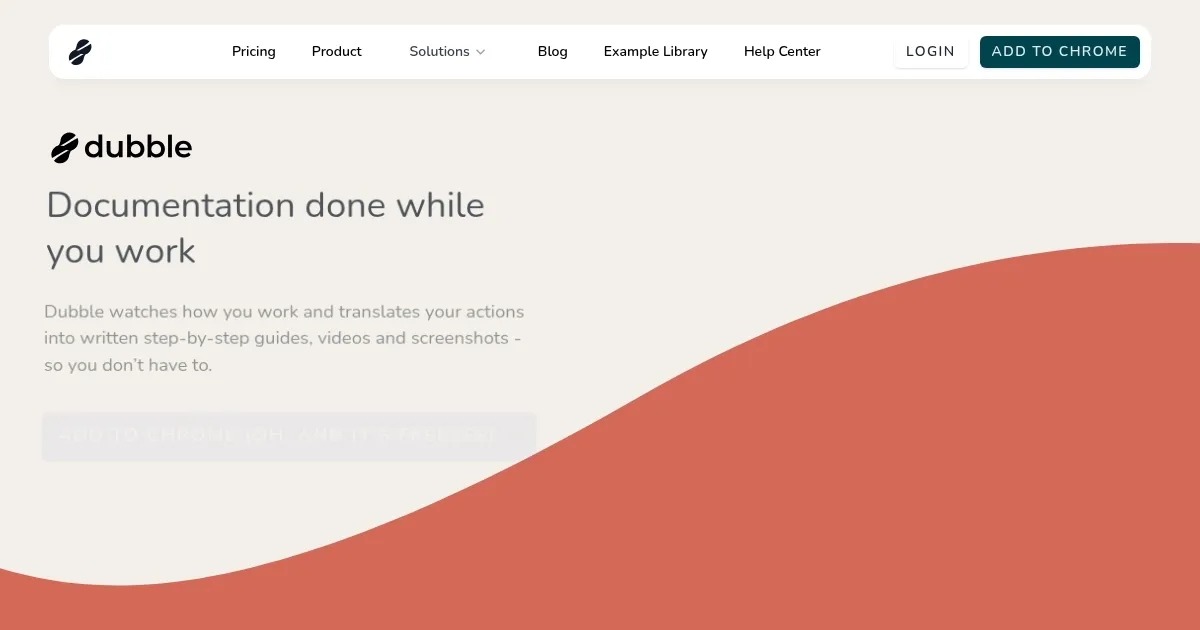
Homepage Screenshot 📸

Dubble screenshot

Video Overview 🎬

Dubble - Video Overview

What are the key features? ✨

  • Instant Guide Creation: Records workflow actions to produce ready-to-use step-by-step documentation with screenshots and text.
  • Quick Editing: Allows fast modifications to descriptions, annotations, redactions, and screenshot swaps from video frames.
  • Easy Sharing: Enables one-click links, private invites, and Magic Copy exports to platforms like Notion or Confluence.
  • Process Updates: Supports re-recording changed steps to merge seamlessly into existing guides without full recreations.
  • Multimedia Capture: Includes screencasts with audio and webcam for Pro users, enhancing guide clarity.

Who is it for? 🤔

Dubble suits support teams drowning in ticket explanations, operations folks standardizing procedures across shifts, and product managers crafting user onboarding without the write-from-scratch slog; it's a fit for anyone in dynamic environments where processes shift often, empowering small startups to mid-sized crews with quick, visual knowledge sharing that keeps everyone aligned and reduces repeat questions.

Examples of what you can use it for 💡

  • Support Agent: Records troubleshooting steps for common software issues to create self-service guides that cut response times.
  • Operations Lead: Captures daily workflow routines like inventory checks to build standardized SOPs for new hires.
  • Product Manager: Demonstrates feature updates with video clips for internal teams or customer tutorials.
  • HR Specialist: Maps out employee onboarding processes, from account setup to policy reviews, for seamless integration.
  • Freelance Consultant: Documents client-specific setups to hand off maintainable guides post-project.

Pros & Cons ⚖️

  • Fast guide generation
  • Easy editing tools
  • Seamless integrations
  • Flexible updates
  • Chrome-only access
  • Free limits video

FAQs 💬

What browsers does Dubble support?
Dubble works exclusively as a Chrome extension, with no current support for other browsers like Firefox or Safari.
Can I add audio to my guides?
Yes, audio capture with screencasts is available in the Pro plan for enhanced explanations.
How do I update an existing guide?
Re-record only the changed steps, and Dubble merges them into the original guide automatically.
What integrations does Dubble offer?
Guides export via Magic Copy to Notion, Confluence, Google Docs, Trainual, and any markdown-supporting tool.
Is there a free version?
The free plan includes unlimited guides, basic editing, and sharing, but excludes video and advanced collaboration.
Can teams collaborate on guides?
Pro and Enterprise plans allow inviting collaborators for joint editing and recording.
Does Dubble handle sensitive data?
Pre-record blurring and post-edit redaction tools protect confidential information in screenshots.
What file formats can I export?
Export as shareable links, PDFs, or copy-paste rich content for direct insertion into documents.
Is desktop app recording available?
Mac desktop recording is in beta for Pro users, expanding beyond browser limitations.
How does Dubble compare to Scribe?
Dubble adds video and audio options, while Scribe focuses on screenshots; Dubble's updates are more seamless.

Ready to try Dubble?

Automates creation of step-by-step guides from screen actions.

Visit Dubble ↗

Dubble alternatives 🔗

  1. Gauth Gauth A useful mobile app designed to assist students in solving complex math problems
  2. Brainly Brainly Provides instant homework help and AI-powered tutoring for students
  3. AI Homework Help AI Homework Help Supercharge your study doc with instant answers and explanations and recommended resources
  4. Articulate 360 Articulate 360 A fancy e-learning platform designed to streamline the creation of engaging online training content
  5. EaseMate AI EaseMate AI Streamlines study, work, and creativity with AI-powered chat, summarization, and content generation
  6. MathGPT MathGPT An AI math solver that helps students tackle math problems with ease
Share
Dubble screenshot enlarged
Promote Dubble
light badge
Copy Embed Code
dark badge
Copy Embed Code
neutral badge
Copy Embed Code
Best AI Tools

Discover the best AI tools for any use case

Explore
  • Tool Categories
  • AI Use Cases
  • AI Events
  • AI News
  • Saved Tools
Company
  • About Us
  • Contact Us
  • Media & Partnerships
  • Suggest a Tool
Legal
  • Privacy Policy
  • Terms of Service
Copyright © 2026 Best AI Tools 415 Mission Street, 37th Floor, San Francisco, CA 94105