Floik
Transforms screen recordings into interactive demos and guides
Ever tried explaining a tricky software feature to someone over email, only to watch their eyes glaze over like they’ve just stumbled into a tax seminar? Tools like Floik step in right there, turning those frustrating moments into smooth, clickable walkthroughs that actually stick. This AI-powered platform lets teams record their screens once, then spins that footage into a trio of outputs: polished videos, branching demos where users poke around like it’s the real app, and crisp guides that break down steps without the fluff. I recall testing a similar setup years back with early video editors; they felt clunky, like wrestling a roomba in a closet. Floik smooths that out with its three-step flow. You capture the action in minutes, tweak elements like blurring sensitive bits or slapping on annotations, and boom, shareable content emerges ready for websites, emails, or in-app pops.
What grabs me most is how Floik fits into the full user lifecycle, from hooking prospects to keeping customers hooked. For sales folks, it crafts personalized demos that branch based on what the buyer cares about, say finance vs. marketing angles, without needing a dev team on speed dial. Compared to Scribe AI, which shines at quick static guides but lacks the video punch, Floik feels more like a Swiss Army knife for dynamic storytelling. Users on G2 rave about the AI voiceover; it narrates your clips in natural tones, saving hours on scripting. One reviewer called it a “game-changer” for nailing that professional vibe without hiring talent. Yet, here’s a quirk: the free Starter plan caps you at five “Flos” – that’s their term for these creations – which might cramp your style if you’re churning out content weekly. Pro+ at around $200 monthly unlocks team collab and unlimited tweaks, stacking up favorably against Tango’s similar tier but with better embed options for seamless site integration.
Dig a bit deeper, and Floik surprises with in-app guidance. Picture this: a user hits a snag in your SaaS tool, and up floats an interactive video right there, coaching them through with hotspots they can click. It pulls usage insights too, like which features trip folks up, feeding back into your product tweaks. Against Tango, Floik edges ahead on interactivity; Tango’s strong for annotations, but Floik’s branching paths make it feel alive, almost conversational. I think that’s where it wins hearts – or at least reduces support tickets by half, as one testimonial claims. On the flip side, some feedback points to voiceover glitches on accents; it handles standard English fine, but regional twists might need manual fixes. Still, for SaaS marketers juggling multiple campaigns, this versatility pays off quick.
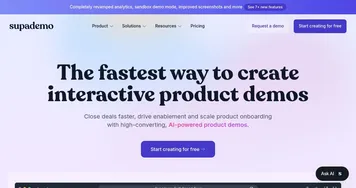
Another layer: self-serve help centers. Floik builds troubleshooting guides that embed visuals and steps, empowering users to fix issues solo and cutting churn risks. Trusted by outfits like Veritone and Tooljet, it proves scalable for growing teams. Versus Supademo, which nails analytics but charges premium for basics, Floik’s free entry point lets you test waters without commitment. A potential gotcha? Export limits in lower plans mean sticking to their player for shares, though embeds work slick. Overall, it empowers creators who want polish without the grind.
Readers might love the time savings – one user swapped from Scribe and cut guide creation from hours to minutes. The surprise? How it turns raw recordings into PDFs too, handy for compliance docs. If you’re knee-deep in user onboarding, start small: record a core flow, branch it for variants, and track engagement. That’ll reveal quick wins before scaling up.
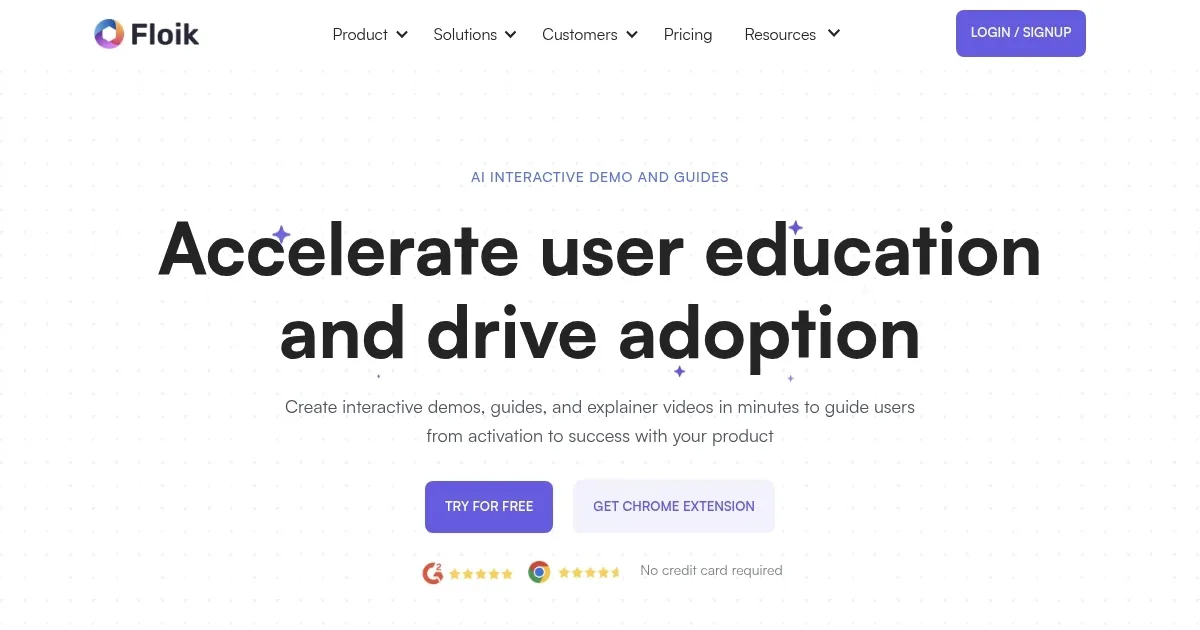
Homepage Screenshot 📸
Video Overview 🎬
What are the key features? ✨
- AI Voiceover: Generates natural-sounding narration for videos and guides from text inputs.
- Branching Demos: Creates personalized paths in demos based on user choices like use cases.
- Screen Capture: Records actions across apps and sites to auto-generate multiple content types.
- In-App Guidance: Embeds interactive videos with hotspots for real-time user coaching.
- Basic Analytics: Tracks views, completions, and drop-offs on shared Flos.
Who is it for? 🤔
Examples of what you can use it for 💡
- Sales Rep: Builds tailored demos for prospects to highlight relevant features during calls, boosting close rates.
- Product Marketer: Embeds interactive videos on landing pages to demo value without requiring logins.
- Customer Success Manager: Creates step-by-step guides for onboarding to speed up user activation.
- Support Specialist: Deploys in-app tips to guide users through common issues self-serve.
- Content Creator: Converts recordings to PDFs and videos for knowledge base updates.
Pros & Cons ⚖️
- Versatile outputs
- Time saver
- Free starter
- Voiceover tweaks
- Free cap limits
FAQs 💬