Trupeer
Creates polished product videos and guides from screen recordings in minutes
Trupeer is a clever little tool that takes the drudgery out of making product demos and documentation. You record your screen, maybe narrate a bit, and it churns out a slick video with AI-generated voiceovers and a matching step-by-step guide. No editing skills? No problem. It’s like having a video production team in your browser. I think what makes it stand out is how it handles the heavy lifting — script refinement, automated zooms, even multilingual translations — all without you breaking a sweat. The Chrome extension is your starting point, capturing every click and keystroke, then handing it off to Trupeer’s AI to polish it into something you’d proudly share with clients or colleagues.
The magic happens with features like the AI Screen Recorder, which captures your actions and turns them into a professional video with smooth zoom effects based on your clicks. The AI Script Generator cleans up your narration, stripping out those awkward “ums” and “ahs” to make you sound like a pro. You can add realistic AI avatars or choose from over 100 voiceover styles to give your video a polished feel. Need it in Spanish or Hindi? The AI Translation feature converts videos and guides into 30+ languages with a single click. For teams, the Brand Kits ensure your logo and colors stay consistent, which is a godsend for marketing folks juggling multiple projects. It’s not perfect, though. The free trial slaps watermarks on your output, and you’re capped at short recording lengths unless you upgrade. Some users might find the Chrome-only extension limiting if they’re not browser-bound.
Compared to competitors like Loom or Descript, Trupeer feels more automated. Loom’s great for quick recordings but leans heavily on manual editing for polish. Descript excels at audio-driven video editing, yet it lacks Trupeer’s knack for generating detailed guides alongside videos. Trupeer’s ability to produce both in one go is a time-saver, especially for customer support or training teams. Still, if you’re after advanced video editing, something like Camtasia might offer more control, though it’s pricier and less AI-driven.
What surprised me was how intuitive the editing feels. You tweak the script, and the video updates in real-time — no re-recording needed. It’s almost too easy, which might make you wonder why you ever bothered with clunky editing software. But the reliance on Chrome could trip up users on other browsers, and the pricing, while competitive, escalates quickly for teams needing more minutes or features. I’d love to see broader browser support or maybe a desktop app to round it out.
For anyone looking to try Trupeer, start with the free trial to test the waters. Record a short demo, play with the AI avatars, and see how the guides turn out. If you’re a small team or a solo creator, the Pro plan might be enough, but teams with bigger needs should check the Scale or Enterprise options for collaboration tools. Experiment with the translation feature if you’re targeting global audiences — it’s a standout. Just make sure your workflow aligns with Chrome, and you’ll be churning out content in no time.
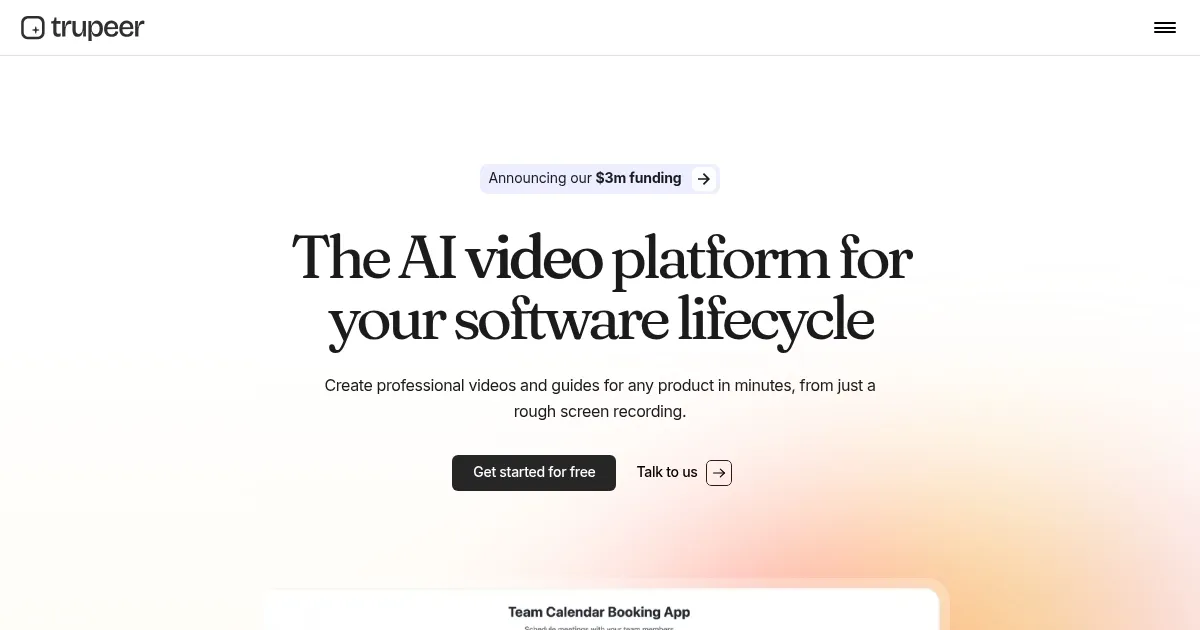
Homepage Screenshot 📸
Video Overview 🎬
What are the key features? ✨
- AI Screen Recorder: Captures screen actions with automated zoom effects for professional videos.
- AI Script Generator: Refines narration by removing filler words and improving grammar.
- AI Voiceovers: Offers over 100 accent and style options for realistic narration.
- AI Translation: Converts videos and guides into 30+ languages with one click.
- Brand Kits: Ensures consistent branding with custom logos, colors, and templates.
Who is it for? 🤔
Examples of what you can use it for 💡
- Product Marketer: Creates polished demo videos to showcase new features or product launches.
- Customer Support Agent: Builds step-by-step guides with screenshots for troubleshooting user issues.
- Trainer: Develops engaging training videos for employee onboarding with AI avatars.
- Content Creator: Produces multilingual tutorials for global audiences without manual editing.
- SaaS Founder: Crafts explainer videos to pitch product benefits to potential clients.
Pros & Cons ⚖️
- Supports 30+ languages for global reach.
- Easy editing with real-time script updates.
- Custom branding ensures professional output.
- Free trial includes watermarks on output.
- Short recording cap in free plan.
FAQs 💬
Ready to try Trupeer?
Creates polished product videos and guides from screen recordings in minutes
Visit Trupeer