editGPT
A browser extension that enhances your writing by integrating with ChatGPT
editGPT is a browser extension that enhances your writing by integrating with ChatGPT. It offers real-time proofreading and editing, making your content clear and error-free. With editGPT, you can focus on your ideas while it handles the “mechanics” of writing. So, whether you’re drafting an email, composing a report, or crafting a story – this tool ensures your text is polished and professional.
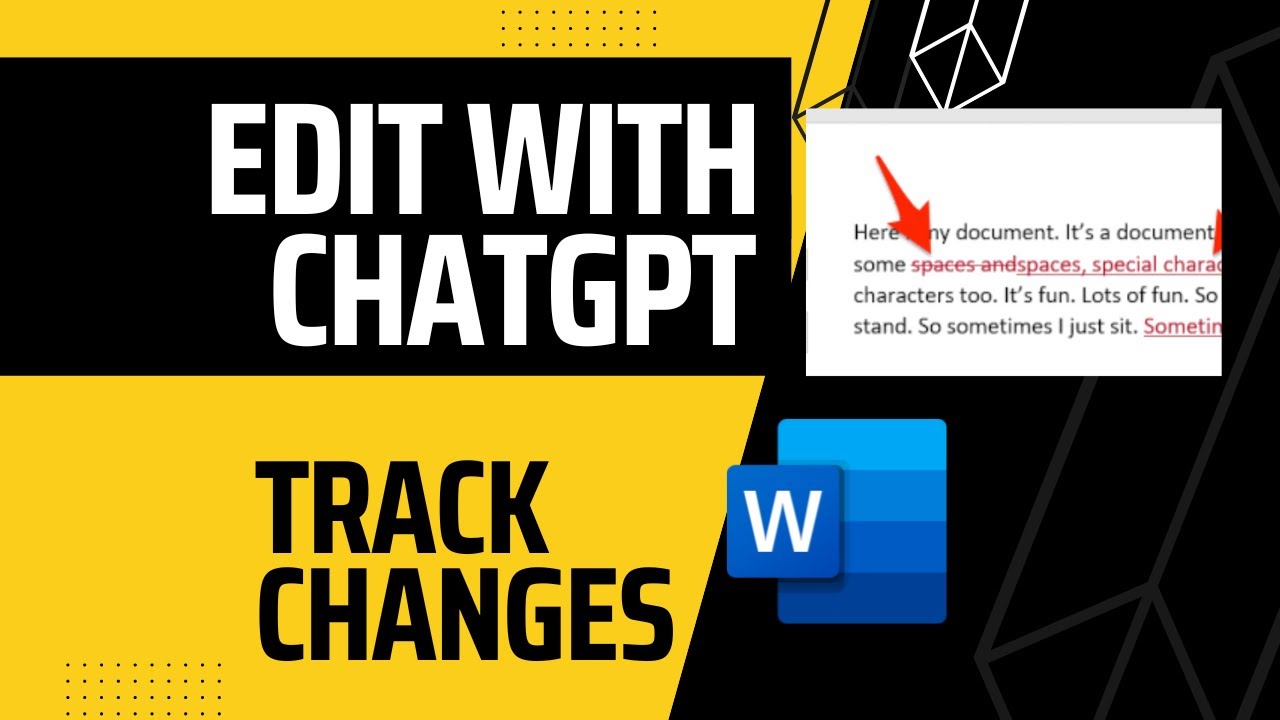
One of editGPT’s coolest features is its customizable AI editing. It allows you to adjust the tone, structure, and style of your content to suit different audiences or industries. This flexibility is meant to ensure your message resonates with readers, whether it’s a formal business proposal or a casual blog post. In addition, editGPT supports more than 20 languages — making it a useful tool for global communication. Plus, its integration with Microsoft Word further streamlines your workflow — enabling easy import and export of documents while preserving formatting and tracked changes.
The platform also offers industry-specific and academic formatting options. This means you can tailor your writing to meet specific standards, whether you’re preparing a scholarly article or a marketing brochure.
editGPT’s AI-driven suggestions go beyond basic grammar checks — they enhance sentence structure and vocabulary, enriching your text and making it more engaging. The tool’s intuitive design ensures that even those with minimal technical skills can navigate its features effortlessly.
editGPT is available as a free extension on both Chrome and Firefox browsers. The extension is lightweight and provides a seamless editing experience without slowing down your system. Its real-time collaboration feature allows multiple users to edit and view documents simultaneously, enhancing teamwork and productivity.
To sum it up, editGPT is designed for individuals and professionals looking to elevate their writing quality without extensive effort. Its advanced AI capabilities, combined with user-friendly features, make it a valuable addition to any writer’s toolkit. Check it out.
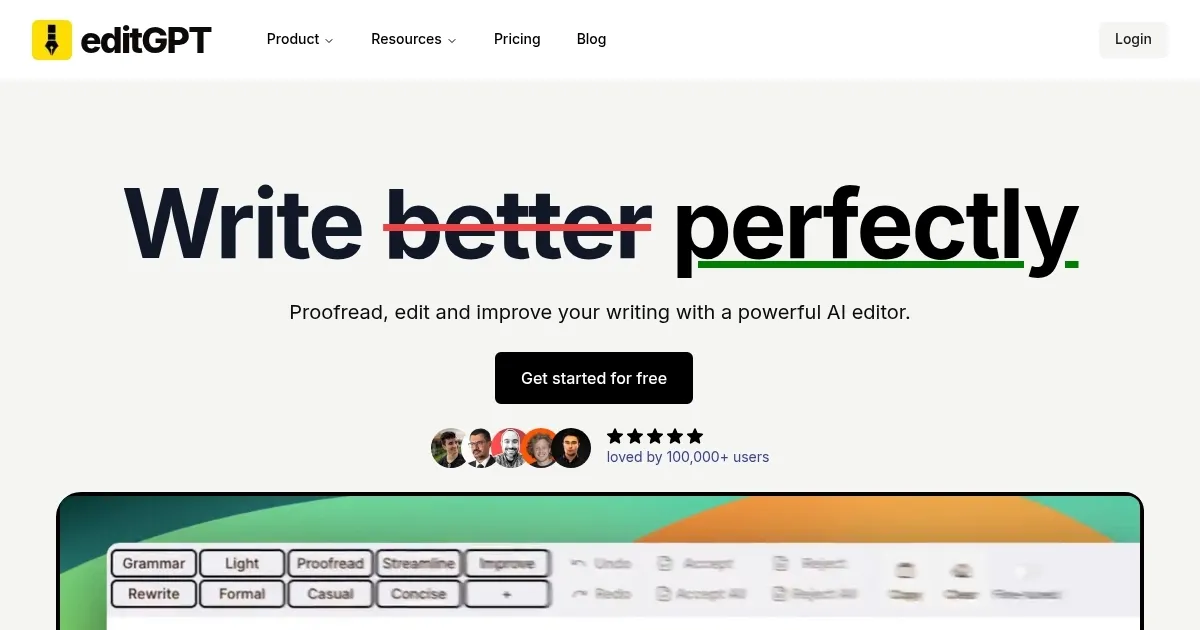
Homepage Screenshot 📸
Video Overview 🎬
What are the key features? ✨
- Customizable AI editing: Adjust the tone, structure, and style of your content to align with specific audience needs, ensuring your message is both clear and engaging.
- Multi-language support: Edit and proofread text in over 20 languages, making it a useful tool for global communication.
- Industry-specific & academic formatting: Tailor your writing to meet specific standards, whether for professional documents or academic papers.
- Microsoft Word integration: Easily import and export Word documents while preserving formatting and tracked changes.
- Real-time collaboration: Allow multiple users to edit and view documents simultaneously, enhancing teamwork and productivity.
Who is it for? 🤔
Examples of what you can use it for 💡
- Students and researchers can refine their papers and theses
- Business professionals can polish reports and presentations
- Authors can develop engaging narratives and dialogues
- Marketers can optimize blog posts and web content for readability and SEO
- Individuals can enhance emails and letters, ensuring clear and effective communication
Pros & Cons ⚖️
- User-friendly interface that makes advanced editing accessible to all skill levels
- Support for more than 20 languages
- Works smoothly with ChatGPT and Microsoft Word
- You can do most of these things with ChatGPT alone
Ready to try editGPT?
A browser extension that enhances your writing by integrating with ChatGPT
Visit editGPTeditGPT alternatives 🔗