GeoSpy by Graylark
An advanced AI tool designed for location intelligence and geospatial analysis
GeoSpy is an advanced AI tool designed for location intelligence and geospatial analysis. It leverages cutting-edge AI tech to provide real-time insights and analytics based on geographical data. The platform is tailored for various industries, including urban planning, logistics, environmental monitoring, and disaster management.
GeoSpy can process and analyze large volumes of geospatial data with high accuracy. This, in turn, allows businesses and organizations to make informed decisions based on real-time data and predictive analytics.
The platform supports various data sources, including satellite imagery, sensor data, and user-generated content.
GeoSpy also offers robust visualization tools to enable users to create detailed maps and visual data representations. These tools help identify patterns, trends, and anomalies, which are crucial for strategic planning and operational efficiency.
All in all, GeoSpy is a powerful tool for anyone needing detailed and accurate geospatial analysis. Its real-time capabilities, extensive data integration, and intuitive visualizations make it valuable for enhancing decision-making processes across various sectors. So, if you’re in one of the sectors that can benefit from AI-based analysis, you may want to check it out.
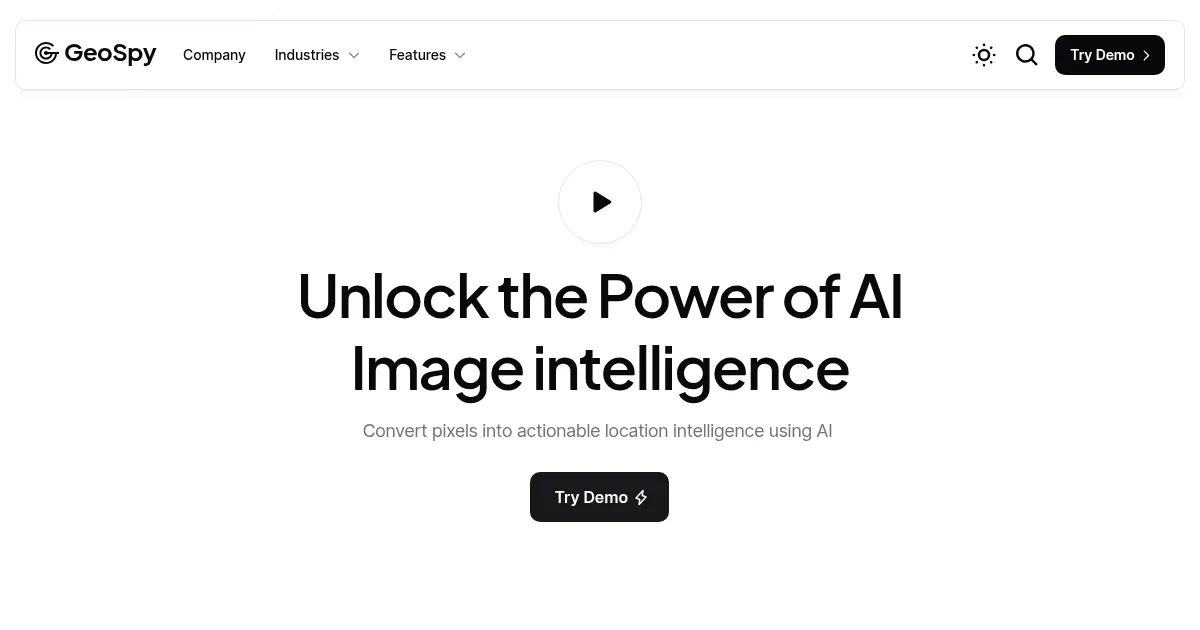
Homepage Screenshot 📸
Video Overview 🎬
What are the key features? ✨
- Advanced geolocation algorithms: GeoSpy uses sophisticated AI algorithms to analyze photos and determine their locations. This involves identifying key image features, such as landmarks, buildings, and natural elements.
- Contextual clue analysis: The tool refines its location estimates by examining contextual clues within images, like signs, flags, license plates, and vegetation.
- Real-time data visualization: GeoSpy presents geolocation results on dynamic maps, offering various visualization options - including heatmaps and 3D models.
- API integration: Developers can integrate GeoSpy's geolocation capabilities into third-party applications through its API.
- Easy to use: Designed to be accessible, GeoSpy's intuitive interface allows users to upload images and quickly receive detailed location analyses.
Who is it for? 🤔
Examples of what you can use it for 💡
- Law enforcement agencies can verify alibis and track criminal activities by analyzing photo evidence
- Journalists can use GeoSpy to verify the authenticity and location of images submitted by sources
- Researchers track changes in specific geographic areas over time
- Travel agencies and tourism boards can create engaging content by geolocating images
- Individuals can use GeoSpy for personal projects and/or entertainment
Pros & Cons ⚖️
- Lets you know the location of an image
- Easy to use
- API can come in handy
- Not something everyone will regularly use
FAQs 💬
Ready to try GeoSpy?
An advanced AI tool designed for location intelligence and geospatial analysis
Visit GeoSpyGeoSpy alternatives 🔗