PictureThis
Identifies plants from photos, offering care tips and species info
I had a chance to try out PictureThis, and I really like it as it feels like a plant-whisperer in your phone, though it’s not without quirks. Snapping a photo of a wilting basil in my kitchen, the app pegged it as Ocimum basilicum in seconds, complete with a care guide that scolded me for overwatering. The AI’s speed is impressive — 98% accuracy, they claim, and my tests with backyard weeds and a neighbor’s rosebush mostly backed that up. The interface is slick, almost too pretty, with a “snap” button that practically begs you to point it at anything green.
The Diagnose feature caught my eye. I tried it on a droopy fern, uploading a photo and getting a breakdown of possible pests or nutrient issues, which felt like a gardening doctor’s visit. But the suggestions were a bit vague — more water, better soil, duh. The plant profiles, though, are a gem, offering tidbits like how lavender thrives in sandy soil or why your cactus hates humidity. I also poked around the community tab, where users post plant pics and swap tips. It’s fun, but it’s no match for the lively debates on Reddit’s r/whatsthisplant.
The free version, however, is a tease. You get a handful of free scans before it pushes you to watch ads or go premium, which feels like a sneaky upsell. Compared to PlantNet, which is free and open-source, or LeafSnap, which offers similar photo-based ID, PictureThis’s paywall can frustrate. PlantNet’s database feels broader for wild plants, but its clunky design pales next to PictureThis’s polish. LeafSnap, meanwhile, is great for trees but lacks the care tips.
What surprised me was the app’s plant encyclopedia, packed with regional guides and a glossary that had me geeking out over terms like “petiole.” But the AI isn’t perfect — it misread my mint as a lookalike herb once, and dim lighting threw it off. The premium plan’s cost might also make you hesitate, especially if you’re just curious about the odd weed.
If you’re dabbling in plants, give PictureThis a whirl. The free version’s fine for quick IDs, but cross-reference with PlantNet or a field guide for tricky species. Premium’s tempting for the Diagnose tool, but only if you’re serious about gardening. Snap carefully, and maybe keep a notebook for your plant discoveries.
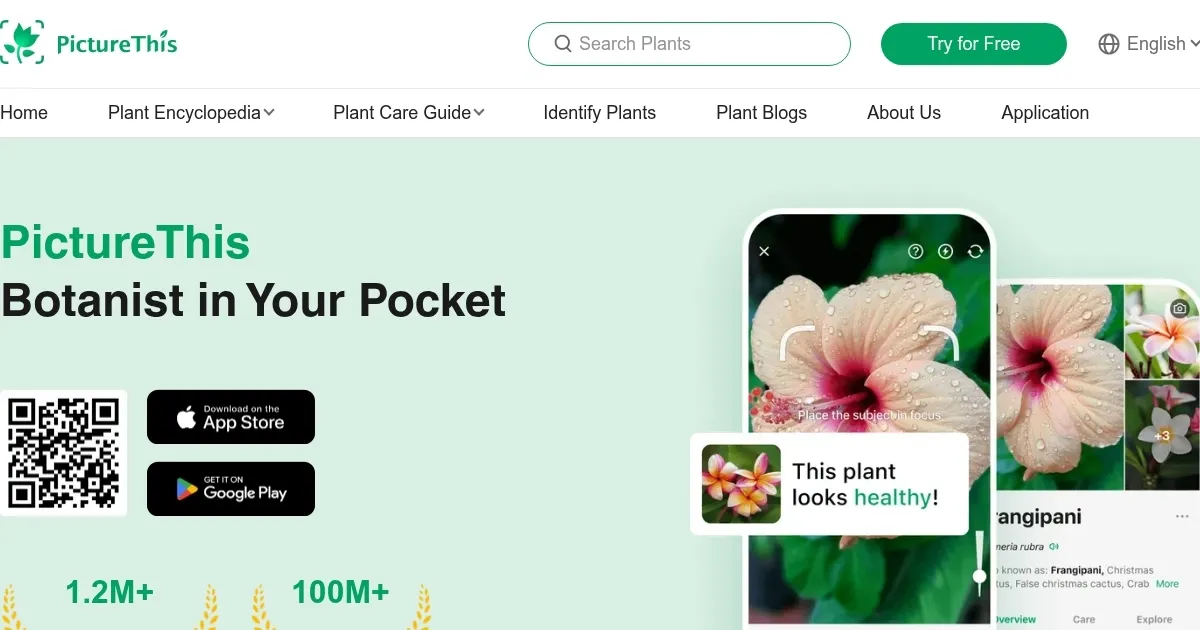
Homepage Screenshot 📸
Video Overview 🎬
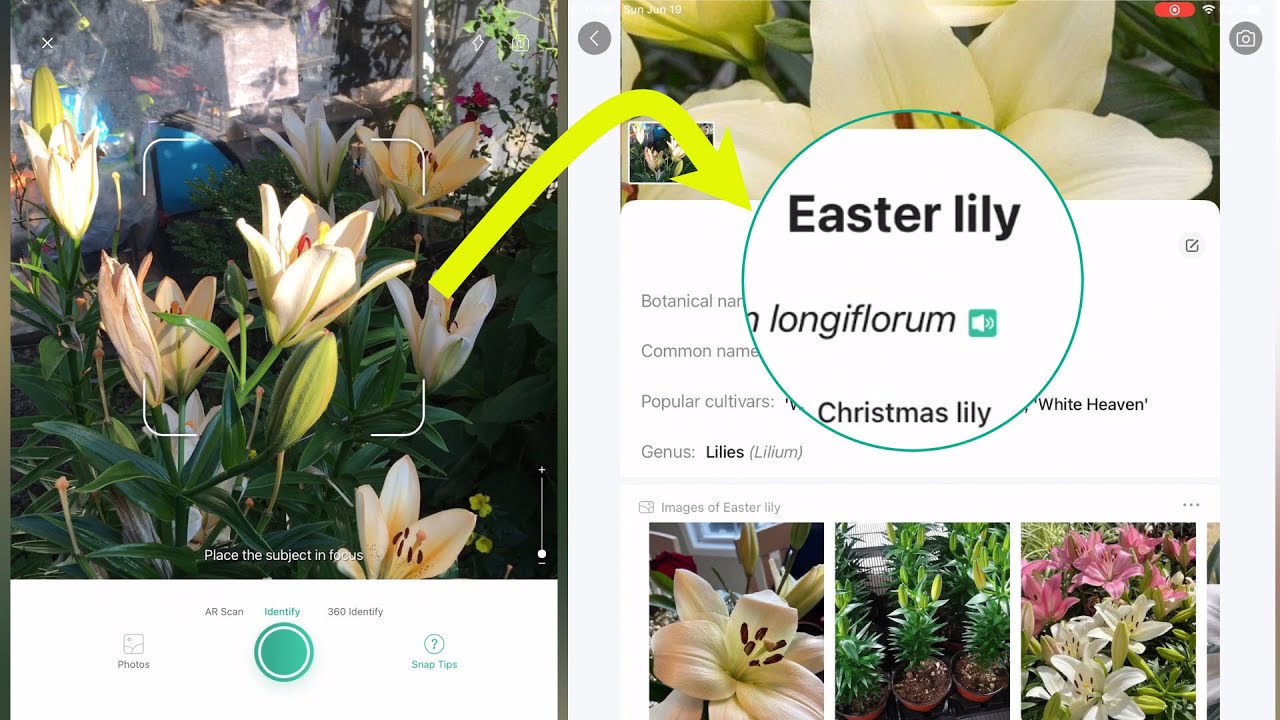
What are the key features? ✨
- Plant Identification: Identifies over 10,000 plant species from a single photo with 98% accuracy.
- Diagnose Tool: Analyzes photos of unhealthy plants to suggest causes and treatments.
- Plant Encyclopedia: Provides detailed profiles with care tips, scientific names, and regional guides.
- Community Sharing: Allows users to post plant photos and exchange tips with others.
- Glossary of Terms: Offers a reference for botanical terms to enhance user learning.
Who is it for? 🤔
Examples of what you can use it for 💡
- Home Gardener: Identifies a backyard shrub to optimize its watering and soil care.
- Hiker: Snaps a wildflower on a trail to learn its name and ecological role.
- Parent: Uses the app to teach children about plants during a nature walk.
- Apartment Dweller: Diagnoses a drooping houseplant to adjust its care routine.
- Plant Enthusiast: Shares a rare succulent photo with the app’s community for tips.
Pros & Cons ⚖️
- Fast, accurate plant ID
- Detailed care guides
- Educational plant glossary
- Free version limits scans
- Generic diagnosis advice (sometimes)
FAQs 💬
Ready to try PictureThis?
Identifies plants from photos, offering care tips and species info
Visit PictureThisPictureThis alternatives 🔗