Gling
An AI video editing tool that helps creators make their videos better
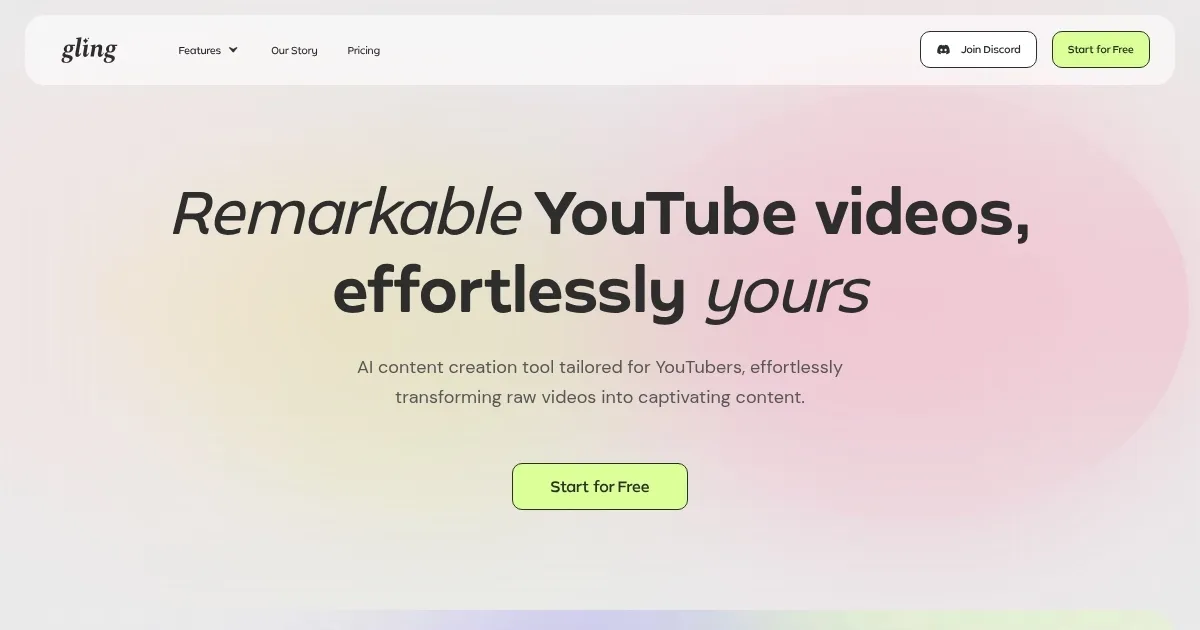
Gling is a video editing tool that helps creators make their videos better. To that end, it relies on artificial intelligence to make editing faster and easier. In other words, with Gling – you can turn your raw footage into engaging content without spending hours editing.
This tool shines at removing all the mistakes, pauses, and filler words — automatically. It scans your footage, finds the parts that don’t add value, and cuts them out. This means you get a cleaner, more professional video without the tedious work. In a way, using Gling is like having a smart assistant who knows exactly what to keep and what to remove.
Furthermore, Gling also adds captions to your videos, making them more accessible to a wider audience. Plus, it can remove background noise, ensuring your voice is clear and crisp. And with its auto-framing feature, it keeps the focus on you — even if you move around. Combined, these features work to make your videos look and sound their best.
Another cool feature is the ability to generate video titles and chapters. This adds structure, helps organize your content, and makes it easier for viewers to follow along.
The bottom line is – with Gling, you’re not just editing, you’re enhancing your entire content creation process. Pretty cool, we would add.
Homepage Screenshot 📸
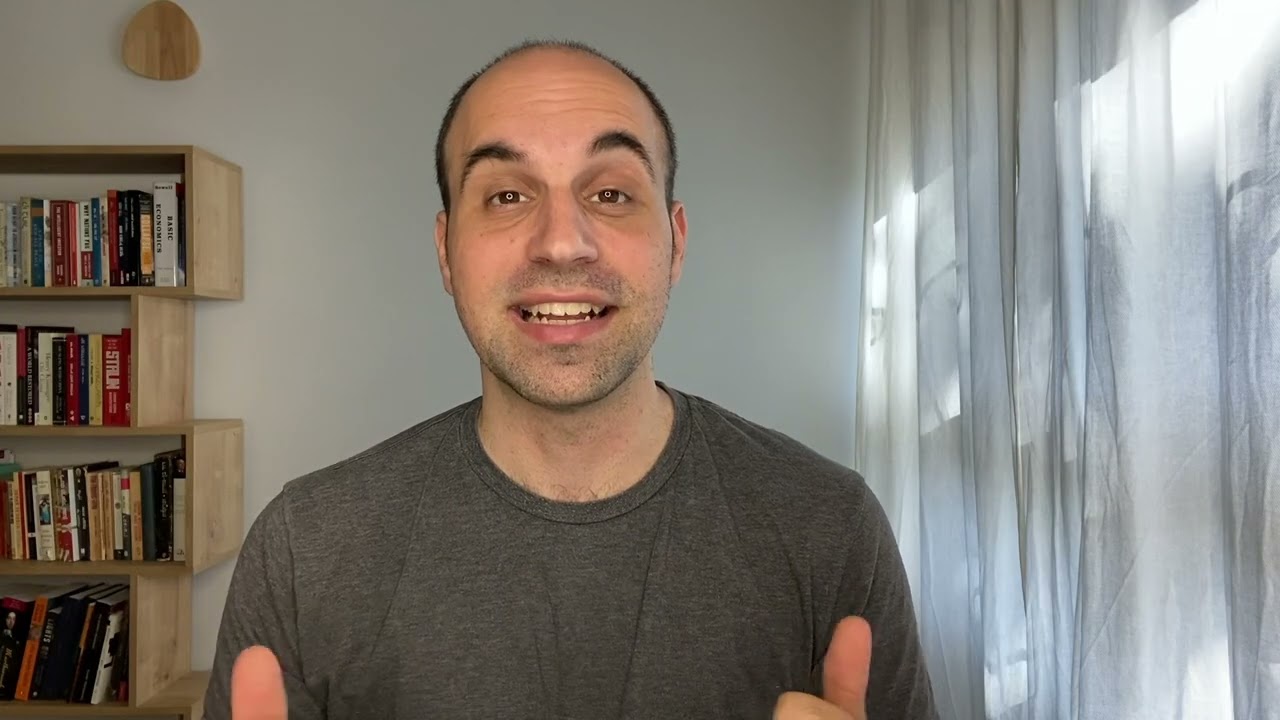
Video Overview 🎬
What are the key features? ✨
- Automatic removal of bad takes: Gling scans your video and cuts out mistakes and unnecessary pauses. This makes your content smoother and more professional.
- AI-generated captions: It adds captions to your videos automatically, making your content accessible to a broader audience.
- Background noise reduction: The tool removes unwanted background sounds to ensure that your voice comes through clearly.
- Auto-framing (zoom in/out): Gling adjusts the framing of your video to keep the focus on you.
- Title & chapter generation: It creates engaging titles and divides your video into chapters. This helps organize content and improve viewer engagement.
Who is it for? 🤔
Examples of what you can use it for 💡
- YouTubers can use it to streamline their editing process
- Educators can use it to create clear and concise video lessons
- Marketers can produce professional promotional content
- Vloggers can maintain a consistent upload schedule
- Podcasters who record video versions can benefit from its features
Pros & Cons ⚖️
- Automates tedious editing tasks
- Intuitive interface makes it accessible, even for those with limited technical skills
- Features like noise reduction and auto-framing improve the overall production value
- Limited advanced editing features
FAQs 💬
Ready to try Gling?
An AI video editing tool that helps creators make their videos better
Visit Gling