InShot by SHANTANU PTE.
Edit videos and photos with AI-powered tools for stunning social media content
InShot is a neat tool that packs multiple tools to slice, dice, and spice up your videos and photos for social media stardom. I started with a shaky clip from a weekend hike, and InShot’s video stabilizer turned it into something that looked like I hired a steadicam crew. The interface is so intuitive, it’s like the app is whispering, “Go on, make something awesome.” I tapped into the AI Effects, which slapped a neon glow on my footage that screamed TikTok-ready, and the auto-captions feature transcribed my ramblings with eerie accuracy, saving me from typing out subtitles.
The joy of InShot is its simplicity, you don’t need a film degree to trim clips or layer music. The audio section lets you pull songs from your phone or dip into a decent library of royalty-free tracks, though I’ll admit, the selection isn’t as vast as I’d hoped. I played with the freestyle collage, tossing in photos and a video snippet, and ended up with a snappy Instagram Story that got more likes than my usual posts. But here’s the rub, the free version loves its ads. I got hit with a minute-long ad just to unlock a glittery sticker, which felt like a prank. And when I tried pulling a clip from iCloud, it disappeared from my draft, a glitch I later saw griped about on X. Compared to CapCut, which I’ve also poked at, InShot feels snappier for quick edits, but CapCut’s PC version is a big win for desktop warriors. KineMaster is another rival, offering similar mobile-first editing but with a slightly steeper learning curve.
What caught me off guard was InShot’s photo editing chops. I slapped a vintage filter on a sunset pic and added animated text, it looked like something a pro might post. The subscription, which unlocks all the goodies, seems reasonable, especially next to pricier options like Adobe Premiere Rush. But if you’re sticking to free, be ready for some patience with those ads. The app’s regular updates, like the new InShot Emoji stickers, keep it fresh, which I appreciated.
My advice? Jump in with a short video clip and mess around with the AI tools, they’re a blast. Save your files locally to dodge the iCloud issue, and if you’re hooked, the Pro plan might be worth it to ditch the ads. Check out InShot’s YouTube tutorials for slick tips, they’ll have you editing like a seasoned creator in no time.
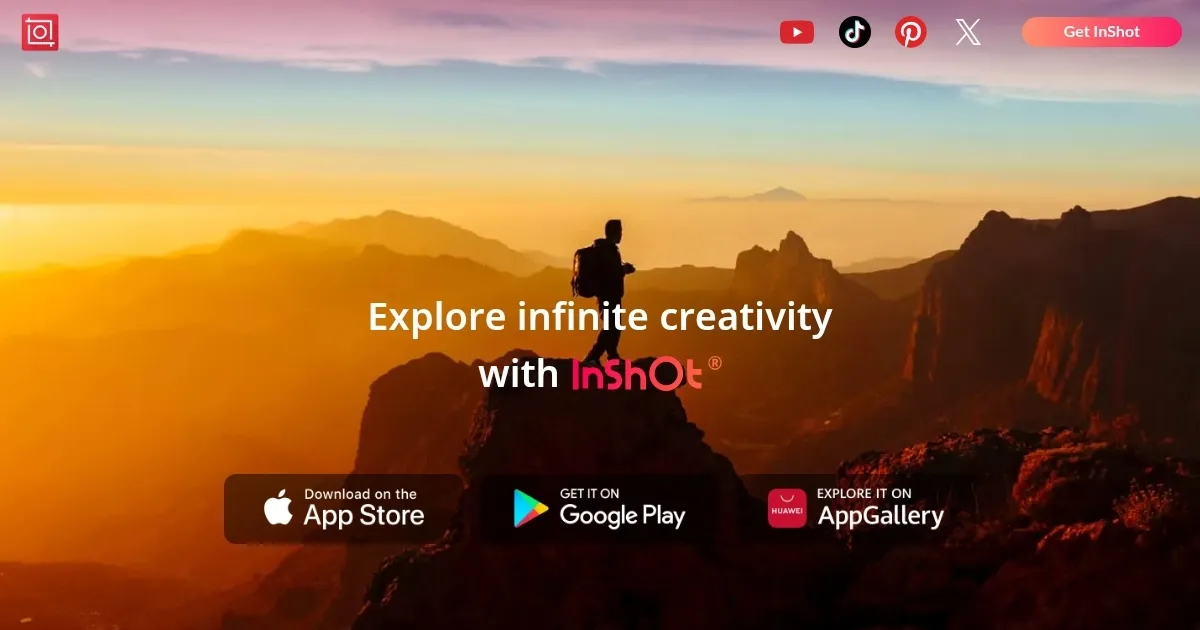
Homepage Screenshot 📸
Video Overview 🎬
What are the key features? ✨
- Video Stabilizer: Smooths out shaky footage for professional-quality videos.
- AI Effects: Applies instant presets like glitch or vintage to enhance clips.
- Auto-Captions: Transcribes spoken content to create subtitles automatically.
- Freestyle Collage: Combines photos and videos in flexible layouts for social media.
- Music Library: Offers royalty-free tracks and custom audio import options.
Who is it for? 🤔
Examples of what you can use it for 💡
- Influencer: Creates engaging TikTok videos with AI effects and music.
- Small Business Owner: Designs promotional Instagram Reels with collages.
- Vlogger: Edits YouTube Shorts with stabilized footage and captions.
- Student: Builds photo slideshows for class projects with text animations.
- Hobbyist: Enhances personal videos with filters for WhatsApp sharing.
Pros & Cons ⚖️
- Robust AI tools like auto-captions
- High-quality video export options
- Regular updates with new features
- Ads disrupt free version
- Limited music library
FAQs 💬
Ready to try InShot?
Edit videos and photos with AI-powered tools for stunning social media content
Visit InShot