Jestor
Builds custom apps and automates business processes with AI tools
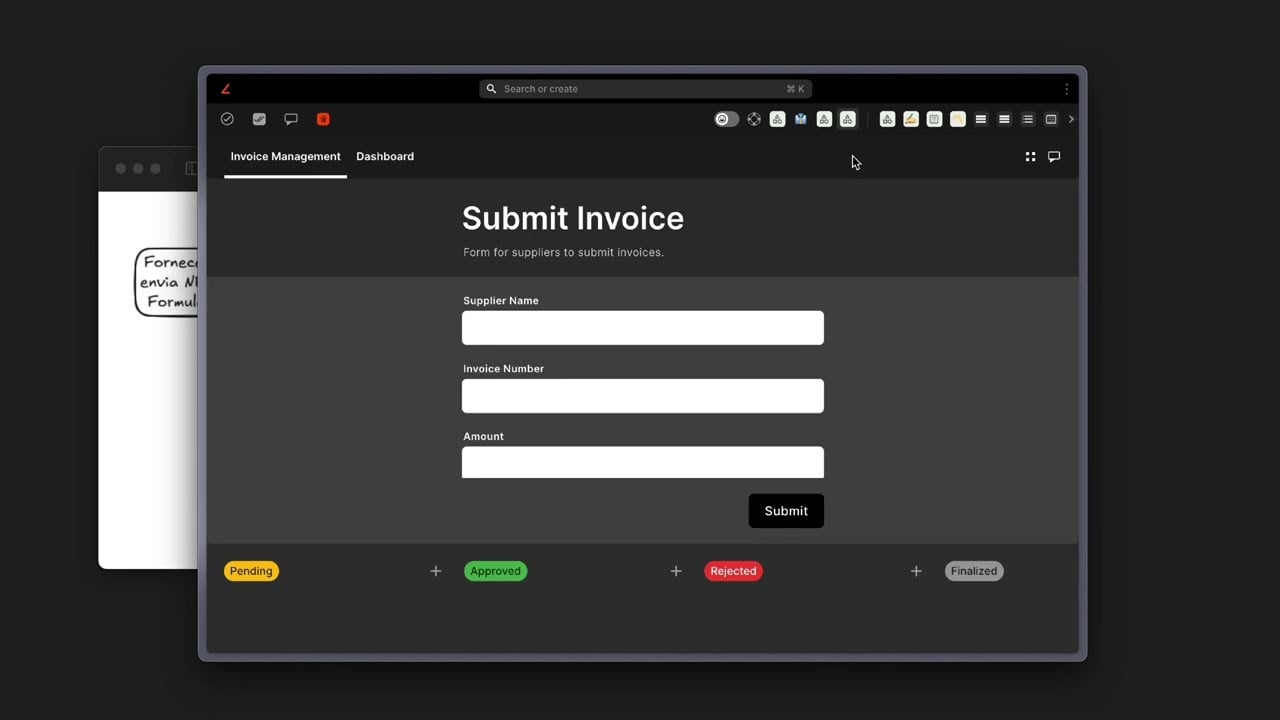
I fired up Jestor last week on a whim, after a client griped about their tool sprawl, and spent a solid afternoon poking around. Picture this coffee fueled session, me hunched over my laptop as the AI churns out a sample inventory app from a vague prompt like “track stock with alerts.” Boom, there it sits, a clean dashboard with tables and buttons, pulling mock data into relational links that actually make sense. No code in sight, just drag those app blocks, and suddenly youre staring at something that rivals a custom build. I think thats the magic, how it hands power to folks like me who code a bit but hate the grind.
The AI agents grabbed me next. I set one to scan emails and flag urgent ones, and it handled a test batch with zippy replies that sounded almost human. Coming from tools like Airtable, which needs zaps for basics, this feels like a shortcut through traffic. Vision, their OCR whiz, zapped a scanned receipt into editable rows in under ten seconds, numbers aligned perfect. A surprise though, it glossed over a handwritten note, which made me chuckle, thinking wed all love mind reading next. Users on Software Advice echo that speed for ops teams, calling it a game changer for data entry.
Automations stole the show in my quick spin. With over 370 natives, I linked a form submission to Slack pings and Google Sheet updates, all point and click. One run on sentence here, it fired flawlessly on the first try but hiccuped when I piled on conditions, like hiding fields unless stock dips below ten. That might trip newbies, as a Futurepedia review notes the initial setup demands patience. Compared to Monday.com, Jestors low code layer with Python snippets lets you tweak deeper without jumping ship, though Mondays templates suit cookie cutter projects better.
White label popped up as an unexpected perk. I mocked a branded form with my logo, colors shifting smooth, and imagined clients thinking it was in house magic. Soon custom subdomains roll out, which could flip the script on internal only vibes. Pricing at $19 monthly for unlimited everything undercuts Asana hard, where teams balloon costs quick. My one gripe, the action limits crept in during heavier tests, forcing pauses that felt like speed bumps on a joyride.
Overall the platform buzzes with potential for small crews. It replaces that Frankenstein setup of Trello plus forms apps, knitting everything into relational databases that scale without sweat. A witty aside, its like giving your ops a Swiss Army knife that talks back via AI.
Grab their money back guarantee and prototype one workflow today. Focus on automations first, theyll hook you fastest, then layer in AI for the wow factor. You might just ditch half your tabs.
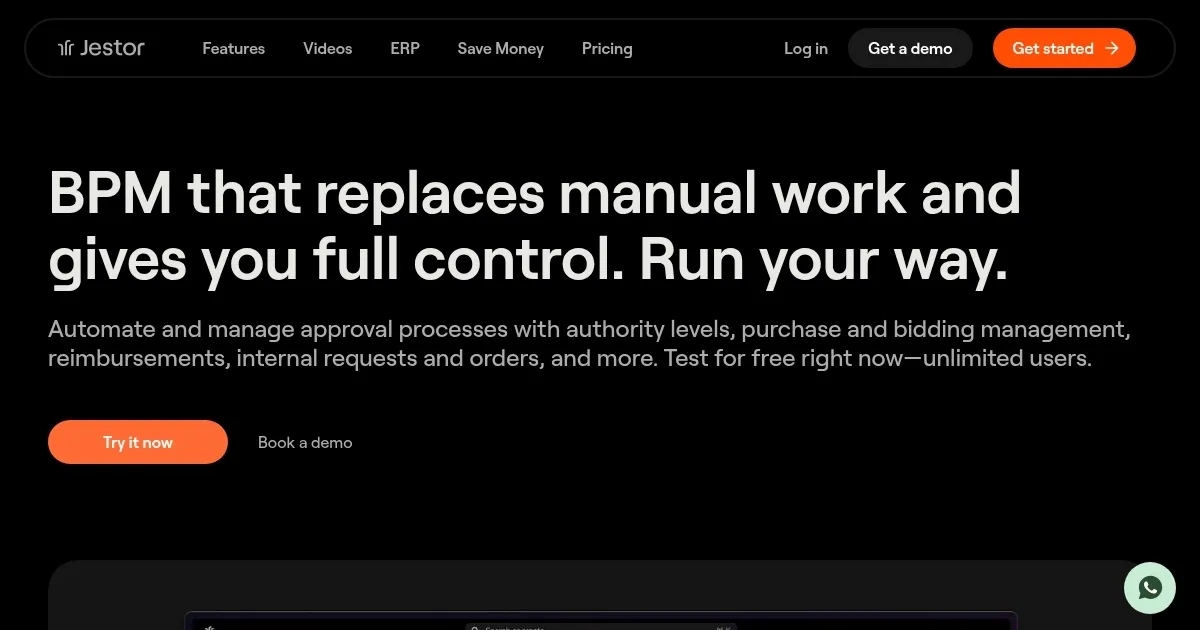
Homepage Screenshot 📸
Video Overview 🎬
What are the key features? ✨
- AI App Builder: Generates starter apps from text prompts for fast prototyping without developers.
- Native Automations: Provides over 370 pre built triggers and actions to streamline business workflows.
- Vision OCR: Extracts and organizes data from images and PDFs into editable tables instantly.
- White Label Customization: Applies your branding, logos, and colors to apps for internal or client use.
- Relational Database: Links data across tables natively to maintain accuracy and relationships.
Who is it for? 🤔
Examples of what you can use it for 💡
- Operations Manager: Automates ticket routing from emails to assigned agents using AI replies and kanban updates.
- Sales Rep: Builds a lead tracker app that pulls CRM data and triggers follow up alerts via Slack integrations.
- Founder: Creates a branded client portal form with OCR to process invoice uploads into financial tables.
- HR Specialist: Sets up an onboarding workflow with conditional forms that adapt based on employee type.
- IT Admin: Deploys low code scripts in Python to sync database changes across external tools like Google Sheets.
Pros & Cons ⚖️
- Affordable flat rate
- Unlimited users
- Strong AI tools
- Steep learning curve
- Action limits
FAQs 💬
Jestor alternatives 🔗