AITable.ai
An AI-powered spreadsheet tool that helps people easily manage data
AITable.ai is a powerful tool that helps people easily manage data. It acts as a smart spreadsheet that can do more than just hold numbers. For instance, AITable.ai lets you organize information, automate tasks, and even create chatbots without knowing how to code. In other words, it’s designed to make work simpler and faster for everyone.
AITable.ai is your helper that can sort your tasks, remind you of deadlines, and even talk to your customers for you. It connects with more than 6,000 other apps, so it fits right into the tools you already use. So, whether you’re planning a project, managing customer relationships, or analyzing data – AITable.ai has features to assist you.
The best part is that you don’t need to be a tech expert to use it. AITable.ai’s interface is easy to grasp, and you can set up complex workflows with just a few clicks. Plus, it offers templates and AI assistance to guide you through the process. This means less time figuring things out and more time getting things done.
AITable.ai uses its AI prowess to help you write content, analyze data, and even build custom AI agents for your business. These features can be especially useful for small businesses and teams that want to leverage AI without a big budget.
Compared to other tools like Lido, Coefficient AI, or Bricks – AITable.ai offers similar functionalities but differently packaged. We can’t say it’s better, but if you get used to it – you’ll get yourself a powerful companion for many things you do. Then again, that could be said for some other tools, as well.
In any case, we can imagine using AITable.ai as a daily driver for different kinds of users, including marketers, project managers, and/or entrepreneurs. In fact, it is increasingly becoming a go-to solution for folks looking to streamline their workflows.
All in all, AITable.ai is a comprehensive tool that brings together data management, automation, and AI capabilities in a one, user-friendly package. And in that sense, you may want to check it out.
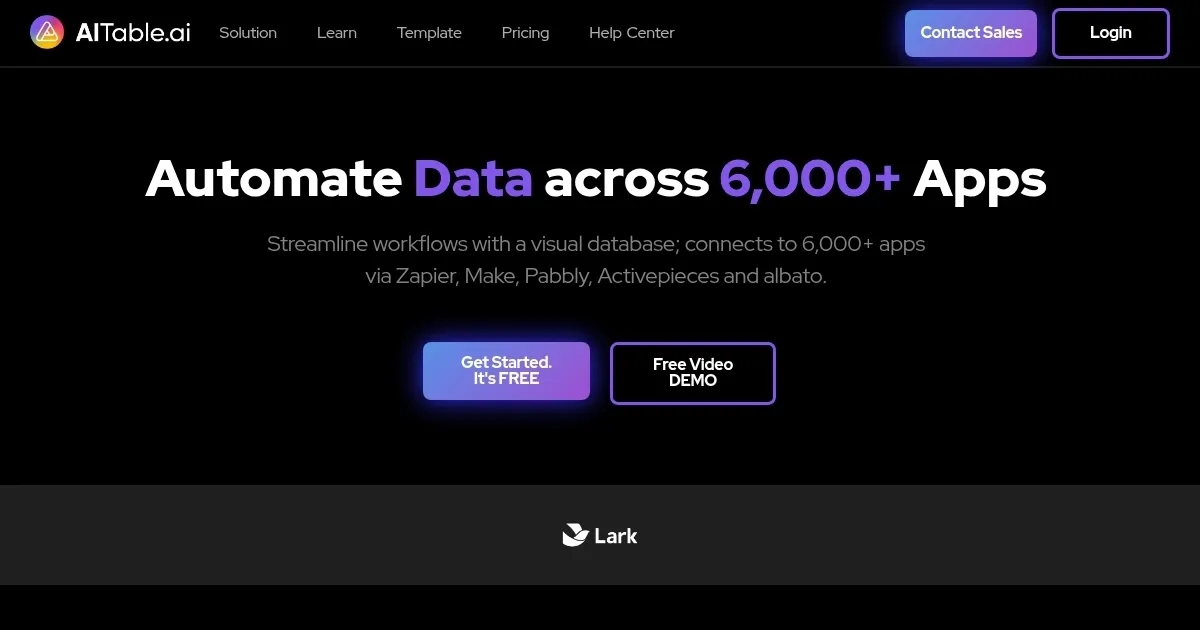
Homepage Screenshot 📸
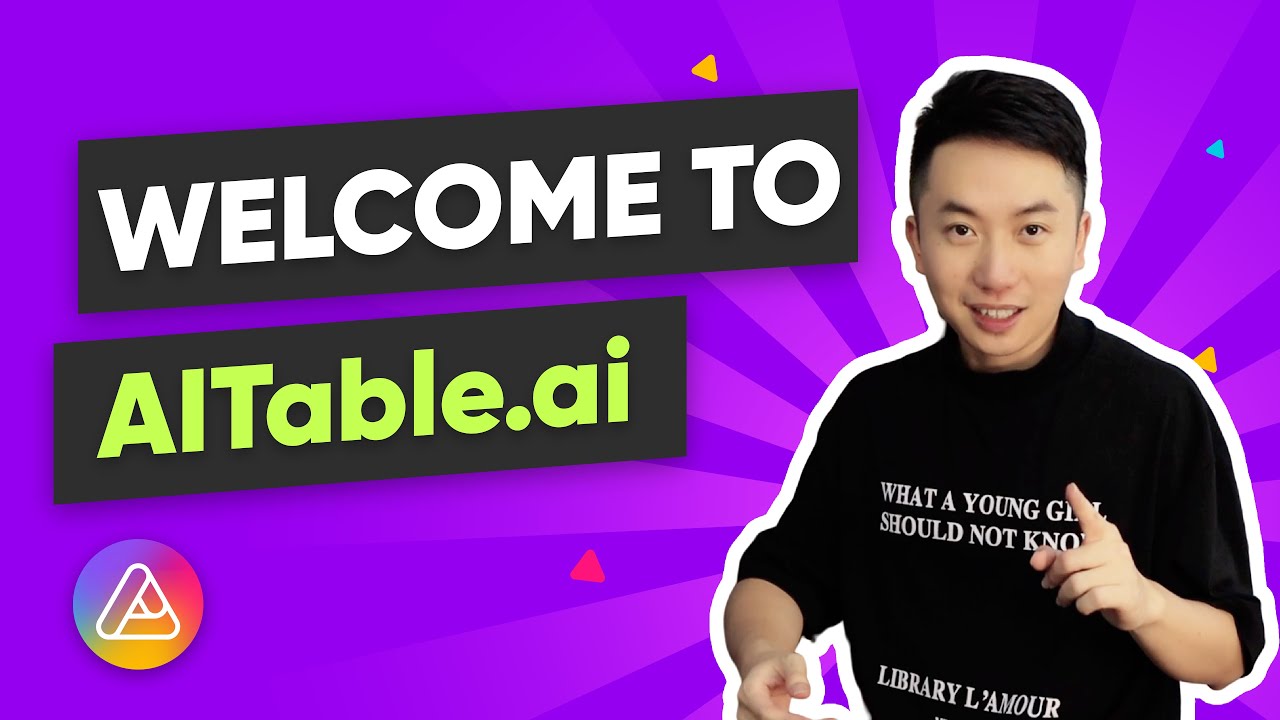
Video Overview 🎬
What are the key features? ✨
- AI-powered automation: AITable.ai uses artificial intelligence to automate repetitive tasks. It can handle things like sending emails, updating records, or generating reports without manual input.
- Templates: It offers a variety of templates for different use cases, from project management to customer relationship management.
- Integration with other apps: AITable.ai connects with over 6,000 applications, including Slack, Zapier, and WordPress.
- User-friendly interface: The platform is designed to be intuitive, making it accessible even to those without technical backgrounds.
- AI chatbot builder: You can create custom chatbots powered by ChatGPT to handle customer inquiries or internal tasks. These bots can be trained on your data to provide accurate and helpful responses.
Who is it for? 🤔
Examples of what you can use it for 💡
- Teams can plan, track, and manage projects efficiently using AITable.ai's tools and templates
- Businesses can deploy AI chatbots to handle customer queries, providing instant responses and freeing up human agents for more complex issues
- AITable.ai can process and analyze large datasets, offering insights and visualizations that aid in decision-making
- The AI writing assistant helps generate content for emails, blogs, and social media
- Marketers can manage campaigns, track performance, and analyze results within the platform
Pros & Cons ⚖️
- Combines project management, CRM, and AI tools in one platform
- Connects with thousands of other applications
- Offers AI features like chatbots and content generation
- Limited advanced customization for pro users
Ready to try AITable.ai?
An AI-powered spreadsheet tool that helps people easily manage data
Visit AITable.aiAITable.ai alternatives 🔗