Kortex
Organizes ideas, notes, and writing with AI-driven synthesis
Kortex is like that one friend who always knows where you parked your car, except it’s for your ideas, notes, and half-baked writing projects. This AI-powered second brain, as the folks at Kortex call it, pulls together the scattered bits of your creative mind into one tidy workspace. I think it’s a bold pitch: a single hub for capturing fleeting thoughts, organizing research, and crafting polished documents. But does it deliver on the hype? Let’s break it down with a clear-eyed look at what makes Kortex tick, what it stumbles on, and whether it’s worth your time.
First off, Kortex’s capture-and-create workflow is its beating heart. You jot down a quick idea — say, a snippet from a podcast or a random spark of inspiration — and Kortex lets you tag it, link it to a specific note, or tuck it away for later. The real magic happens when you hit the “Tab” key to activate kAI, the platform’s AI assistant. It takes those fragments and weaves them into something coherent, like a draft or a summary. For writers juggling multiple projects, this is a game-changer. No more staring at a blank screen, hoping inspiration strikes. Instead, Kortex feeds you your own ideas, polished and ready to roll. The text editor is smooth, with a pane navigation system that lets you reference documents or highlights without breaking your flow. Focus mode strips away distractions, creating a clean space to write. It’s simple, intuitive, and feels like it was built by people who actually write.
But Kortex isn’t just about writing. Its library feature for highlights is a standout. You can save snippets from PDFs, books, or articles (with Readwise integration already live and Kindle/web clipper support on the way). This makes it a boon for researchers or students who need to pull from multiple sources. The search functionality is another win, letting you hunt by tags, related words, or document content. Ever lost a great idea because you couldn’t remember the exact phrase? Kortex’s fuzzy search has your back. Compared to competitors like Notion or Obsidian, which can feel overwhelming with their endless customization, Kortex keeps things streamlined. It’s less about building a database from scratch and more about getting to work.
That said, Kortex isn’t flawless. Some users on Reddit have noted the “Elements” feature — used for flexible, object-oriented note-taking — can feel confusing at first. It’s powerful but lacks the hand-holding new users might need. The learning curve isn’t steep, but it’s there. Pricing is another sticking point. While Kortex offers a free tier for personal use, the premium features, like advanced AI and the Creator Quick Start Course, come at a cost that some find steep compared to Roam Research or Heptabase. If you’re a casual note-taker, you might not see the value in shelling out for the full package. Also, while the desktop app offers nifty features like floating notes, it’s not yet available for all systems, which could frustrate some users.
A surprise element? The community. Kortex Premium includes access to a private community, strategy library, and live training events. Users report boosts in engagement — like a 4.2% increase in newsletter subscriptions — thanks to these resources. It’s not just a tool; it’s a system for creators looking to grow an audience. If you’re serious about writing or content creation, give Kortex a spin. Start with the free tier to test the waters. Capture a few ideas, play with kAI, and see if it clicks. You might just find your scattered thoughts turning into something brilliant.
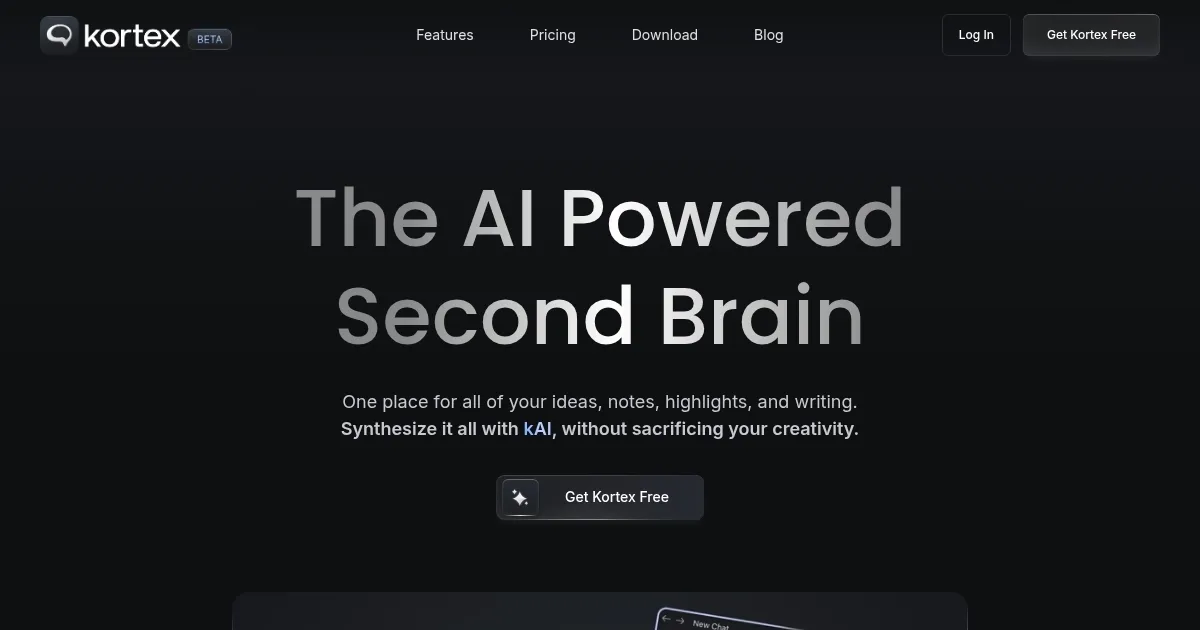
Homepage Screenshot 📸
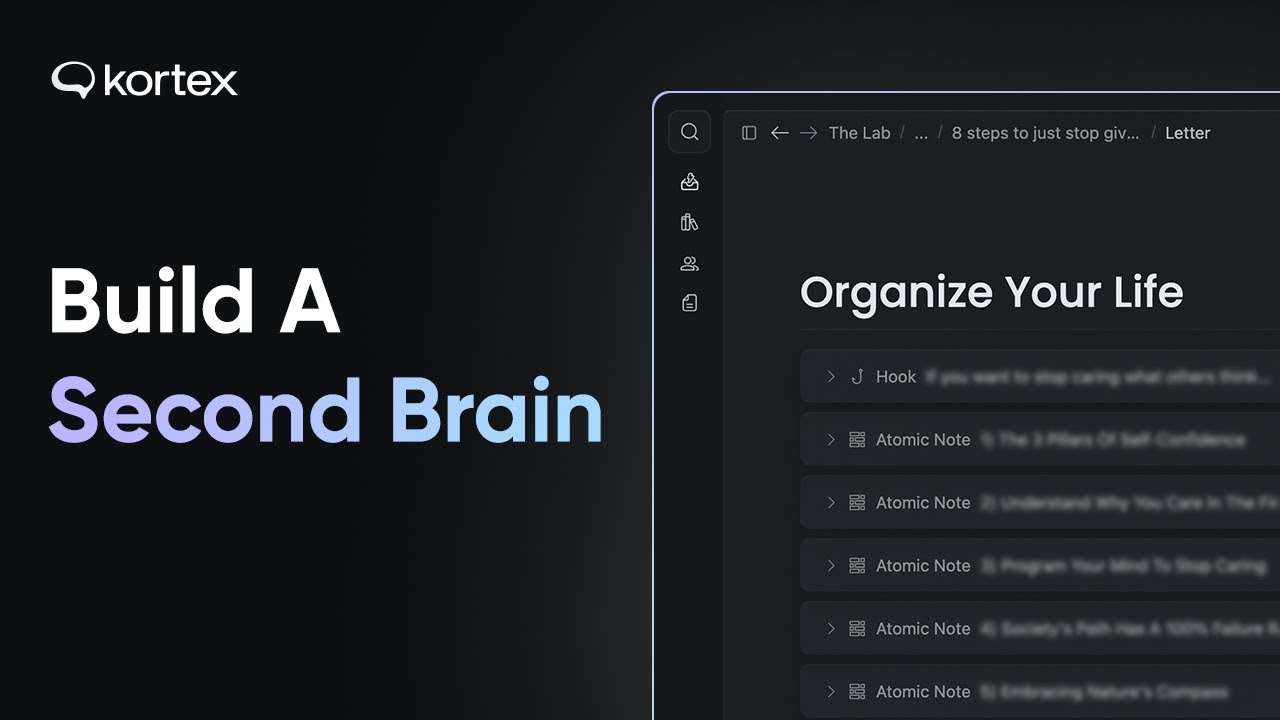
Video Overview 🎬
What are the key features? ✨
- Capture System: Jot down ideas and link them to notes or projects.
- kAI Synthesis: AI transforms captures into drafts or summaries.
- Highlight Library: Save and organize snippets from PDFs or books.
- Robust Search: Find notes by tags, related words, or content.
- Focus Mode: Distraction-free writing environment.
Who is it for? 🤔
Examples of what you can use it for 💡
- Freelance Writer: Organizes article ideas and synthesizes notes into drafts.
- Student: Saves lecture notes and PDF highlights for research papers.
- Content Creator: Captures social media post ideas and refines them with kAI.
- Researcher: Manages source snippets and generates summaries.
- Blogger: Links related ideas to create cohesive blog outlines.
Pros & Cons ⚖️
- Streamlined capture-to-create workflow
- Powerful AI synthesis with kAI
- Robust search for easy note retrieval
- Premium tier feels pricey for some
- Web clipper not yet available
FAQs 💬