logo-darklogo-darklogo-darklogo-dark
  • Tool Categories
    • ๐ŸŽจArt & Creative Design505
    • ๐ŸขBusiness Management644
    • ๐Ÿ’ปCoding & Development515
    • ๐Ÿ‘ฎDetection83
    • ๐Ÿง General Use727
    • ๐ŸฅHealth & Wellness55
    • ๐Ÿ“ทImage & Photo Analysis100
    • ๐Ÿ–ผ๏ธImage Generation & Editing618
    • ๐Ÿ“Interior & Architectural Design37
    • ๐ŸŽ“Learning & Education483
    • โš–๏ธLegal & Finance90
    • ๐ŸŽญLifestyle & Entertainment236
    • ๐Ÿ“ขMarketing & Advertising627
    • ๐ŸŽงMusic & Audio138
    • ๐Ÿ‘”Office & Workplace1,014
    • ๐Ÿ”ฌResearch & Data Analysis372
    • ๐Ÿ‘ฅSocial Media245
    • ๐ŸŽฅVideo Generation & Editing426
    • ๐Ÿ‘ง๐ŸปVirtual Companion135
    • ๐ŸŽคVoice Generation & Editing381
    • โœ๏ธWriting & Editing808
    • All Categories
    • AI Use Cases
  • News
  • Events
    • Academic Conferences
    • Developer Conferences
    • Expos / Trade Shows
    • Industry Summits
    • Workshops / Training
    • All Events
    • Past Events
  • Saved Tools
  • Suggest a Tool
โœ•
Home › Office & Workplace › Workplace Assistant› AFFiNE AI
AFFiNE AI

AFFiNE AI

An advanced platform that uses AI to enable users to seamlessly write, draw, and present

AFFiNE AI is an advanced platform that uses AI to enable users to seamlessly write, draw, and present. By combining documents, whiteboards, and databases – it offers a comprehensive solution for managing diverse tasks within a single environment. This integration is meant to streamline workflows and fosters creativity by eliminating the need to switch between multiple applications.

AFFiNE AI’s notable feature is its ability to transform rough notes into structured mind maps. Users can input unorganized information, and the AI will process it to generate coherent mind maps. This functionality can be particularly beneficial for brainstorming sessions, project planning, and information synthesis — as it visually represents complex ideas and their interconnections.

Beyond mind mapping, AFFiNE AI offers tools for creating presentations and visual content. The platform can generate ready-to-use slides from user prompts, facilitating efficient presentation development. Moreover, it assists in refining and editing documents by providing insights — perfecting tone, and summarizing content — thus enhancing the quality and professionalism of written materials.

Lastly, we should mention that AFFiNE AI emphasizes user privacy and data security. In that sense, it ensures that only relevant content information is shared with third-party AI vendors during usage. In addition, AFFiNE AI offers a free trial with ten experiences for new users, allowing them to explore its features before committing to a subscription. And that, in case you wonder, is just the way we like it.

Visit AFFiNE AI ↗
Categories
๐Ÿ‘” Work
๐Ÿ’ผ Workplace Assistant ๐Ÿ—’๏ธ Note Taking ๐Ÿ“„ Document Generation ๐Ÿ–๏ธ Whiteboard โšก Work Productivity โœ… Task Management
๐Ÿง  General
โœ… Productivity ๐Ÿฆ™ Open Source Model
๐ŸŽ“ Education
๐Ÿ—‚๏ธ Knowledge Management ๐Ÿ—บ๏ธ Mind Mapping
๐Ÿ’ป Coding
๐Ÿ‘จโ€๐Ÿ’ป Development

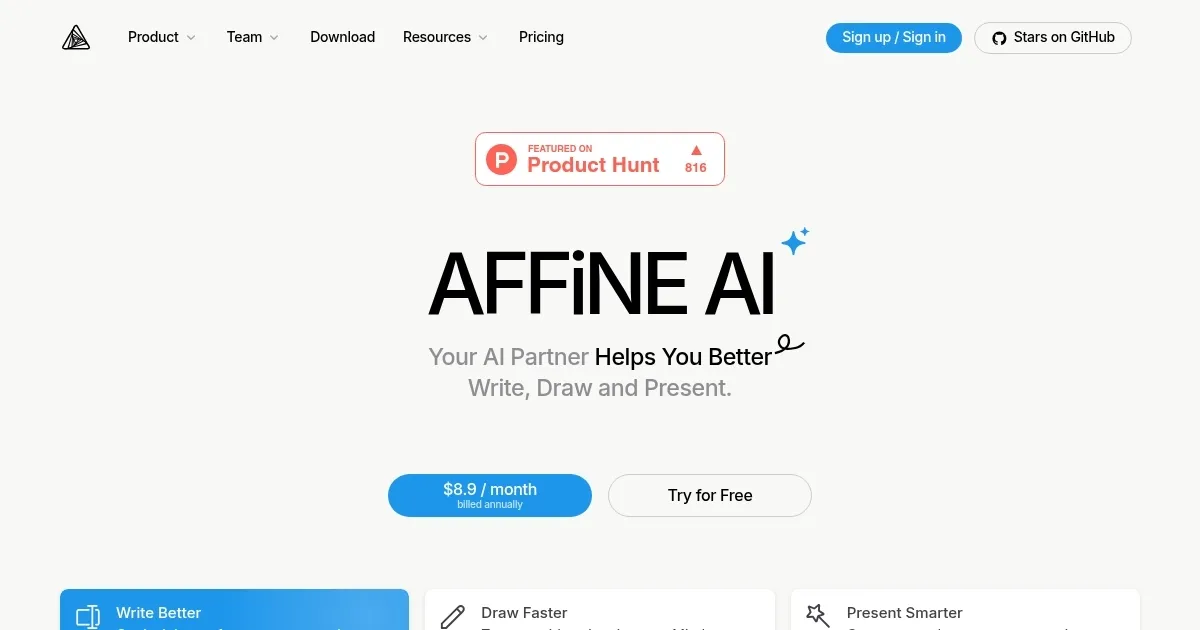
Homepage Screenshot 📸

AFFiNE AI screenshot

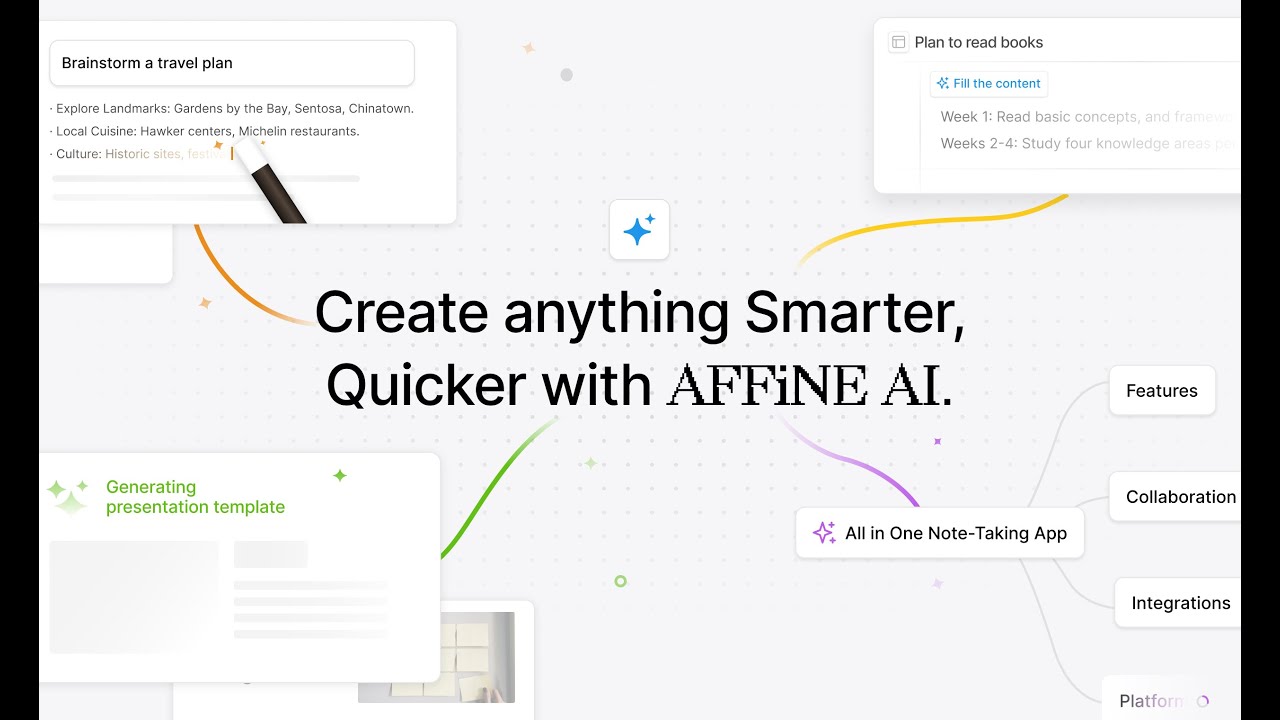
Video Overview 🎬

AFFiNE AI - Video Overview

What are the key features? ✨

  • AI-assisted writing: Provides insights, perfects tone, and summarizes content swiftly, aiding users in crafting well-structured documents efficiently.
  • Intelligent drawing tools: AFFiNE AI can transform ideas into images and mind maps, facilitating impactful communication and visualization of concepts.
  • Smart presentation generation: Creates ready-to-use presentations from prompts, streamlining the process of developing engaging slideshows.
  • Seamless integration: AFFiNE AI operates within both local and cloud workspaces, ensuring flexibility and accessibility for users across different environments.
  • Privacy assurance: The platform handles data with care, sharing only necessary content with third-party AI vendors, and provides clear AI usage policies for user confidence.

Who is it for? 🤔

AFFiNE AI caters to a broad audience, including students, educators, business professionals, creatives, and individuals seeking to enhance their note-taking and collaborative efforts. Its user-friendly interface and AI-driven features make it accessible to both tech-savvy users and those new to AI tools, looking to improve productivity and creativity across various domains.

Examples of what you can use it for 💡

  • Students and researchers get help in drafting papers, creating visual aids, and preparing presentations
  • Professionals can use it to quickly generate meeting notes, conceptual diagrams, and presentation materials
  • Artists and designers can use it for visualizing ideas through AI-generated drawings and mind maps
  • Educators get help in developing teaching materials, including structured notes and engaging presentations
  • Individuals get help organizing thoughts, planning projects, and creating personal documents with AI assistance

Pros & Cons ⚖️

  • Write, draw, plan, and present within one platform
  • Free plan is there, offering access to basic features
  • Especially great for mind maps and presentations
  • Might require time to understand full capabilities

FAQs 💬

What exactly is AFFiNE AI?
AFFiNE AI acts as a multimodal copilot that helps you write, draw, and present better inside AFFiNE's docs, whiteboards, and databases. It integrates directly so you can get AI assistance without leaving your workspace.
How does AFFiNE AI help with writing?
It perfects your tone, fixes spelling and grammar, rewrites text professionally, and summarizes content into structured mind-maps or key points in just seconds.
Can AFFiNE AI generate visuals or mind-maps?
Yes, it turns rough ideas into images and automatically creates mind-maps to expand your thinking and organize complex topics visually.
Does AFFiNE AI support creating presentations?
Absolutely, you can turn outlines into polished, ready-to-use presentations with one prompt (this feature is currently in beta).
How do I activate AFFiNE AI in the app?
In page mode, select text or blocks and click "Ask AI" in the toolbar, or use the sidebar chat. In edgeless (whiteboard) mode, right-click elements and choose "Ask AI" or open the sidebar chat.
Is AFFiNE AI available for local or self-hosted workspaces?
Yes, it works in local workspaces once you log in with an AFFiNE Cloud account, and self-hosters can configure it with custom models like Ollama.
What makes AFFiNE AI different from other note-taking AIs?
It combines seamless integration across documents and infinite canvases, supports real-time multimodal assistance (text, drawing, presentation), and emphasizes privacy by only sending necessary content to AI providers.
Does AFFiNE AI understand context from my entire workspace?
It pulls context from selected content or your workspace to give relevant insights, and upcoming features will expand this to full database and workspace awareness.
Is AFFiNE AI good for brainstorming and collaboration?
Definitely, its canvas-first approach lets teams brainstorm visually, generate mind-maps, and turn ideas into presentations quickly.
Can I use AFFiNE AI offline?
Core AFFiNE is local-first and works offline, but AI features require an internet connection to process requests through third-party models.

Ready to try AFFiNE AI?

An advanced platform that uses AI to enable users to seamlessly write, draw, and present

Visit AFFiNE AI ↗
AFFiNE AI alternatives 🔗

  1. Slack AI Slack AI Search smarter, summarize conversations instantly, and be at your most productive
  2. Microsoft Copilot Microsoft Copilot Boosts productivity with AI-driven answers, writing, and image creation
  3. Box AI Box AI An assistant that taps into your enterprise content and documents
  4. Zia Zia AI-powered business assistant from Zoho
  5. Amazon Q Amazon Q Your generative AIโ€“powered assistant designed for work that can be tailored to your business
  6. Asana AI Asana AI An AI helper built into the Asana platform to make managing projects and tasks easier
Share
AFFiNE AI screenshot enlarged
Promote AFFiNE AI
light badge
Copy Embed Code
dark badge
Copy Embed Code
neutral badge
Copy Embed Code
Best AI Tools

Discover the best AI tools for any use case

Explore
  • Tool Categories
  • AI Use Cases
  • AI Events
  • AI News
  • Saved Tools
Company
  • About Us
  • Contact Us
  • Media & Partnerships
  • Suggest a Tool
Legal
  • Privacy Policy
  • Terms of Service
Copyright © 2026 Best AI Tools 415 Mission Street, 37th Floor, San Francisco, CA 94105