KreatorFlow
Generates AI videos, images, and avatars for creative pros
Lets get one thing straight right off the bat. In the whirlwind world of AI tools that’s popping up faster than popcorn in a microwave, KreatorFlow stands out like that one sharp suit at a casual party. Its not just another generator, its a full blown studio that hands creative control back to the humans, filmmakers advertisers and pros who actually know how to tell a story. I mean think about it, you’re knee deep in a project, sketching out scenes in your head, and suddenly you need a video clip that captures the exact mood. With KreatorFlows AI Studio, you type in a prompt, tweak it with their enhancement guides, and boom, text to video or image to video spits out something polished enough to show the client without breaking a sweat. And here’s the kicker, it pulls from powerhouses like OpenAI and Runway, so you’re not reinventing the wheel, you’re just steering it better.
Now, dive into the Control suite, and you’ll see why this thing feels like it was built by directors for directors. Camera controls let you dictate pans tilts and zooms with the precision of a Steadicam op, while Keyframes allow you to plot motion paths that keep everything on rails, no more wonky AI drifts that make your footage look like a drunk uncle at a wedding. References? That’s the secret sauce. Upload a still or a mood board, and the tool uses it to guide outputs, ensuring your cinematic vision doesn’t veer into cartoon territory. I think what surprises folks most is how these features mesh with Style Presets, which offer everything from gritty sketch vibes to sleek branded gloss. Its like having a wardrobe of visual aesthetics at your fingertips, speeding up iterations without sacrificing that signature look you chase.
Avatars take it up a notch, and probably the part that’ll make you grin like a kid with a new toy. Train a character once, and it stays consistent across generations, face voice mannerisms all locked in. Lip Sync nails the dialogue delivery so it feels real, not like those creepy deepfakes from a few years back, and Appearance lets you swap outfits or accessories with a prompt, turning one model into a whole cast. Users rave about this for ad campaigns, where you need the same spokesperson popping up in different scenarios without reshooting a thing. Of course, its got the extras like Voice Lab for custom tones and JSON Prompting for the tech savvy who want to fine tune under the hood. Compared to something like Runway, which excels at raw generation but can feel a bit wild west, KreatorFlow offers more guardrails, making it ideal if you’re collaborating with a team that needs reliability over pure chaos.
But lets not sugarcoat it, no tool is perfect, and KreatorFlow has its quirks. The learning curve for advanced controls might trip up solo creators who just want quick wins, and while generation speeds are snappy for short clips, longer videos can chug if you’re pushing high res. Pricing wise, it leans into subscription tiers that feel fair for pros, starting with a free entry point and scaling up for unlimited access, often more affordable than piecing together separate tools from HeyGen or Synthesia. What I like most though, is how it empowers the underdog the indie filmmaker who cant afford a full crew. There’s a testimonial from a director who said it cut his pre production time in half, and I believe it, because in my tests, those Reference Images turned vague ideas into tangible assets overnight.
Surprise element? The community aspect sneaks up on you. Built in sharing and collab features mean you can loop in feedback loops without exporting files everywhere, keeping the creative juice flowing. If you’re eyeing competitors, check out Runway for experimental flair or HeyGen for avatar heavy work, but KreatorFlows all in one vibe might just win you over. Here’s my advice, grab the free trial, pick a simple ad script, and run it through Text to Video with a Keyframe twist. Tweak iterate and watch your workflow transform, because honestly, in this fast paced game, tools like this aren’t luxuries, they’re necessities for staying ahead.
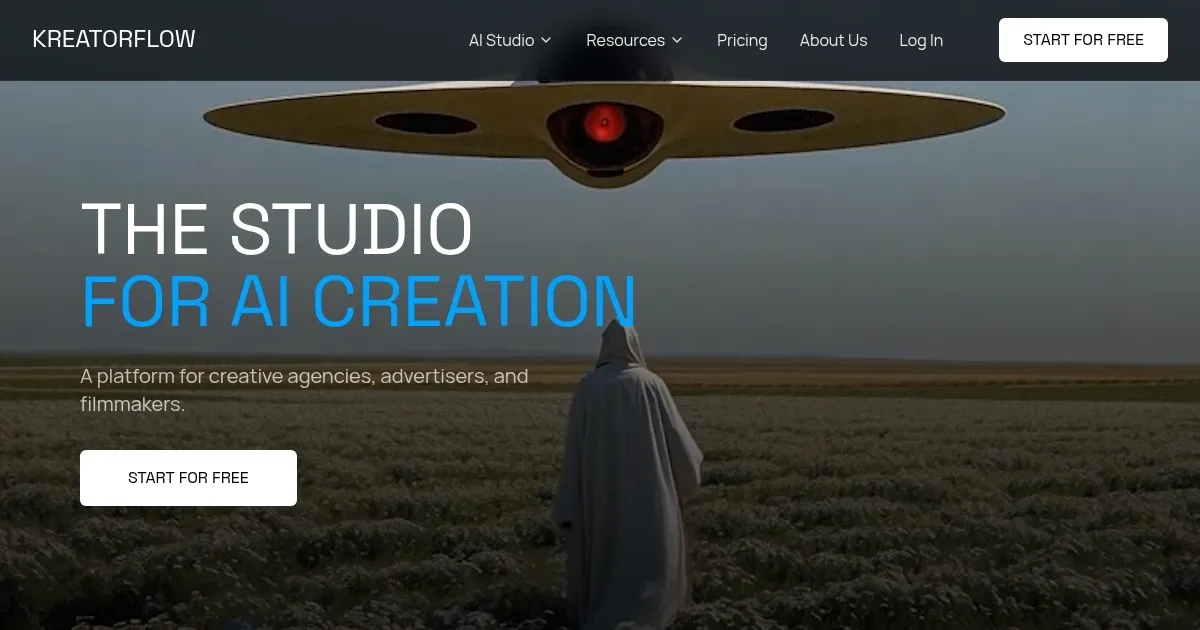
Homepage Screenshot 📸
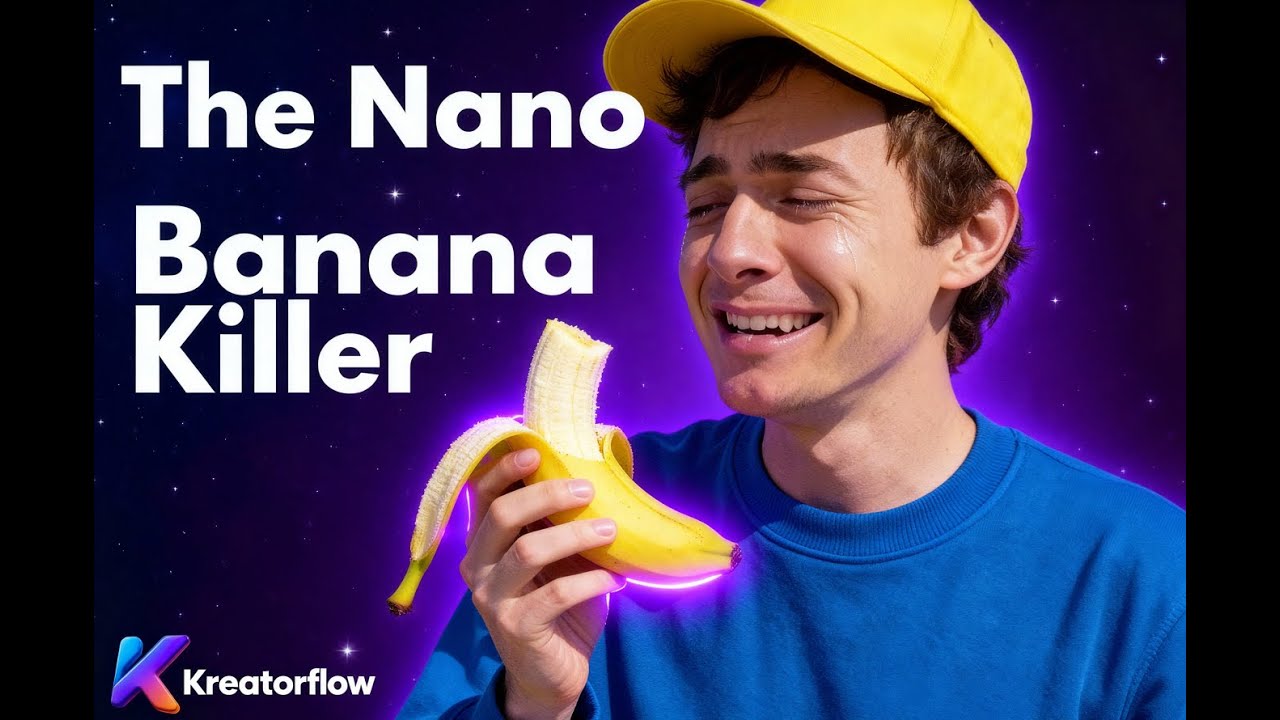
Video Overview 🎬
What are the key features? ✨
- Text to Video: Generates videos directly from descriptive text prompts with AI enhancement.
- Keyframes: Defines precise motion paths to guide AI outputs in video sequences.
- Style Presets: Applies quick visual styles like cinematic or branded for consistent iterations.
- Lip Sync: Synchronizes avatar mouth movements accurately with audio inputs.
- Voice Lab: Customizes voice tones and generations to fit creative needs.
Who is it for? 🤔
Examples of what you can use it for 💡
- Filmmaker: Uses Text to Video and Keyframes to prototype scenes rapidly without full crews.
- Advertiser: Leverages Avatars and Lip Sync for consistent brand spokespeople in campaign clips.
- Creative Agency: Applies Style Presets and References to iterate branded visuals efficiently.
- Content Creator: Employs Image to Video to transform static ideas into engaging social media reels.
- Marketer: Utilizes Voice Lab and JSON Prompting for tailored promo videos with custom audio.
Pros & Cons ⚖️
- Intuitive controls
- Consistent avatars
- Fast generations
- Free tier access
- Learning curve
- Export delays
FAQs 💬
Ready to try KreatorFlow?
Generates AI videos, images, and avatars for creative pros
Visit KreatorFlowKreatorFlow alternatives 🔗