Layer
Creates game assets fast with AI, keeping your art style consistent
Layer AI is a generative AI platform designed to help game developers create 2D, 3D, and video assets quickly while maintaining consistent art styles. It integrates with industry-standard tools like Photoshop, Blender, Unity, and Unreal Engine, making it a practical choice for studios of all sizes. The platform is model-agnostic, allowing flexibility across workflows, and includes features like SOC 2 Type II compliance, single sign-on, and role-based access controls for enterprise users. Layer supports pre-production, live ops, and marketing by generating assets that align with a game’s aesthetic.
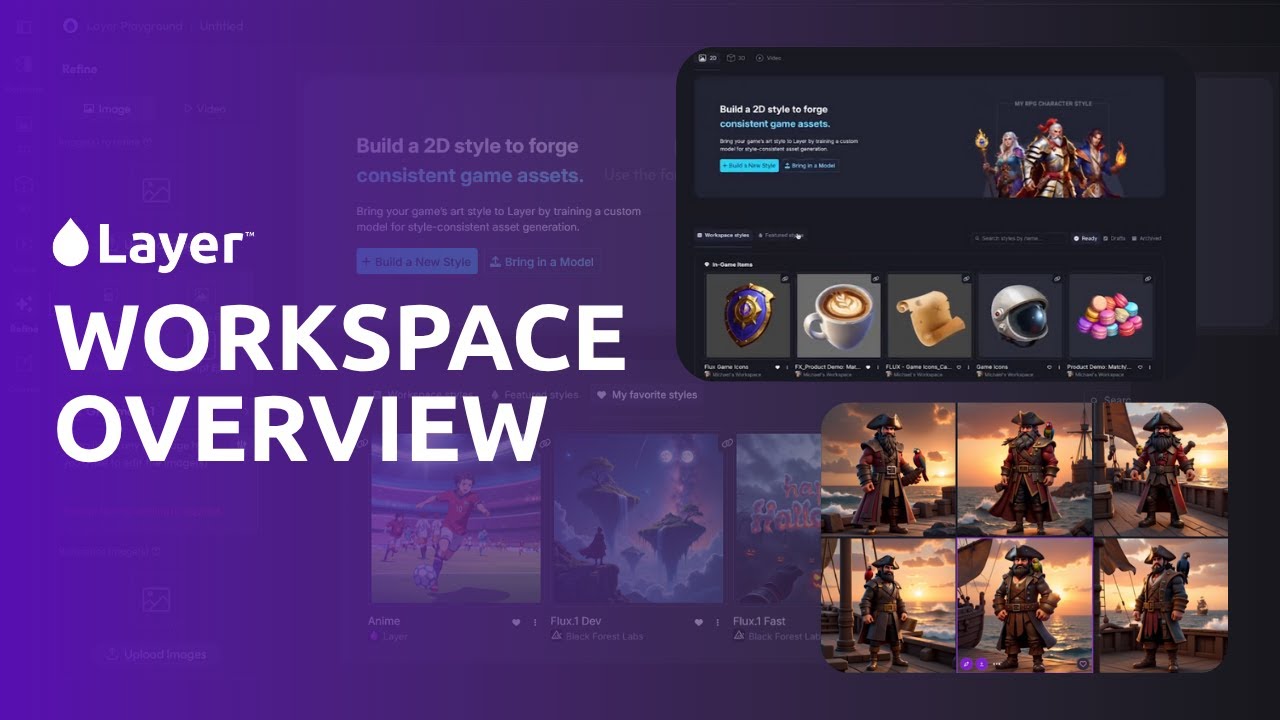
Key features include Custom Style Training, which lets users train the AI on their artwork to produce tailored variations. The Canvas tool offers editing capabilities, such as Depth Map for refining assets with prompts or brushes. Transparency Mode removes backgrounds for cleaner exports. The Layer Library organizes assets with search and filter options, streamlining workflows. User testimonials highlight productivity gains of up to 240% and cost savings by reducing outsourcing needs. The platform supports solo creators with a free tier and scales to enterprise plans for larger teams.
Compared to competitors like MidJourney and Runway, Layer is more focused on game development, offering deeper integration with game engines. DALL·E excels in general image generation but lacks the game-specific tools Layer provides. Artbreeder is simpler and cheaper but less suited for professional pipelines. Layer’s niche focus makes it less versatile for non-game applications.
Drawbacks include a learning curve for new users, especially with advanced features like Object Detection. The tool requires clear artistic direction to produce optimal results. Pricing starts free but shifts to per-seat models for teams, which may be costlier than alternatives like Artbreeder. Some users note initial setup time to train custom styles effectively.
For indie developers, start with the free tier to test asset generation. Studios should explore enterprise plans for security and team features. Upload high-quality artwork to maximize Custom Style Training results. Regularly use the Library to keep assets organized.
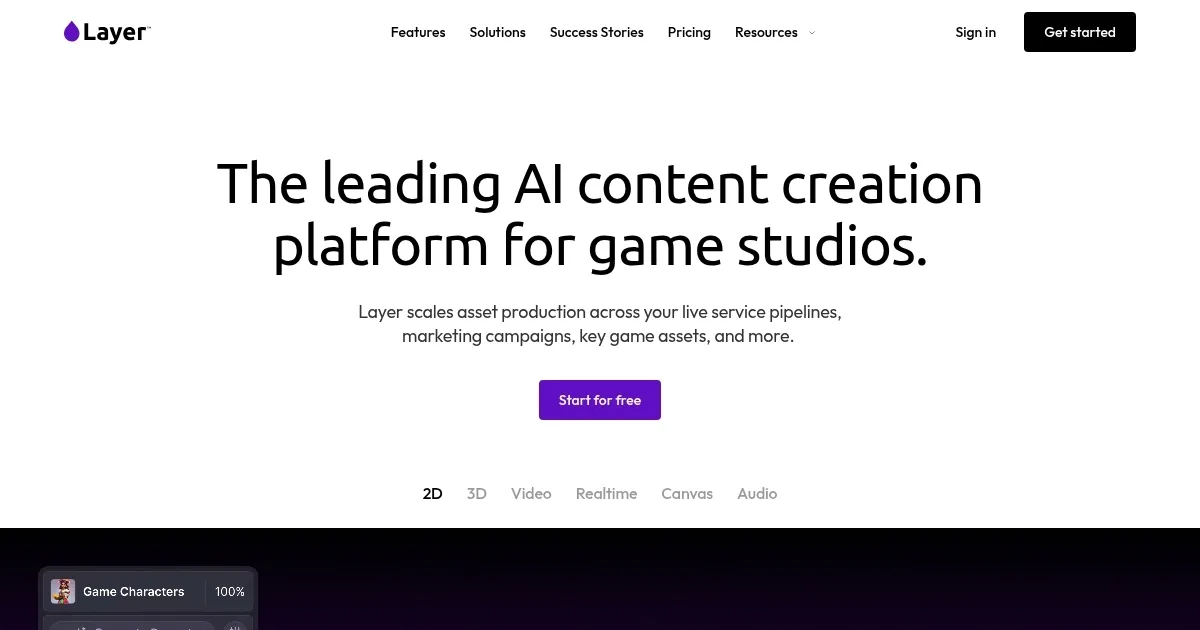
Homepage Screenshot 📸
Video Overview 🎬
What are the key features? ✨
- Custom Style Training: Trains AI on user artwork for consistent asset variations.
- Canvas Tool: Edits assets with features like Depth Map for precise refinements.
- Transparency Mode: Removes backgrounds from assets for cleaner exports.
- Layer Library: Organizes assets with search and filter options for efficiency.
- Tool Integration: Works with Photoshop, Blender, Unity, and Unreal Engine.
Who is it for? 🤔
Examples of what you can use it for 💡
- Indie Developer: Uses Layer AI to generate character skins for a mobile game, saving time on manual design.
- AAA Studio: Creates marketing assets for a new title, ensuring brand consistency across campaigns.
- Live Ops Team: Produces weekly in-game items to keep players engaged without outsourcing.
- Freelance Artist: Builds a portfolio of environment assets for pitching to game studios.
- Game Design Educator: Integrates Layer AI into curriculum for students to practice asset creation.
Pros & Cons ⚖️
- Boosts productivity up to 240%.
- Maintains consistent art style.
- Integrates with game engines.
- Free tier for solo creators.
- Per-seat pricing for teams.
- Needs clear artistic direction.
FAQs 💬
Layer alternatives 🔗