Meitu
Edits photos and videos with AI-powered tools for stunning visual enhancements
Meitu is a free mobile app for photo and video editing, leveraging AI to simplify beautification and creative enhancements. With over a billion users since its 2008 launch, it’s a leader in the photo-editing space, offering tools like Face Retouch, AI Painting, and Collage templates. The app, available on iOS and Android, focuses on user-friendly design, making professional-grade edits accessible to beginners. Its AI-driven features, like background removal and skin smoothing, deliver quick, polished results. Meitu’s filter library, with over 100 options, and its preset templates streamline the editing process for photos and short videos.
The Face Retouch tool uses AI to enhance facial features, smoothing skin and brightening eyes without unnatural distortion. AI Painting transforms photos into artistic styles, like comics or oil paintings, with one tap. The Collage feature offers layouts for combining multiple images, ideal for social media posts. Video Beauty tools, including Body Reshape and Hair Beautify, enhance video clips, though some users report minor color shifts. Meitu’s sticker library, with over 100 styles, adds personality to edits, and its social media integration simplifies sharing to platforms like Instagram.
Compared to Picsart, which offers broader graphic design tools, or Adobe Express, which emphasizes templates for professional designs, Meitu prioritizes portrait and video beautification. Picsart suits users needing design flexibility, while Adobe Express caters to polished marketing content. Meitu’s AI focus gives it an edge for quick, aesthetic enhancements. Its free version is robust, but VIP features, like exclusive materials and ad-free editing, require a subscription, which may frustrate some users.
The app’s AI suggests filters and presets based on image content, improving workflow efficiency. However, ads in the free version can disrupt editing, and the lack of manual control may disappoint advanced users. Meitu’s data privacy practices, as noted on Google Play, vary by region, so users should review settings. The app’s performance is generally smooth, though heavy use may strain older devices.
To get started, download Meitu from the App Store or Google Play. Experiment with Face Retouch or AI Painting for quick results. Check the VIP features if you need advanced tools, but the free version is solid for most casual edits.
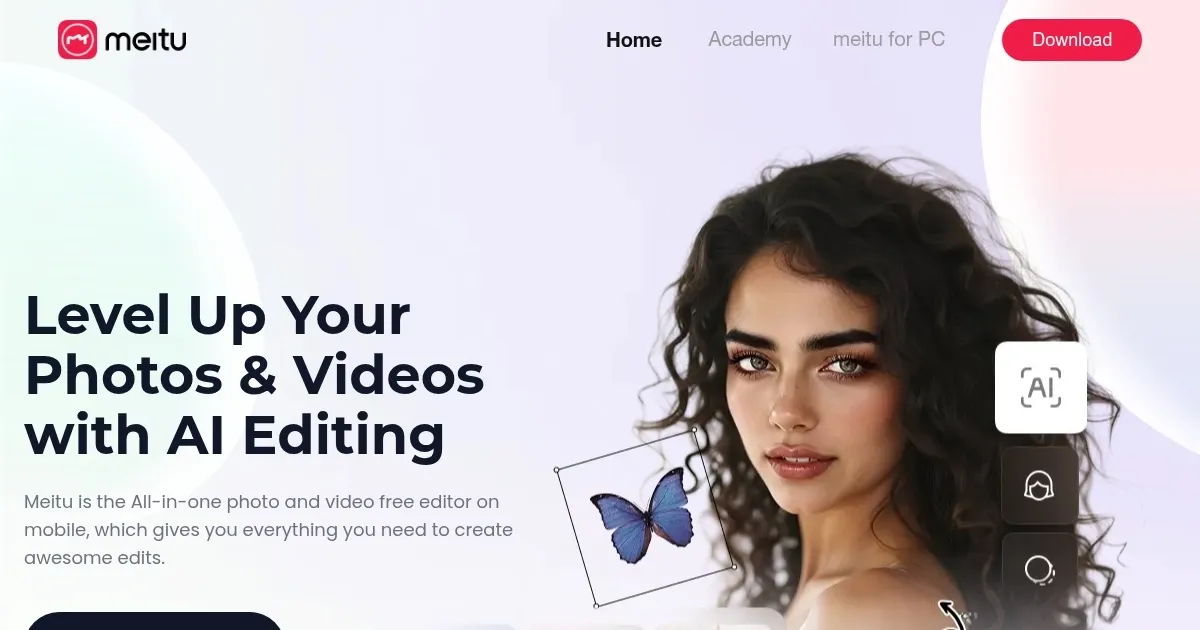
Homepage Screenshot 📸
What are the key features? ✨
- Face Retouch: Smooths skin and enhances facial features naturally.
- AI Painting: Transforms photos into artistic styles like comics or oil paintings.
- Collage: Combines multiple photos into clean, customizable layouts.
- Video Beauty: Enhances videos with body reshaping and hair beautification.
- Filter Library: Offers over 100 filters for vibrant photo enhancements.
Who is it for? 🤔
Examples of what you can use it for 💡
- Social Media Influencer: Enhances selfies with Face Retouch for flawless Instagram posts.
- Travel Blogger: Uses Collage to combine trip photos into shareable stories.
- Vlogger: Applies Video Beauty to polish TikTok clips with body reshaping.
- Casual Photographer: Turns snapshots into art with AI Painting’s comic style.
- Event Planner: Creates vibrant photo collages for party recaps.
Pros & Cons ⚖️
- Intuitive AI-driven editing
- Free version is robust
- Wide filter and sticker variety
- Ads disrupt free version
- VIP features require payment
FAQs 💬
Ready to try Meitu?
Edits photos and videos with AI-powered tools for stunning visual enhancements
Visit Meitu