Minimax AI
Transforms text into videos and enhances photos with AI effects
So, I spent a morning messing around with Minimax AI, and it’s like handing a kid a box of crayons and saying, “Go wild.” The tool, found at minimaxai.me, promises to turn your words into videos or spruce up photos with AI magic, and I was curious to see if it lived up to the hype. Spoiler: it’s pretty darn cool, but it’s not without quirks that made me raise an eyebrow.
I started with the Advanced Text-to-Video Generation, typing in “a pirate ship sailing through a stormy sea.” About a minute later — okay, maybe 80 seconds — I had a 10-second clip that looked like it could’ve been plucked from a movie trailer. The waves crashed, the sails flapped, and the CGI storm clouds? Chef’s kiss. The resolution hit 720p, and the 25 fps made it smooth enough to impress. Next, I tried the Viral AI Hugging Effect on a photo of my dog. Uploaded the pic, waited 20 seconds, and boom — my pup looked like it was getting a cozy hug. It was adorable, though the animation felt a tad robotic around the edges. The Customizable Video Styles let me toggle between a cartoonish vibe and a dramatic one, which was fun to play with, and the One-Click Social Sharing meant I could fling my creations onto Instagram without breaking a sweat.
What’s the catch? The demo mode is like being invited to a buffet but only getting a tiny plate. You can try some features, but the good stuff — longer videos, fancier effects — sits behind a subscription. Pricing seems in line with competitors like Pictory or Luma AI, but without a free trial, it’s a leap of faith. Also, my pirate video had a weird glitch where a cloud looked like it was stuck in a loop. A quick scroll through X showed I wasn’t alone — some users mentioned similar hiccups. Compared to Runway, which offers more robust editing tools, Minimax AI feels streamlined but slightly less polished for pros.
The surprise was how stupidly easy it was to use. The interface is clean, almost playful, like it’s daring you to create something wild. It’s cloud-based, so no heavy software downloads, just a browser and a decent Wi-Fi signal. For a newbie like me, it felt empowering, though I bet seasoned creators might crave more control. My tip? Dive into the demo, start with short prompts to avoid glitches, and lean on the social sharing to get your content out fast. You’ll probably have as much fun as I did, quirks and all.
Homepage Screenshot 📸
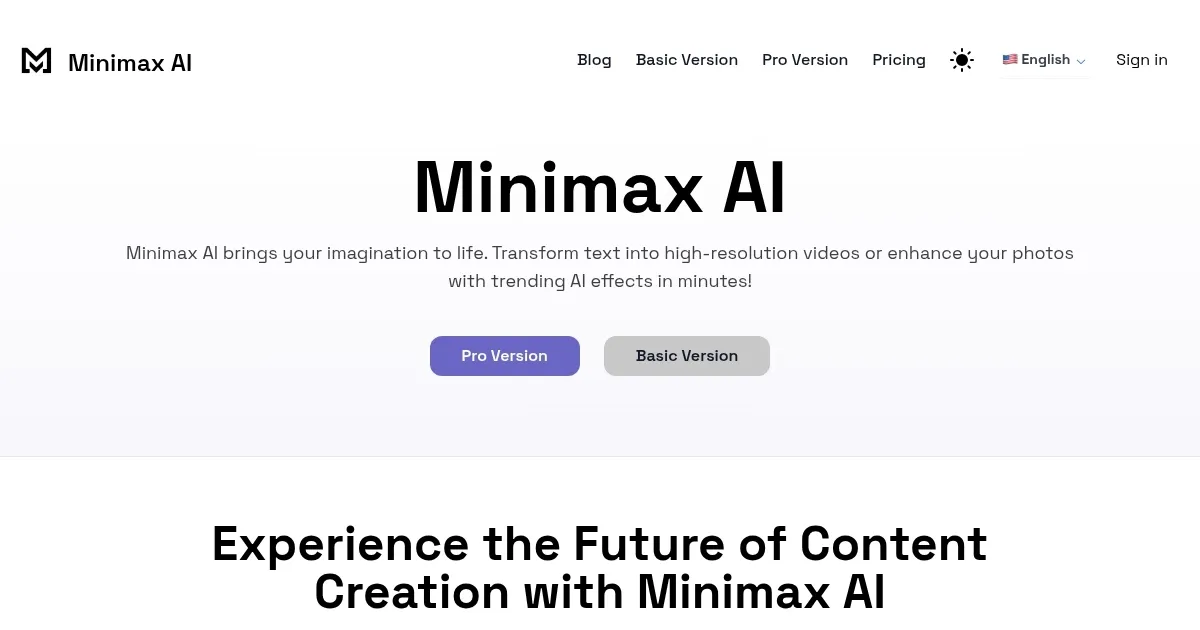
What are the key features? ✨
- Advanced Text-to-Video Generation: Turns text prompts into 720p videos with CGI in 60-90 seconds.
- Viral AI Hugging Effect: Adds realistic embrace animations to photos in 15-30 seconds.
- Customizable Video Styles: Offers various visual themes like cinematic or animated.
- One-Click Social Sharing: Enables instant posting to TikTok, Instagram, and YouTube.
- User-Friendly Interface: Simplifies content creation with an intuitive, browser-based design.
Who is it for? 🤔
Examples of what you can use it for 💡
- Social Media Influencer: Creates viral TikTok videos with AI hugging effects to engage followers.
- Small Business Owner: Produces promotional videos from text for quick social media campaigns.
- Content Creator: Generates animated shorts from story prompts for YouTube content.
- Marketer: Enhances product photos with AI effects for Instagram ads.
- Educator: Crafts visual storytelling videos for engaging online lessons.
Pros & Cons ⚖️
- Intuitive interface
- Trendy AI effects
- Easy social sharing
- No free trial
- Occasional glitches
FAQs 💬
Ready to try Minimax AI?
Transforms text into videos and enhances photos with AI effects
Visit Minimax AIMinimax AI alternatives 🔗