OneStart
A software hub that uses AI to streamline access to different tools and applications
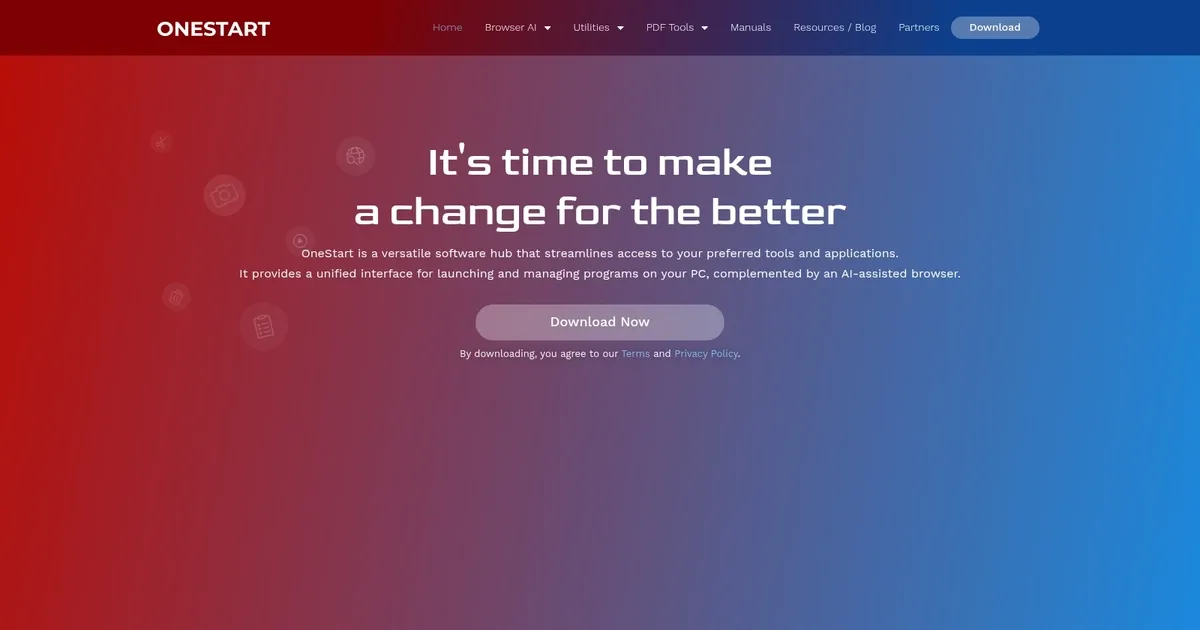
OneStart is a fancy software hub that uses AI to streamline access to different tools and applications. It’s like a central command center on your PC, where launching programs and browsing the internet becomes a breeze. And with its AI-assisted browser, OneStart transforms the way you/we interact with your digital workspace — making tasks more efficient and enjoyable.
OneStart’s Dual View Browsing feature allows you to compare content side-by-side effortlessly. Whether you’re researching for a project or shopping online, this functionality will enhance your productivity by eliminating the need to switch between tabs.
Aside from browsing, OneStart integrates a Shopping Coupon Extension that will automatically find and apply the best deals for you. As you’re about to purchase an item, OneStart will ensure you get the best price available. This not only saves you money but also the time you’d spend searching for discounts manually.
Furthermore, for those who frequently deal with manuals and documentation, the Manuals Database Extension will come in handy. As you can imagine, it provides quick access to a vast collection of manuals, making it easier to find the information you need without scouring the internet.
Lastly, we should add that OneStart includes robust Device Security features, ensuring that your data and applications remain protected. In an era where cyber threats are rampant, having built-in security measures offers peace of mind as you navigate the world wide web.
Homepage Screenshot 📸
What are the key features? ✨
- AI-powered browser: Seamlessly switch between AI tools like Google AI, ChatGPT, and Bing within a separate accessible window.
- Dual-view browsing: Compare content from two different web pages side-by-side, making multitasking more efficient and reducing the need to toggle between tabs.
- Shopping coupon extension: Automatically discovers and applies the best available coupons during online shopping, ensuring you always get the best deal.
- Manuals database extension: Provides quick access to a comprehensive collection of manuals, thus simplifying the search for product documentation and user guides.
- Device security: Incorporates robust security measures to protect your data and applications.
Who is it for? 🤔
Examples of what you can use it for 💡
- Professionals can utilize the Dual View Browsing to compare reports or research findings simultaneously
- Shoppers benefit from the Shopping Coupon Extension by automatically applying discounts
- Technicians and DIY enthusiasts can quickly access the Manuals Database Extension to find necessary guides without extensive searching
- Users concerned about online security can rely on OneStart's Device Security features to safeguard their information
- Individuals interested in leveraging AI tools can easily switch between different AI engines within the browser
Pros & Cons ⚖️
- Integrated AI tools within a single browser
- Shopping Coupon Extension helps users save money
- Dual View Browsing makes multitasking better
- Optimization for Windows 11 may limit accessibility for users on other platforms
Ready to try OneStart?
A software hub that uses AI to streamline access to different tools and applications
Visit OneStartOneStart alternatives 🔗