Outcast
Transforms audio/video into clips, notes, and posts using AI
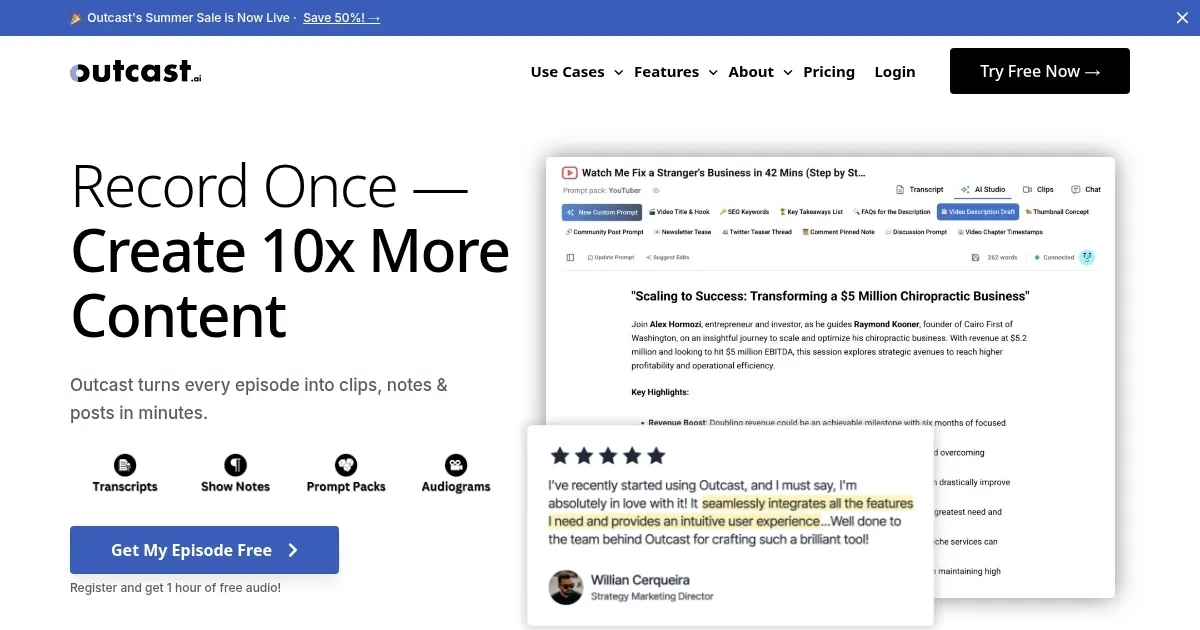
Podcasting can feel like running a marathon while juggling flaming torches. You’ve got the recording, the editing, the promotion — it’s a lot. Outcast steps in like a trusty sidekick, promising to lighten the load with AI-powered tools that churn out content faster than you can say “subscribe.” I think it’s a game-changer for creators who want to focus on their voice, not the grunt work. The platform takes your audio or video, whether it’s a podcast episode or a YouTube upload, and spins it into a buffet of shareable goodies: clips, transcripts, social posts, and more. It’s like having a production team in your browser.
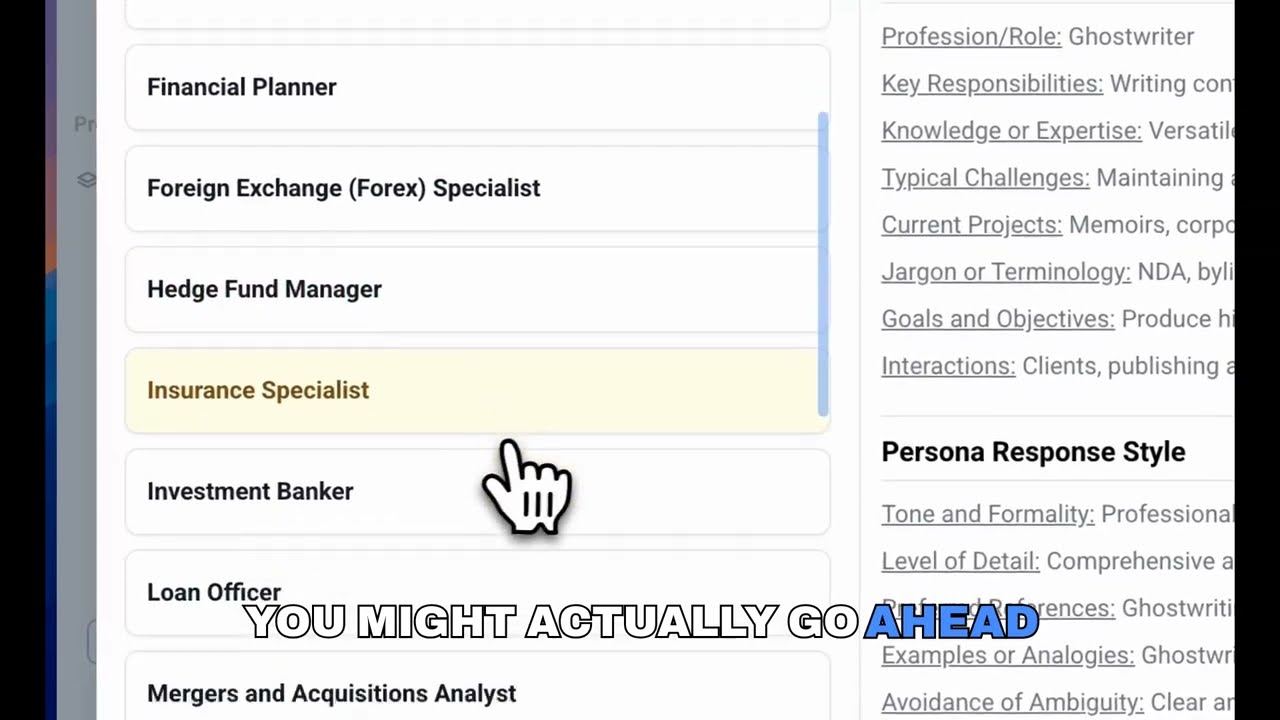
The magic starts with Outcast’s ability to ingest content via RSS feeds, YouTube links, or direct file uploads. Once your episode is in, the AI gets to work. The transcription feature, boasting a 92.7% accuracy rate, turns spoken words into text with impressive clarity, even handling tricky accents better than most competitors. I was skeptical, but the transcripts are clean, timestamped, and speaker-labeled, saving hours of manual scrubbing. Then there’s the Clip Creator, which spots viral moments and lets you trim, caption, and export short clips for social media. It’s not perfect — sometimes the AI’s clip suggestions miss the mark — but it’s a solid starting point. The AI Studio, meanwhile, feels like a playground for content nerds, offering tools to draft blogs, emails, or even generate images from text prompts.
What’s not to love? Well, the 15-minute cap on clip exports might frustrate folks aiming for longer snippets. And while the platform supports 17 languages, from English to Vietnamese, the AI’s nuance can wobble with less common dialects. Compared to Descript, which excels at audio editing, or Podcastle, with its robust recording features, Outcast leans harder into automation. It’s less about fine-tuned editing and more about getting content out fast. If you’re a perfectionist, you might find yourself tweaking the AI’s outputs more than you’d like. Still, the time saved is hard to argue with.
A surprise perk? The Episode Chatbot. You can ask it to pull quotes or summarize entire episodes, and it’s shockingly good at digging up specific moments. It’s like having a research assistant who never sleeps. Team collaboration is another win, letting you share projects and edit in real-time, which is great for small teams or co-hosts. Pricing feels reasonable for what you get, with a free trial offering 60 minutes of uploads and tiered plans that scale with your needs. Competitors like Wondercraft might offer similar automation, but Outcast’s all-in-one approach — transcripts, clips, and chatbots — sets it apart.
For creators stretched thin, Outcast is a breath of fresh air. My advice? Start with the free trial to test the transcription and clip features on a short episode. Play with the AI Studio to see how it fits your workflow. If you’re a solo podcaster or a small team, this tool could shave hours off your to-do list. Just be ready to double-check the AI’s work for that personal touch.
Homepage Screenshot 📸
Video Overview 🎬
What are the key features? ✨
- Transcription: Generates accurate transcripts with speaker labels and timestamps in 17 languages.
- Clip Creator: Identifies and exports captioned clips up to 15 minutes for social media.
- AI Studio: Crafts blogs, emails, and images using customizable Prompt Packs.
- Episode Chatbot: Answers queries about episodes or entire podcast libraries.
- Team Collaboration: Enables real-time project sharing and editing for teams.
Who is it for? 🤔
Examples of what you can use it for 💡
- Solo Podcaster: Generates transcripts and social clips to promote episodes on TikTok.
- YouTuber: Creates video summaries and captioned clips for Instagram from uploads.
- Marketing Team: Drafts newsletters and LinkedIn posts from podcast content.
- Educator: Produces audio lesson summaries in multiple languages for students.
- Content Creator: Uses Episode Chatbot to pull quotes for blog articles.
Pros & Cons ⚖️
- Accurate transcription for multiple languages
- Supports YouTube and RSS imports
- Free trial with 60 minutes of uploads
- 15-minute clip export limit
- AI suggestions may need tweaking
FAQs 💬
Outcast alternatives 🔗