Picsman
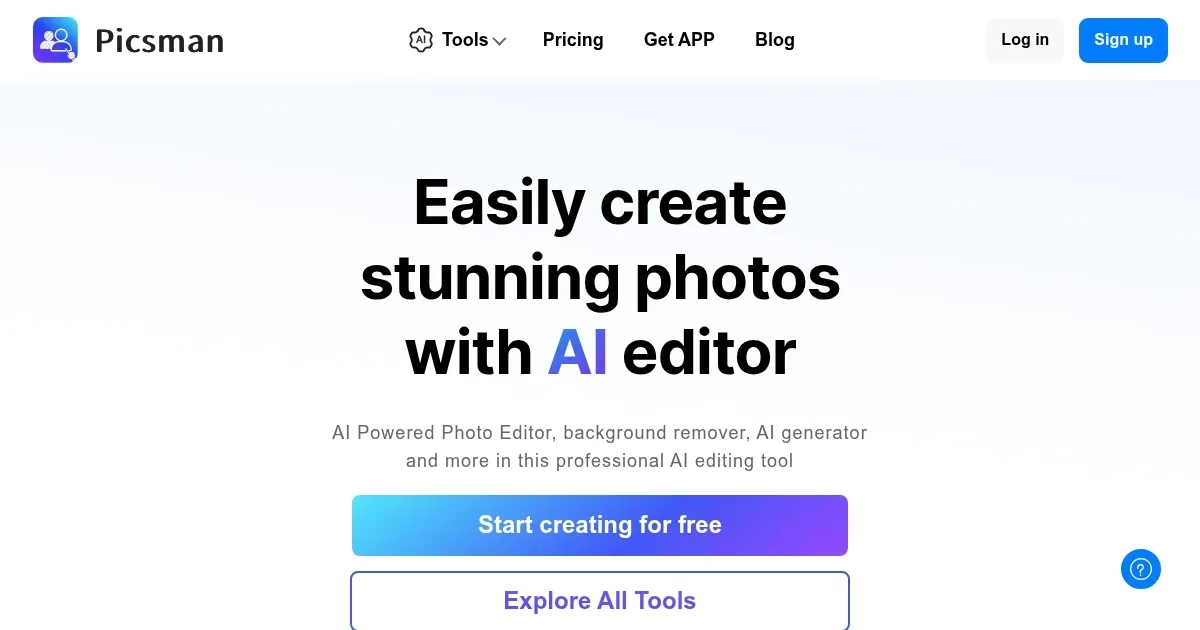
Enhances photos with AI-driven tools for background removal, object erasure, and image upscaling
I’ll admit, I approached Picsman AI with a mix of curiosity and skepticism. Another AI photo editor? Sure, I thought, it’s probably just a flashy gimmick. But after spending a day tinkering with it, I’m hooked — well, mostly. Picsman is like a trusty Swiss Army knife for photo editing, packed with tools that make your images look polished without requiring you to wrestle with complex software. It’s available on the web, iOS, and Android, and I tested it on my laptop and phone, where it felt snappy and intuitive.
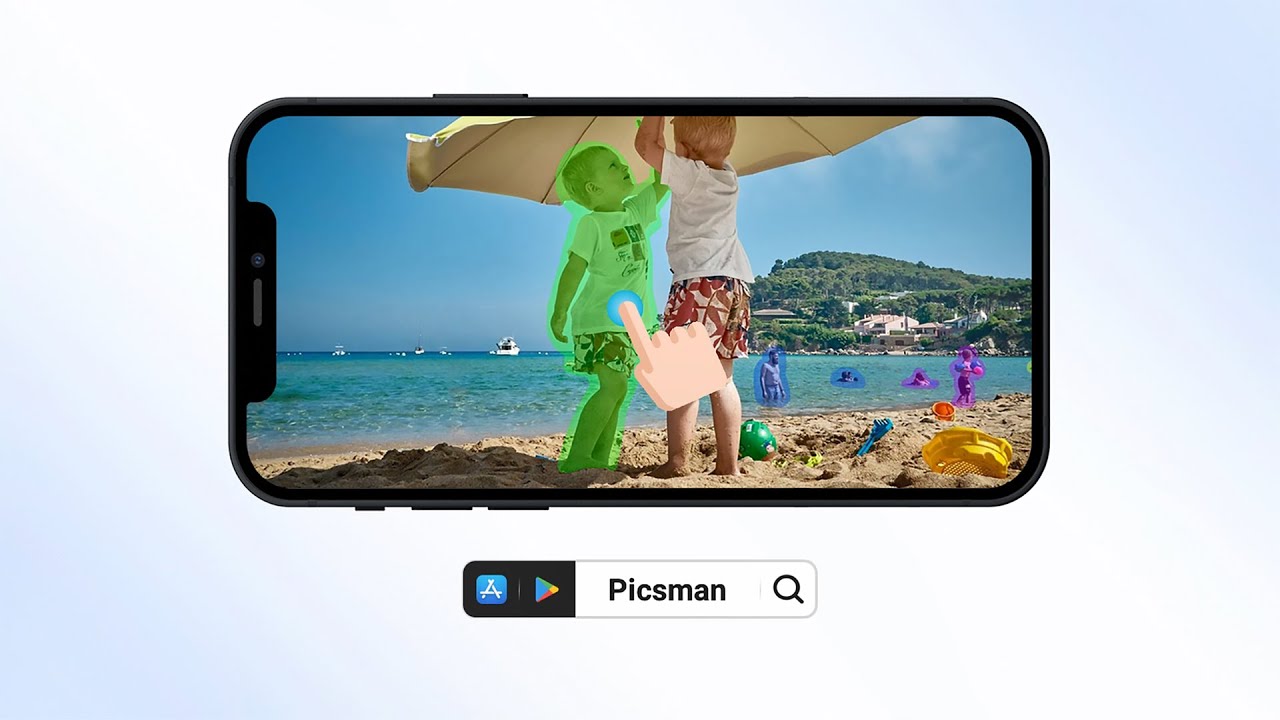
The Remove Background tool is a revelation. I uploaded a photo of a coffee mug from my Etsy shop, and in seconds, the cluttered kitchen counter vanished, replaced with a crisp white background that screamed “professional.” The Magic Eraser was equally impressive — I erased a random pen from the shot, and the AI filled in the space so smoothly, I had to double-check the original. The Batch Edit feature? A dream for anyone juggling multiple images. I processed a dozen product photos in under a minute, applying consistent edits that saved me from hours of repetitive clicking. The Photo Enhancer upscaled a grainy old photo of my dog, and while it wasn’t perfect, the clarity was noticeably better.
Picsman’s AI Background Generator caught me off guard with its creativity. I swapped a dull gray backdrop for a vibrant studio setting, and the result looked like it came from a high-end photoshoot. The interface is clean, almost too clean, with a drag-and-drop simplicity that makes you feel like a pro, even if you’re just winging it. I also played with the Cartoonize feature, turning a selfie into a quirky cartoon — fun, but I wouldn’t use it daily.
On the downside, the free plan teases you with great features but locks some, like advanced upscaling, behind the Picsman PRO paywall. It’s a fair model, but it stings when you hit a limit mid-project. Compared to Fotor or Remove.bg, Picsman holds its own for ease of use, though Fotor offers more creative templates, and Remove.bg is laser-focused on background removal. A few X users mentioned minor bugs, like the app crashing when handling large files, which I didn’t experience but could be a concern.
The surprise? The passport photo maker. I needed a visa photo, and Picsman formatted it perfectly — no studio visit required. If you’re a small business owner or content creator, give Picsman a spin. Start with the free trial, and use the batch editor to streamline your workflow — it’s a game-changer.
Homepage Screenshot 📸
Video Overview 🎬
What are the key features? ✨
- Remove Background: Automatically isolates subjects to create transparent PNGs or replace backgrounds.
- Magic Eraser: Removes unwanted objects from images with seamless reconstruction.
- Batch Edit: Edits multiple images simultaneously, ideal for e-commerce workflows.
- Photo Enhancer: Upscales low-resolution images to HD quality in seconds.
- Passport Photo Maker: Formats photos to meet official ID photo standards for various countries.
Who is it for? 🤔
Examples of what you can use it for 💡
- E-commerce Seller: Removes backgrounds from product photos for a clean, professional look on online stores.
- Social Media Marketer: Enhances images with AI-generated backgrounds for eye-catching posts.
- Traveler: Creates compliant passport or visa photos from home using the Passport Photo Maker.
- Small Business Owner: Batch edits multiple product images to save time and maintain consistency.
- Photographer: Upscales low-resolution images to HD for print or digital use.
Pros & Cons ⚖️
- Batch editing saves time
- Supports multiple image formats
- Free plan offers robust features
- Advanced features need PRO plan
- Occasional slowdowns with large files
FAQs 💬
Ready to try Picsman?
Enhances photos with AI-driven tools for background removal, object erasure, and image upscaling
Visit Picsman