logo-darklogo-darklogo-darklogo-dark
  • Tool Categories
    • ๐ŸŽจArt & Creative Design505
    • ๐ŸขBusiness Management644
    • ๐Ÿ’ปCoding & Development515
    • ๐Ÿ‘ฎDetection83
    • ๐Ÿง General Use727
    • ๐ŸฅHealth & Wellness55
    • ๐Ÿ“ทImage & Photo Analysis100
    • ๐Ÿ–ผ๏ธImage Generation & Editing618
    • ๐Ÿ“Interior & Architectural Design37
    • ๐ŸŽ“Learning & Education483
    • โš–๏ธLegal & Finance90
    • ๐ŸŽญLifestyle & Entertainment236
    • ๐Ÿ“ขMarketing & Advertising627
    • ๐ŸŽงMusic & Audio138
    • ๐Ÿ‘”Office & Workplace1,014
    • ๐Ÿ”ฌResearch & Data Analysis372
    • ๐Ÿ‘ฅSocial Media245
    • ๐ŸŽฅVideo Generation & Editing426
    • ๐Ÿ‘ง๐ŸปVirtual Companion135
    • ๐ŸŽคVoice Generation & Editing381
    • โœ๏ธWriting & Editing808
    • All Categories
    • AI Use Cases
  • News
  • Events
    • Academic Conferences
    • Developer Conferences
    • Expos / Trade Shows
    • Industry Summits
    • Workshops / Training
    • All Events
    • Past Events
  • Saved Tools
  • Suggest a Tool
โœ•
Home › General Use › Chatbot› Presentation Intelligence
Presentation Intelligence

Presentation Intelligence

Creates professional presentations using AI with one-click generation

Presentation Intelligence (Pi) is an AI-powered tool that generates professional presentations from user-provided content, offering one-click creation, smart layouts, and customizable themes. It targets professionals needing quick, visually appealing slide decks without extensive design skills. The platform processes text inputs, such as outlines or bullet points, and produces formatted presentations in seconds, supporting formats like PPTX and PDF. Below is a detailed look at its features, strengths, weaknesses, and how it compares to competitors.

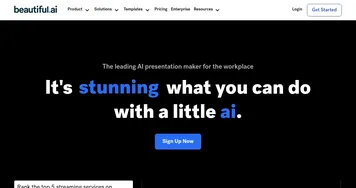
The One-Click Generation feature allows users to input content and receive a complete presentation instantly, saving significant time. Smart Layouts automatically organize text and visuals for clarity and balance, reducing manual adjustments. Customizable Themes provide options to adjust fonts, colors, and styles to align with branding needs. Pi supports multiple languages and integrates with cloud storage for easy access. Compared to Beautiful.ai, which also automates design but offers less flexibility, or Canva, which requires more user input, Pi balances automation and customization effectively. Its pricing includes a free tier with paid upgrades, aligning with competitors’ models.

Pi excels in speed and ease of use. Users on platforms like Reddit praise its ability to produce polished decks quickly, especially for business or educational purposes. The AI suggests content improvements, enhancing clarity and impact. Export options are versatile, supporting PowerPoint and PDF, though some users report occasional formatting issues during export. The platform’s cloud-based nature ensures accessibility but raises data security concerns for some, despite Pi’s claims of encryption and compliance.

Limitations exist. The AI may struggle with highly technical or niche content, producing generic slides that require manual edits. Customization options, while robust, lack the depth of tools like Canva for advanced designers. Some users on X note that complex presentations demand more oversight to ensure accuracy. The platform’s reliance on templates can feel restrictive for creative users seeking unique designs.

Pi is ideal for professionals and small teams needing fast, reliable presentation creation. For best results, provide clear, concise inputs and review outputs for accuracy, especially for specialized topics. Verify data security policies if handling sensitive information.

Visit Presentation Intelligence ↗
Categories
๐Ÿง  General
๐Ÿ’ฌ Chatbot ๐Ÿค– Assistant ๐Ÿง  Large Language Model
๐Ÿ‘ง๐Ÿป Companion
๐ŸŽญ Character
๐Ÿฅ Health
๐Ÿง˜ Mental Health

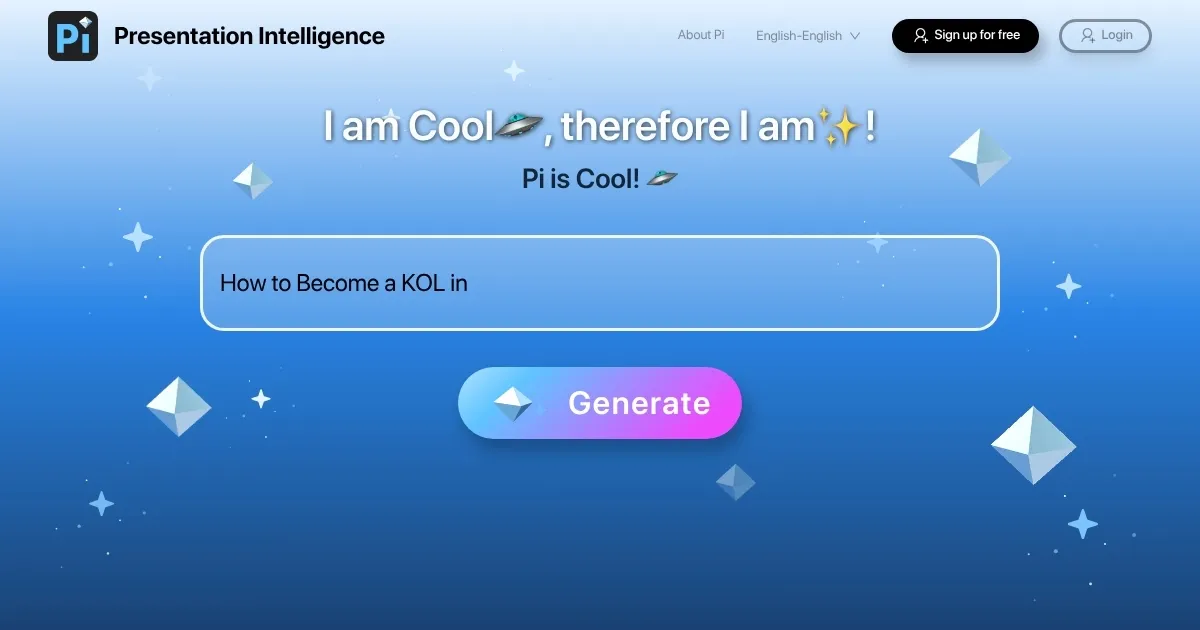
Homepage Screenshot 📸

Presentation Intelligence screenshot

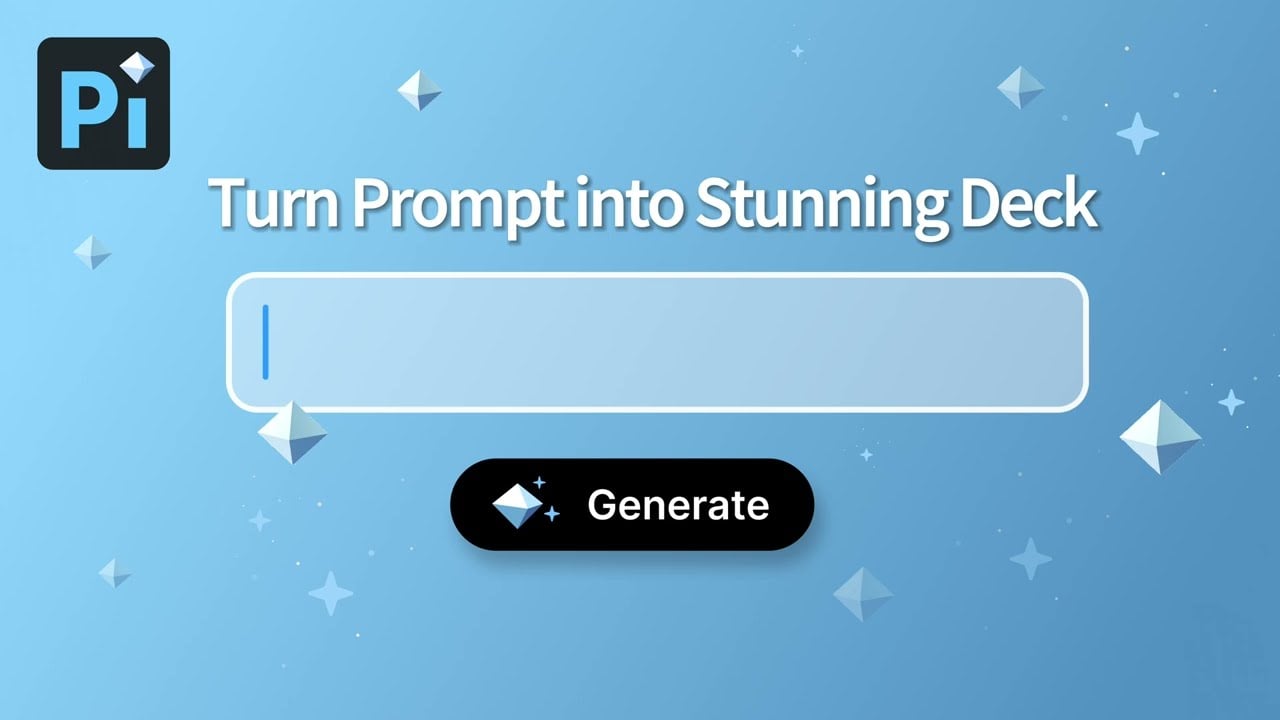
Video Overview 🎬

Presentation Intelligence - Video Overview

What are the key features? ✨

  • One-Click Generation: Creates full presentations from text input in seconds.
  • Smart Layouts: Automatically organizes content for clear, balanced slides.
  • Customizable Themes: Allows adjustments to fonts, colors, and styles for branding.
  • Content Suggestions: Enhances user input with AI-driven phrasing improvements.
  • Export Options: Supports PPTX and PDF formats for versatile sharing.

Who is it for? 🤔

Presentation Intelligence (Pi) is a boon for busy professionals, small business owners, educators, and students who need to create polished presentations quickly without deep design expertise. Its AI-driven automation suits those juggling tight deadlines or lacking graphic design skills, particularly in corporate, educational, or marketing settings. If youโ€™re pitching to clients, teaching a class, or presenting at a conference, Pi simplifies the process, letting you focus on content over aesthetics.

Examples of what you can use it for 💡

  • Marketing Professional: Crafts client pitches with branded, visually appealing slides.
  • Small Business Owner: Creates investor presentations quickly to secure funding.
  • Educator: Builds lecture slides with clear layouts for classroom use.
  • Student: Produces professional project presentations with minimal effort.
  • Freelancer: Designs proposals for clients using customizable templates.

Pros & Cons ⚖️

  • Intuitive AI-driven design
  • Useful content suggestions
  • Multiple export formats
  • Limited for niche content
  • Templates can feel generic

FAQs 💬

What is Pi used for?
Pi creates professional presentations from text inputs using AI automation.
Is Pi suitable for beginners?
Yes, its intuitive interface requires no design experience.
Can I customize Piโ€™s designs?
Customizable Themes allow adjustments to fonts, colors, and styles.
Does Pi support complex topics?
It may struggle with niche content, requiring manual edits.
What file formats does Pi export?
Pi supports PPTX and PDF exports for versatile sharing.
Is Piโ€™s pricing competitive?
It offers a free tier with paid plans, comparable to competitors.
How secure is my data with Pi?
Pi claims encryption, but verify policies for sensitive data.
Can Pi suggest content improvements?
Yes, its AI offers phrasing tweaks to enhance clarity.
Does Pi work for team collaboration?
Cloud-based access supports team use, but check plan details.
How does Pi compare to Canva?
Pi focuses on automation, while Canva offers more manual control.

Ready to try Presentation Intelligence?

Creates professional presentations using AI with one-click generation

Visit Presentation Intelligence ↗

Presentation Intelligence alternatives 🔗
  1. ChatGPT ChatGPT All-round AI assistant generating human-like responses to user queries and tasks
  2. Gemini Gemini Generates responses from text, images, audio, and video inputs using advanced multimodal AI
  3. Claude Claude Assists users in reasoning, coding, writing, and analyzing data with advanced AI models
  4. Grok Grok Delivers witty, real-time AI responses with advanced reasoning and image generation
  5. DeepSeek DeepSeek Delivers advanced AI models for coding and reasoning at low costs
  6. Perplexity Perplexity Delivers cited AI answers from web searches instantly
Share
Presentation Intelligence screenshot enlarged
Promote Presentation Intelligence
light badge
Copy Embed Code
dark badge
Copy Embed Code
neutral badge
Copy Embed Code
Best AI Tools

Discover the best AI tools for any use case

Explore
  • Tool Categories
  • AI Use Cases
  • AI Events
  • AI News
  • Saved Tools
Company
  • About Us
  • Contact Us
  • Media & Partnerships
  • Suggest a Tool
Legal
  • Privacy Policy
  • Terms of Service
Copyright © 2026 Best AI Tools 415 Mission Street, 37th Floor, San Francisco, CA 94105