Recall.ai
Streamlines meeting data access with APIs for recordings, transcripts, and metadata
Recall.ai is a game-changer for developers wrestling with the chaos of video conferencing data. Imagine you’re building an app that needs to pull transcripts or recordings from Zoom, Google Meet, or Microsoft Teams. Sounds like a nightmare, right? Not with Recall.ai. This tool provides a single API that tames the wild beast of meeting platforms, letting you grab real-time transcripts, participant details, or even MP4 recordings without breaking a sweat. It’s like having a universal remote for your meeting data, and I think it’s a pretty clever solution for anyone tired of juggling platform-specific integrations.
The magic lies in its simplicity. Recall.ai’s API supports a range of features, from real-time audio and video streams to diarized transcripts that pinpoint who said what. Its Meeting Bot API, Desktop Recording SDK, and Mobile Recording SDK give developers flexibility to capture data in various formats. For instance, the Output Media API lets you build AI agents that join meetings and interact like real participants, displaying webpages or streaming audio. Users on platforms like LinkedIn praise its reliability, noting that it saves months of development time. One developer said it cut their integration time from six months to days, which is the kind of efficiency that makes you sit up and take notice.
But it’s not all smooth sailing. Some users might find the setup process a bit technical, especially if they’re not well-versed in API integrations. The documentation, while detailed, assumes a certain level of coding know-how, which could leave less experienced developers scratching their heads. And while Recall.ai supports major platforms like Zoom and Microsoft Teams, niche or less common platforms might not be fully integrated yet, so you’ll want to check compatibility before diving in. Pricing isn’t publicly listed, but feedback suggests it’s competitive for enterprise-scale solutions, though smaller startups might need to weigh the cost against their budget.
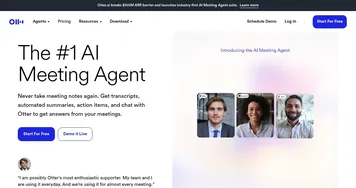
What surprised me was the sheer scalability. Recall.ai handles millions of hours of meeting data for over 1,000 companies, according to Y Combinator. That’s not just a tool; it’s a backbone for businesses building AI-driven meeting solutions. The partnership with Gladia for multilingual transcriptions adds another layer of versatility, making it a strong choice for global teams. Compared to competitors like Sonix or Otter.ai, Recall.ai stands out for its developer-focused API approach rather than end-user transcription apps, offering more control for custom applications.
If you’re considering Recall.ai, start with their API documentation and test the Meeting Bot API for a small project. Reach out to their support team early to clarify platform compatibility, and don’t skip the tutorials on their site, they’re a goldmine for getting up to speed quickly.
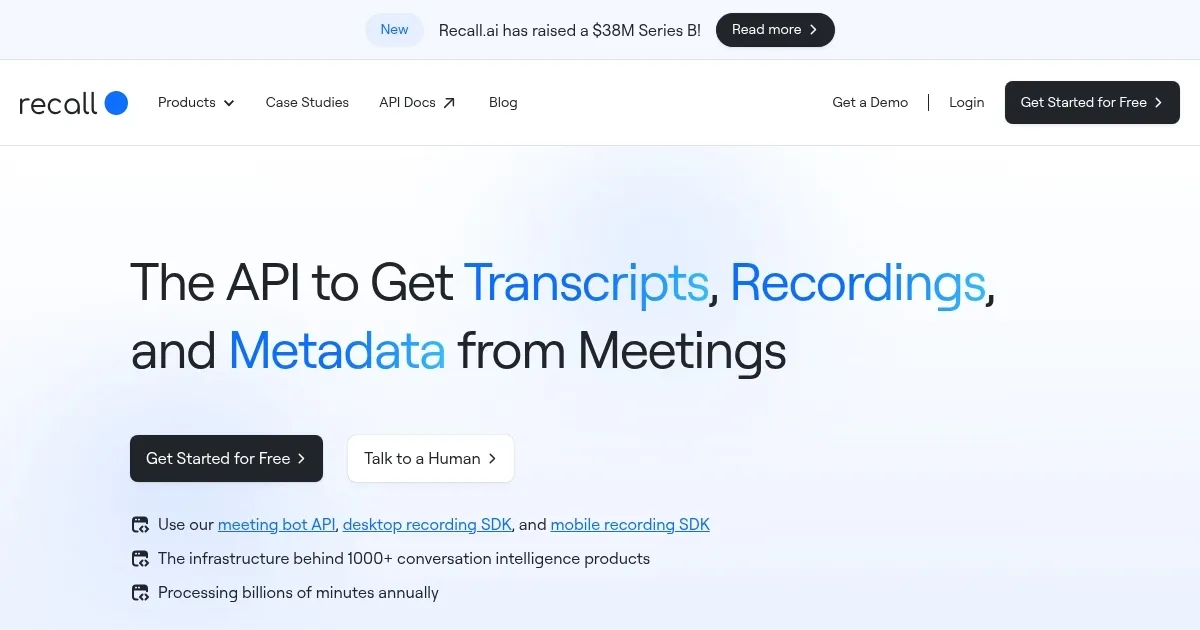
Homepage Screenshot 📸
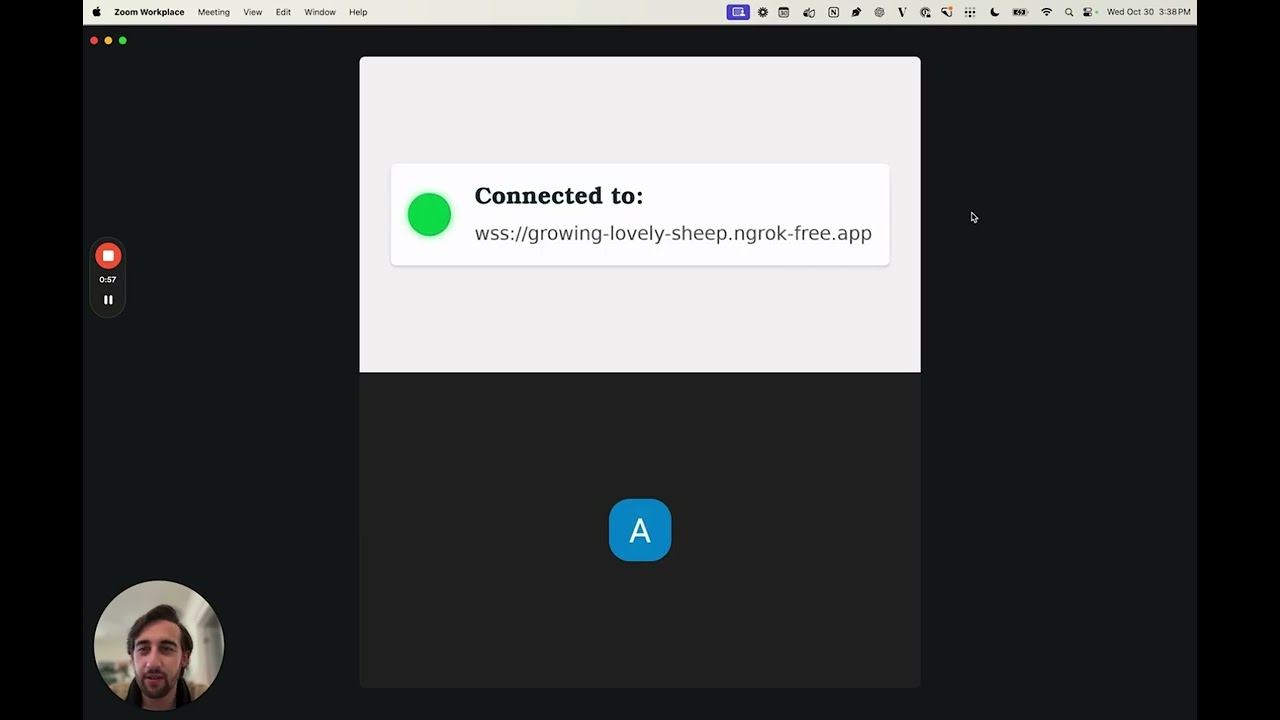
Video Overview 🎬
What are the key features? ✨
- Meeting Bot API: Enables bots to join video conferences and access real-time data.
- Desktop Recording SDK: Captures screen and audio data from desktop applications.
- Mobile Recording SDK: Facilitates recording and data access on mobile devices.
- Output Media API: Allows AI agents to stream audio/video and display content in meetings.
- Real-Time Transcripts: Provides accurate, diarized transcripts during meetings.
Who is it for? 🤔
Examples of what you can use it for 💡
- App Developer: Uses the Meeting Bot API to build an AI note-taker for Zoom meetings.
- Enterprise IT Team: Integrates the Desktop Recording SDK to capture training session data.
- Mobile App Creator: Employs the Mobile Recording SDK for a transcription app.
- AI Startup: Leverages the Output Media API for interactive meeting agents.
- Legal Tech Firm: Uses real-time transcripts for scalable Zoom meeting support.
Pros & Cons ⚖️
- Simplifies meeting data access
- Scalable for large volumes
- Supports multiple platforms
- Setup requires technical skills
- Limited platform compatibility
FAQs 💬
Ready to try Recall.ai?
Streamlines meeting data access with APIs for recordings, transcripts, and metadata
Visit Recall.ai