Skip to content
logo-darklogo-darklogo-darklogo-dark
  • Tool Categories
    • 🎨Art & Creative Design505
    • 🏢Business Management644
    • 💻Coding & Development514
    • 👮Detection83
    • 🧠General Use728
    • 🏥Health & Wellness55
    • 📷Image & Photo Analysis100
    • 🖼️Image Generation & Editing618
    • 📐Interior & Architectural Design37
    • 🎓Learning & Education483
    • ⚖️Legal & Finance90
    • 🎭Lifestyle & Entertainment236
    • 📢Marketing & Advertising627
    • 🎧Music & Audio138
    • 👔Office & Workplace1,014
    • 🔬Research & Data Analysis373
    • 👥Social Media245
    • 🎥Video Generation & Editing426
    • 👧🏻Virtual Companion135
    • 🎤Voice Generation & Editing381
    • ✍️Writing & Editing808
    • All Categories
    • AI Use Cases
  • News
  • Events
    • Academic Conferences
    • Developer Conferences
    • Expos / Trade Shows
    • Industry Summits
    • Workshops / Training
    • All Events
    • Past Events
  • Saved Tools
  • Suggest a Tool
    ✕
    Home › Office & Workplace › Meeting Assistant› Recapio
    Recapio

    Recapio

    Summarizes content into actionable insights using AI

    I stumbled onto Recapio last week, and my first impression is that it’s like finding a shortcut through the jungle of online content. I’m no expert, but after a day of tinkering, I’m hooked on how it slices through YouTube videos, PDFs, and websites to serve up tidy summaries. Picture yourself staring at a two-hour lecture video, coffee in hand, dreading the slog. Recapio’s YouTube Transcript Generator churns out a timestamped transcript faster than you can refill your mug. I tried it with a tech talk, and boom — text with clickable timestamps, accurate enough to trust. The Chat with YouTube Videos feature? It’s like having a nerdy sidekick who’s watched the video for you. I asked it to explain a concept from a coding tutorial, and it nailed the gist, though it fumbled some jargon.

    Recapio’s interface is slick, almost too polished, like it’s trying to impress you at a job interview. Navigation is a breeze, and the free tier’s 10 monthly summarization credits feel like a warm hug for budget-conscious users. Compared to Smmry or Fireflies.ai, Recapio’s broader scope — handling videos, PDFs, and websites — gives it an edge. But it’s not flawless. The summaries can be blunt, like a friend who over-simplifies a movie plot. I summarized a dense research PDF, and while the key points were there, some nuance got lost in the shuffle. Also, the AI struggled with a noisy podcast video, coughing up a transcript with a few head-scratching errors.

    What surprised me was the Ask Experts feature. You can chat with AI versions of “world-class experts” in fields like science or business. I quizzed a virtual health expert about nutrition trends, and the answers were solid, if a bit textbook. It’s a fun gimmick, but don’t expect Einstein-level insights. Pricing seems fair, with the free plan covering casual use and the Pro plan unlocking unlimited features for power users. Against Glean, which focuses on enterprise search, Recapio feels more approachable for solo users. X posts mention its time-saving potential, though one user griped about deleting it after finding it underwhelming.

    Recapio’s a tool that sparks joy for anyone juggling too much content. It’s not perfect — audio quality matters, and the AI can be a bit shallow on complex topics. But for quick insights or study aids, it’s a gem. Try the free transcript tool first, mess around with the chat feature, and see if it clicks for your workflow. You might just find yourself smiling at how much time you’ve saved.

    Visit Recapio ↗
    Categories
    👔 Work
    🤝 Meeting Assistant 🗒️ Note Taking 📝 Note Generation 💼 Workplace Assistant
    🎤 Voice
    📝 Transcriber 💬 Speech-to-Text
    ✍️ Writing
    📝 Summarizer

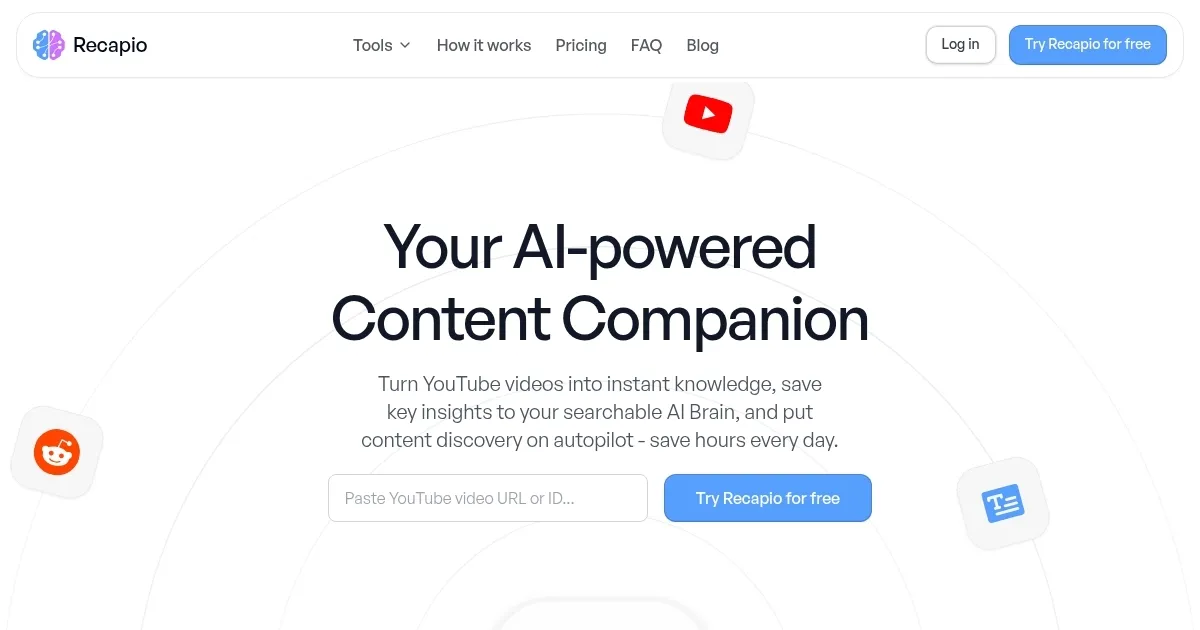
    Homepage Screenshot 📸

    Recapio screenshot

    What are the key features? ✨

    • YouTube Transcript Generator: Converts videos to text with timestamps
    • Chat with YouTube Videos: Enables interactive Q&A with video content
    • Content Summarizer: Condenses PDFs and websites into key insights
    • Ask Experts: Offers AI-driven chats with virtual experts
    • Multi-Language Support: Handles over 100 languages with auto-detection

    Who is it for? 🤔

    Recapio is made for students, researchers, professionals, and content creators who need to quickly process and understand large volumes of content, such as YouTube videos, academic PDFs, or lengthy websites, saving time and boosting productivity.

    Examples of what you can use it for 💡

    • Student: Summarizes lecture videos for quick note-taking
    • Researcher: Extracts key quotes from interview footage
    • Professional: Converts training videos into actionable insights
    • Content Creator: Repurposes video content into blog posts
    • Lifelong Learner: Engages with educational videos via AI chat

    Pros & Cons ⚖️

    • Fast, accurate YouTube transcripts
    • Generous free tier credits
    • Supports over 100 languages
    • Summaries can lack depth
    • Limited niche task support

    FAQs 💬
    Is Recapio free to use?
    Yes, Recapio offers a free tier with 10 monthly summarization credits, with a Pro plan for unlimited use.
    How accurate are the YouTube transcripts?
    Transcripts achieve 95%+ accuracy for clear audio but may falter with noise or accents.
    Can I summarize PDFs with Recapio?
    Yes, Recapio summarizes PDFs, websites, and videos into concise insights.
    Does Recapio support non-English content?
    It supports over 100 languages with automatic language detection.
    What is the Chat with YouTube Videos feature?
    It lets users ask questions about a video’s content via an AI-powered chat.
    Do I need to sign up to use Recapio?
    No signup is required for the YouTube Transcript Generator, but other features may need an account.
    Can I download transcripts?
    Yes, transcripts can be copied or downloaded as TXT, PDF, or DOCX files.
    How does Recapio compare to Otter.ai?
    Recapio offers broader content handling, while Otter.ai specializes in real-time transcription.
    Is the Ask Experts feature reliable?
    It provides general insights but may not suffice for highly specialized queries.
    Can Recapio summarize long videos?
    Yes, it supports videos of any length, from short clips to multi-hour content.

    Ready to try Recapio?

    Summarizes content into actionable insights using AI

    Visit Recapio ↗

    Recapio alternatives 🔗

    1. NoteGPT NoteGPT Summarizes content, creates notes, and boosts learning with AI-powered tools
    2. Read AI Read AI AI-generated summaries, transcripts, playback, and highlights to improve your meetings
    3. Video Highlight Video Highlight Summarizes videos instantly with timestamped transcripts, insights, and interactive chat
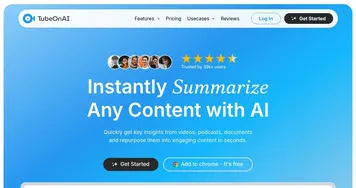
    4. TubeOnAI TubeOnAI Summarizes videos, podcasts, and documents into concise insights
    5. Otter.ai Otter.ai An AI meeting assistant that writes notes, captures slides and more
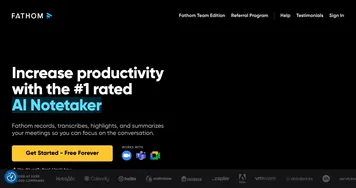
    6. Fathom Fathom An AI assistant for recording, transcribing, highlighting, and summarizing your meetings
    Share
    Recapio screenshot enlarged
    Best AI Tools

    Discover the best AI tools for any use case

    Explore
    • Tool Categories
    • AI Use Cases
    • AI Events
    • AI News
    • Saved Tools
    Company
    • About Us
    • Contact Us
    • Media & Partnerships
    • Suggest a Tool
    Legal
    • Privacy Policy
    • Terms of Service
    Copyright © 2026 Best AI Tools 415 Mission Street, 37th Floor, San Francisco, CA 94105