TubeOnAI
Summarizes videos, podcasts, and documents into concise insights
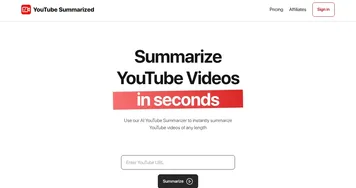
TubeOnAI is a useful service that feels like a cheat code for content overload. The platform’s promise is bold: take a YouTube video, podcast, or even a PDF, and it’ll spit out a crisp summary faster than you can brew coffee. I tested it on a 45-minute tech tutorial on YouTube, and within minutes, I had a tidy list of key points — core concepts, no fluff. The dashboard is straightforward, almost too simple, with a search bar and a “Summarize” button that feels like magic. I also tried the Chrome extension, which pops up on web pages and lets you summarize articles on the fly. It’s the kind of tool that makes you wonder how you ever survived without it.
The “Sync YouTube Channels” feature caught my eye. I linked a couple of my favorite coding channels, and TubeOnAI promised to auto-summarize new uploads. I didn’t get to test this long-term, but the idea of waking up to fresh summaries is exciting. The “Repurpose Content” feature is where things get fun — you can turn a podcast summary into a LinkedIn post or a blog draft in seconds. I played with this, spinning a podcast summary into a tweet, and it was surprisingly coherent, though I had to tweak a few words for tone. The translations, supporting over 20 languages, are a nice bonus, especially if you’re digging into international content.
But it’s not all smooth sailing. The summaries, while accurate, sometimes feel too concise, glossing over details that might matter in niche topics. I also ran into a minor glitch where the Chrome extension lagged on a heavy PDF, which was annoying. Compared to TLDR This or Descript, TubeOnAI feels more versatile, handling everything from videos to Google Drive files. SummarizeBot is cheaper but less polished, while Descript focuses heavily on audio editing, not broad content summarization. TubeOnAI’s pricing seems competitive, with a free plan and premium tiers, though I didn’t dig into the enterprise options.
What surprised me was how addictive the “Ask Follow-Ups” feature is — you can quiz the AI about a video’s content, and it responds with uncanny clarity. It’s like chatting with a know-it-all friend. My advice? Start small — summarize a short video or article to get a feel for the AI’s style. Use custom prompts to tailor the summaries to your needs, and don’t skip the audio summaries for on-the-go learning. TubeOnAI is a solid sidekick, but test it thoroughly to ensure it fits your workflow.
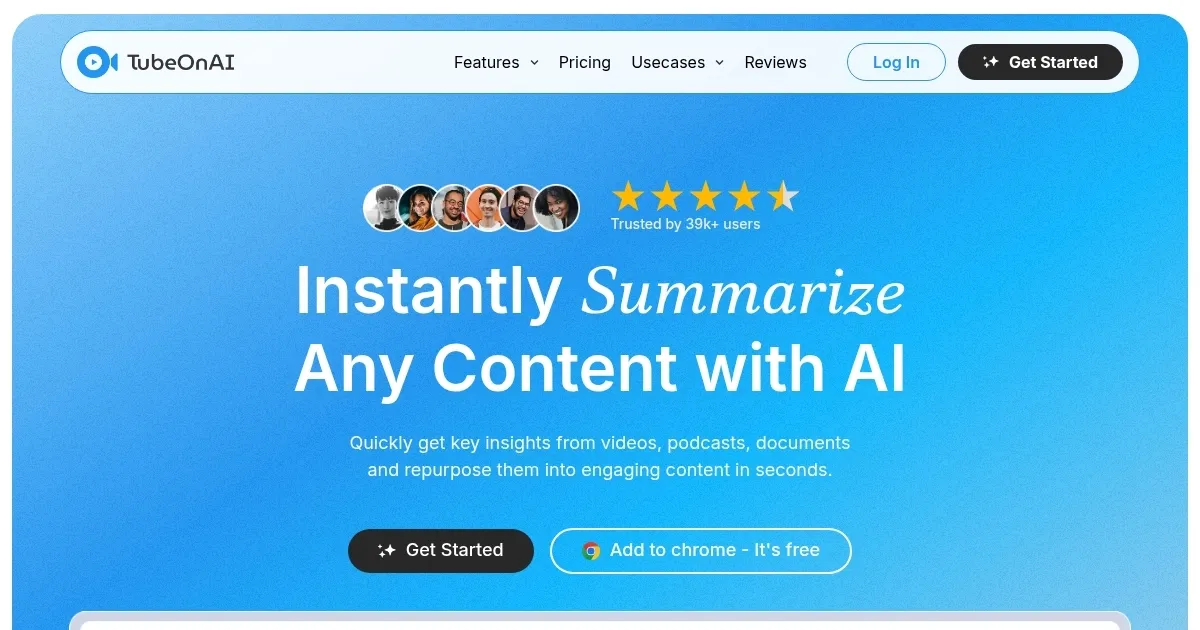
Homepage Screenshot 📸
Video Overview 🎬
What are the key features? ✨
- Summarize Anything: Generates quick summaries from YouTube, podcasts, PDFs, and web articles.
- Sync YouTube Channels: Auto-summarizes new videos from subscribed channels with one-click setup.
- Translate: Supports summaries in over 20 languages for global accessibility.
- Repurpose Content: Transforms summaries into blogs, social posts, or newsletters instantly.
- Ask Follow-Ups: Allows interactive chats with AI to explore content in depth.
Who is it for? 🤔
Examples of what you can use it for 💡
- Students: Summarize lecture videos for quick exam prep.
- Researchers: Condense research papers into key insights.
- Content Creators: Repurpose podcast summaries into social media posts.
- Marketers: Analyze customer feedback videos for trends.
- Executives: Get daily summaries of industry news videos.
Pros & Cons ⚖️
- Supports diverse content formats
- Multilingual translation feature
- Easy-to-use Chrome extension
- Auto-summarizes YouTube channels
- Customer service delays reported
- Limited to 50 channels
FAQs 💬
Ready to try TubeOnAI?
Summarizes videos, podcasts, and documents into concise insights
Visit TubeOnAITubeOnAI alternatives 🔗