Roo Code
Assists developers in coding, refactoring, and debugging via AI agents in VS Code
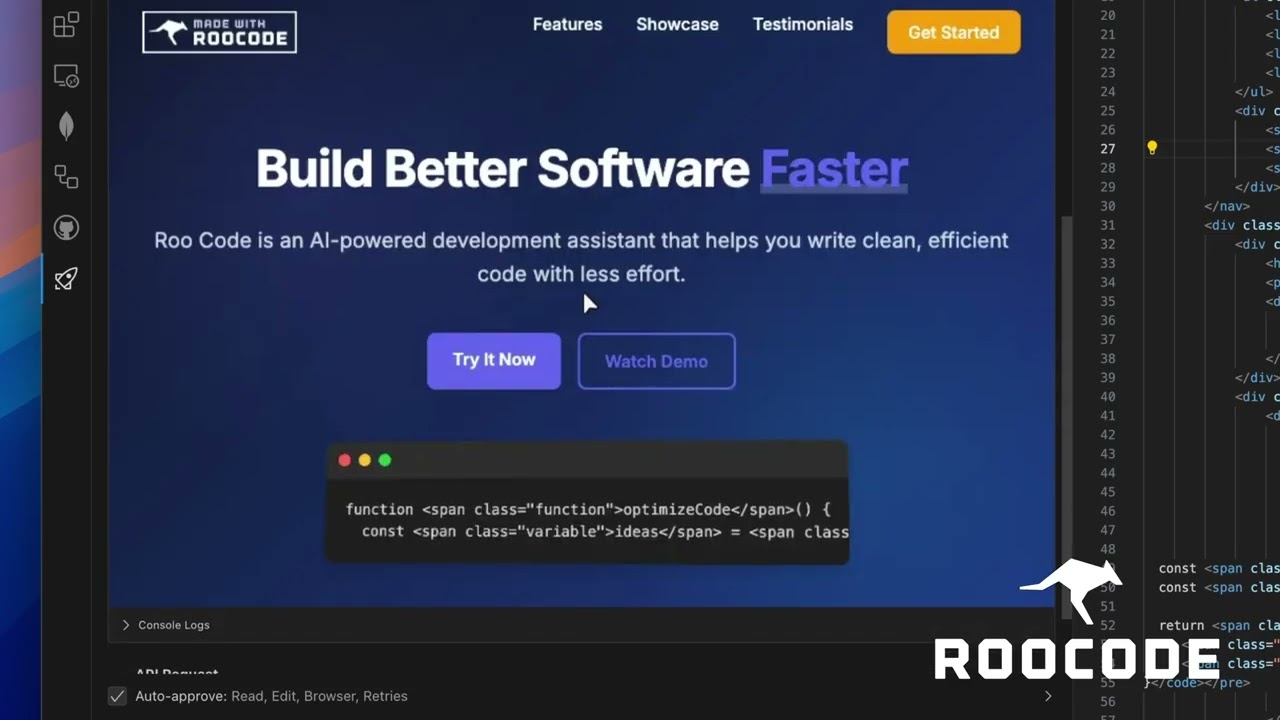
Roo Code is an open-source VS Code extension that integrates AI agents for coding assistance. It supports multi-file operations, command execution, and workflow automation through natural language prompts. The tool reads entire codebases for context and applies diff-based edits to maintain code integrity.
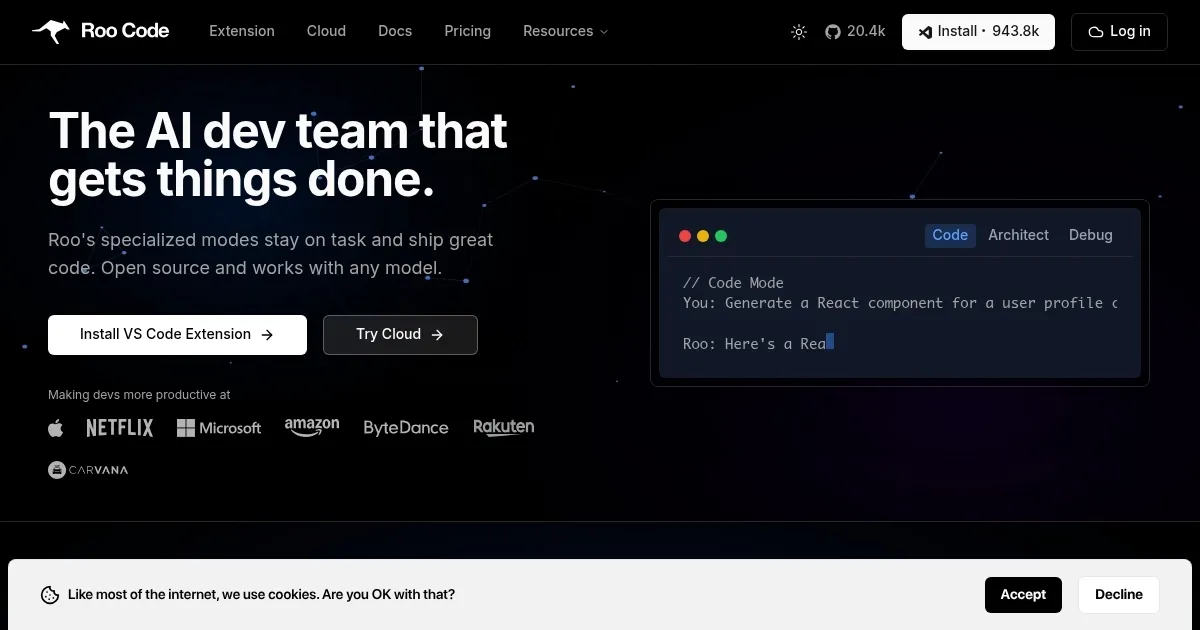
Key features include specialized modes such as Code Mode for implementation, Architect Mode for system planning, and Debug Mode for error resolution. Users configure AI models like OpenAI GPT, Anthropic Claude, or local LLMs via the Model Context Protocol. Permission controls require approval for file changes and terminal commands, including npm installs or test runs. Automated browser actions enable UI verification directly from the editor.
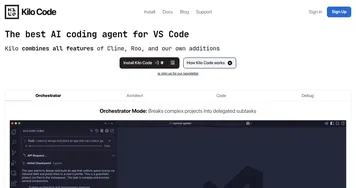
In comparisons, Roo Code offers greater flexibility than GitHub Copilot, which focuses on inline completions but lacks agentic multi-step tasks. Copilot uses a subscription model starting at $10 monthly, while Roo Code remains free, with costs tied only to selected AI APIs. Against Cursor, a VS Code fork with built-in AI, Roo Code avoids ecosystem shifts and supports custom modes for tasks like security audits. Cursor’s pro tier at $20 monthly provides unlimited access, but Roo Code’s open nature allows self-hosting for enterprises.
Users report benefits in productivity for refactoring and prototyping, with recent GitHub commits showing enhancements in context handling for large projects. Drawbacks include occasional prompt sensitivity leading to iterative fixes and higher token usage in complex scenarios. Enterprise use cases involve on-premise models for compliance, as detailed in official documentation.
For implementation, install via the VS Code Marketplace, add API keys in settings, and start with targeted prompts in the Roo panel. Use .rooignore files to exclude sensitive data and monitor token costs through provider dashboards.
Homepage Screenshot 📸
Video Overview 🎬
What are the key features? ✨
- AI Dev Team in VS Code: Deploys agentic AI assistants to plan, write, and fix code across multiple files in the editor.
- Specialized Modes: Provides switchable modes like Code, Architect, and Debug for targeted development scenarios.
- Deep Project Context: Analyzes the entire codebase using diff-based edits to enable seamless multi-file refactors.
- Model-Agnostic Support: Integrates with any AI model, including OpenAI, Anthropic, or local LLMs, via the Model Context Protocol.
- Guarded Executions: Requires user approval for commands, file changes, and browser actions to maintain control.
Who is it for? 🤔
Examples of what you can use it for 💡
- Solo Developer: Uses Architect Mode to outline and implement a full-stack web app prototype from a single prompt, handling file creation and dependency setup.
- Team Lead: Employs Debug Mode to identify and fix bugs across interconnected modules in a shared repository, with approval gates ensuring safe changes.
- Enterprise Engineer: Leverages self-hosted LLMs for compliant code reviews, analyzing security vulnerabilities without sending data externally.
- Frontend Specialist: Activates browser actions to test UI components, automating form validations and reporting issues back in the editor.
- Educator or Junior Dev: Runs simple refactors with explanations, building skills by reviewing AI-generated diffs and plans.
Pros & Cons ⚖️
- Open-source flexibility
- Multi-file context awareness
- Customizable modes
- Prompt sensitivity issues
FAQs 💬
Ready to try Roo Code?
Assists developers in coding, refactoring, and debugging via AI agents in VS Code
Visit Roo Code