SaneBox
An AI email management tool that aims to help users regain control over their inboxes
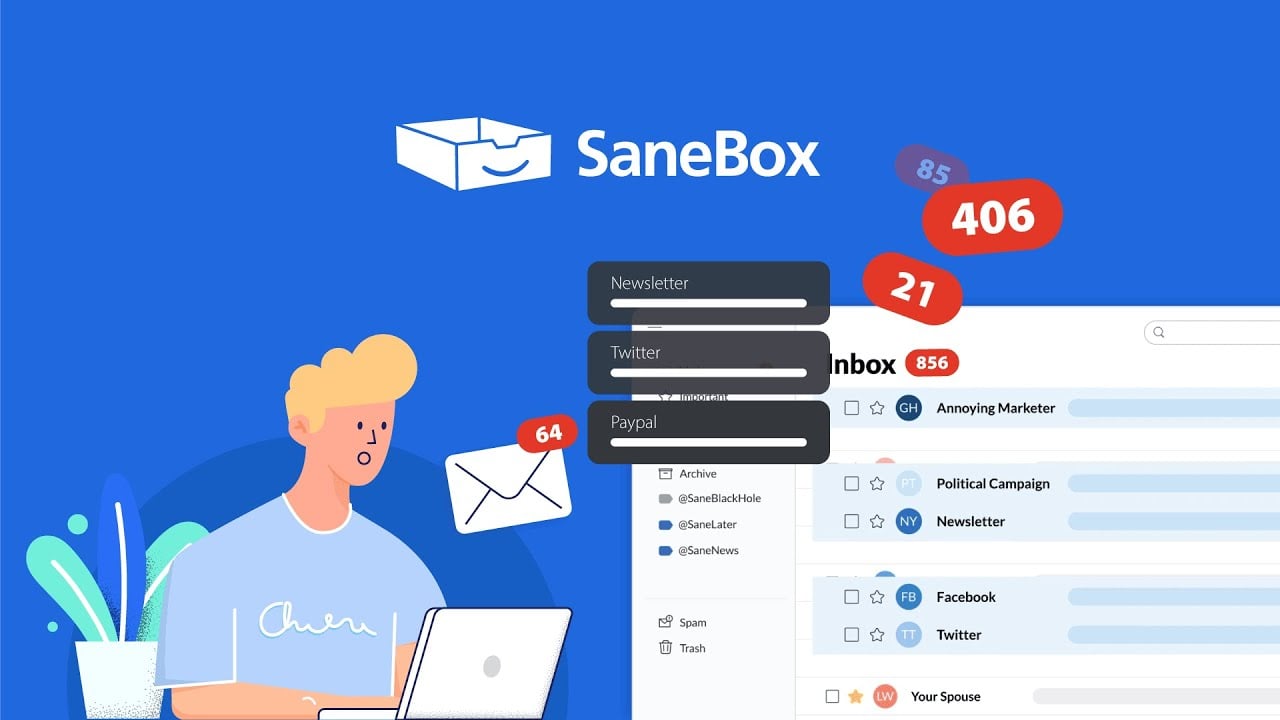
SaneBox is an AI-powered email management tool that aims to help users regain control over their inboxes. By analyzing your email habits, it sorts incoming messages to ensure that important emails stay in your inbox while less critical ones are moved to folders like “SaneLater” for future review. This intelligent filtering promises to save users up to 2.5 hours per week, allowing more time for other tasks.
One of the coolest features, called SaneBlackHole, lets you banish unwanted senders by moving their emails to this folder. From that point on, future messages from that sender will go straight to trash. It’s like having a personal bouncer for your inbox.
In addition, there are SaneReminders that make sure you never miss a follow-up by alerting you if someone hasn’t replied within a set time. Combined, these tools streamline email management, making daily communication more efficient.
As you start using SaneBox, you will most certainly notice a significant reduction in inbox clutter. The SaneLater folder will neatly collect less urgent emails, allowing you to focus on pressing matters.
Also, over time, SaneBox’s AI will be more attuned to your preferences, enhancing its sorting accuracy. This adaptability will make managing emails feel less like a chore and more like a seamless part of your workflow. And that’s the whole point.
SaneBox offers a 14-day free trial, after which you are required to sign-up to one of their plans. Considering the time saved and increased productivity, it could be a worthwhile investment for professionals and anyone overwhelmed by email overload. Check it out.
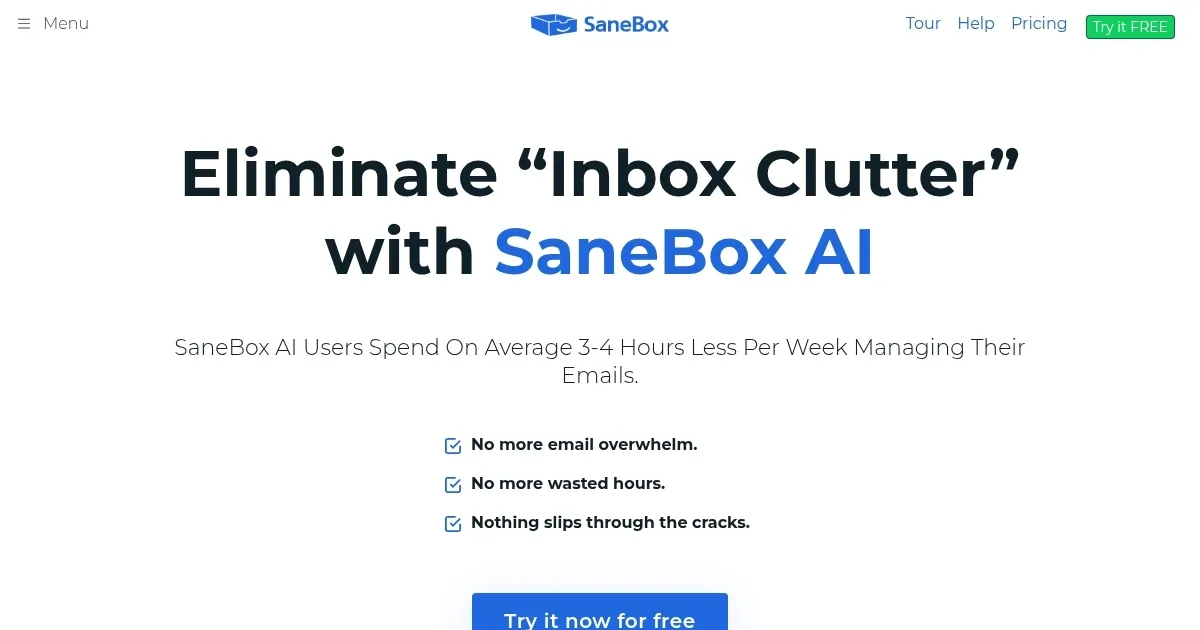
Homepage Screenshot 📸
Video Overview 🎬
What are the key features? ✨
- Intelligent email filtering: SaneBox analyzes your email habits to determine which messages are important, automatically moving less critical emails to a separate folder. This, in turn, ensures your main inbox contains only the emails that matter most, reducing clutter and saving you time.
- SaneReminders: If you're waiting for a response and don't receive it by a specified time, SaneBox will remind you to follow up.
- SaneBlackHole: Easily unsubscribe from unwanted senders by moving their emails to the SaneBlackHole folder. Future emails from these senders will bypass your inbox entirely.
- Attachment management: SaneBox can automatically move email attachments to a cloud storage service of your choice, such as Dropbox or Google Drive, to declutter your inbox and ensure your attachments are stored securely and accessibly.
- Custom training folders: You can create custom folders to train SaneBox on how to handle specific types of emails. By moving emails into these folders, SaneBox learns your preferences and applies them to future messages.
Who is it for? 🤔
Examples of what you can use it for 💡
- Individuals receiving a high volume of emails daily can use SaneBox to automatically sort and prioritize messages
- Freelancers and entrepreneurs can use it to organize emails, set follow-up reminders, and ensure timely responses
- Students and academics can use it for filtering and highlighting essential communications, helping them stay on top of their academic responsibilities
- Sales and marketing professionals can set reminders for follow-ups and filter non-essential emails
- For individuals striving to achieve and maintain an empty inbox, SaneBox provides the tools to sort, prioritize, and manage emails efficiently
Pros & Cons ⚖️
- Reduces inbox clutter by moving unimportant emails
- Saves up to 12 hours of time per month
- Follow-up reminders alone are worth the price
- Could be costly for multiple accounts
Ready to try SaneBox?
An AI email management tool that aims to help users regain control over their inboxes
Visit SaneBoxSaneBox alternatives 🔗