Simon Says
An AI-powered transcription and translation tool that can convert audio and video files into text
Simon Says is an AI-powered transcription and translation tool designed to streamline conversion of audio and video files into text. In that sense, it is particularly useful for content creators, journalists, and professionals who need accurate and quick transcriptions.
The platform supports more than 100 languages, making it useful for international projects. Furthermore, its integration with popular editing software like Final Cut Pro, Adobe Premiere Pro, and DaVinci Resolve allows for seamless workflow transitions.
Simon Says offers both cloud-based and on-premise solutions, catering to different (security) needs. The on-premise version is ideal for sensitive projects requiring enhanced data protection.
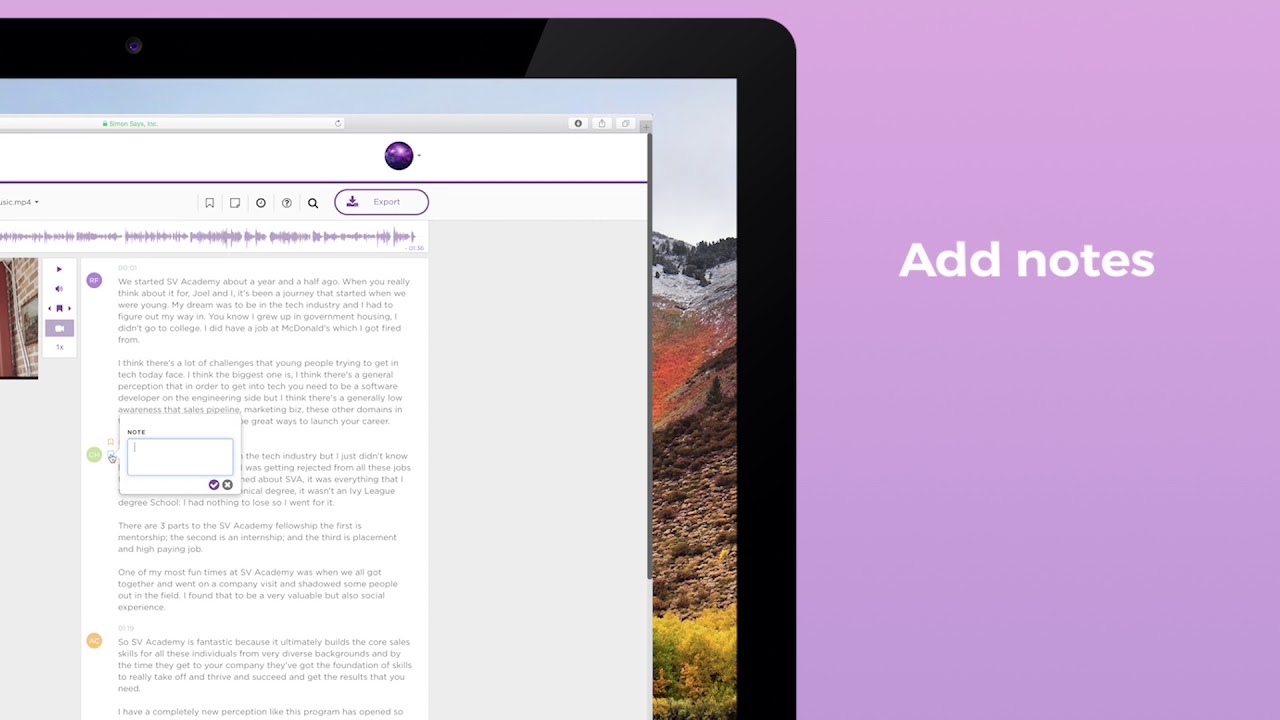
As a user, you can edit transcripts directly within the platform, add speaker names, and export in various formats — including SRT and Word documents. This flexibility simplifies the post-production process.
As that’s expected, the accuracy can vary depending on audio quality and speaker accents. Therefore, reviewing and editing the transcripts is recommended to ensure precision — which applies to all such services, one would add.
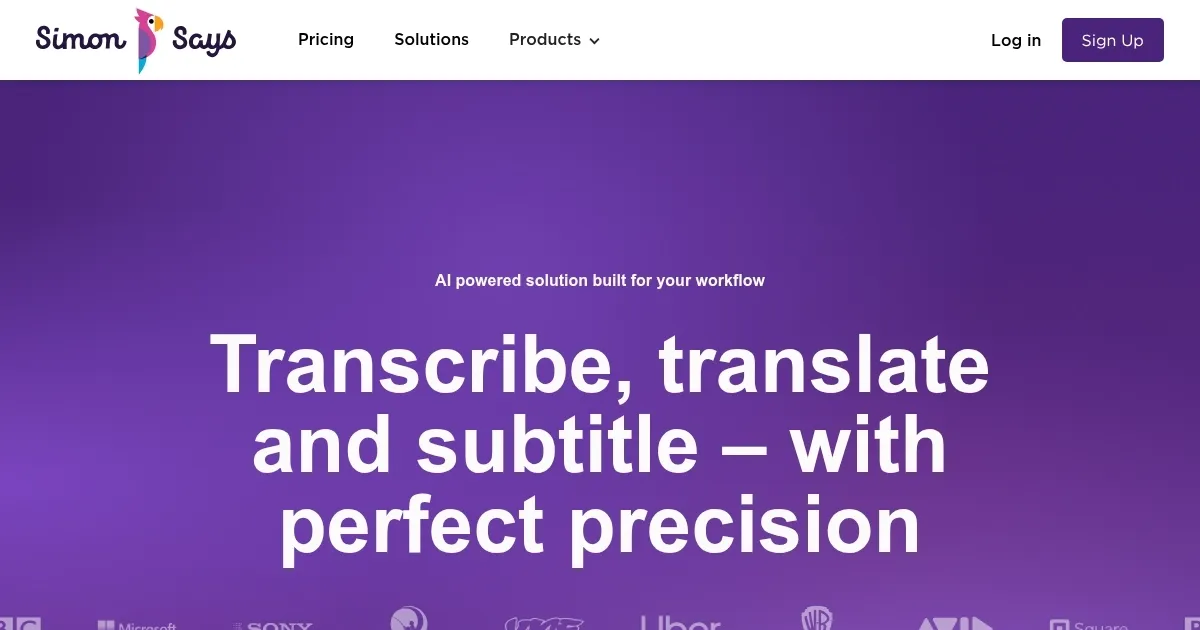
Homepage Screenshot 📸
Video Overview 🎬
What are the key features? ✨
- Multilingual support: Transcribes and translates content in over 100 languages, accommodating a global user base.
- Integrations: Compatible with major editing tools, facilitating a smooth editing process.
- On-premise option: Provides a secure solution for projects with strict confidentiality requirements.
- Editable transcripts: Allows users to refine transcriptions within the platform.
- Multiple export formats: Supports various file formats for easy sharing and collaboration.
Who is it for? 🤔
Examples of what you can use it for 💡
- Generate subtitles and transcripts for videos
- Journalists can transcribe interviews efficiently
- Educators can create accessible learning materials
- Document meetings and conferences with the help of AI
- Lawyers can use it for the transcription of legal recordings for documentation
Pros & Cons ⚖️
- Multi-language support
- Integration with existing editing tools
- On-premise solutions for sensitive projects
- Transcription accuracy may fluctuate based on audio quality and accents
Ready to try Simon Says?
An AI-powered transcription and translation tool that can convert audio and video files into text
Visit Simon SaysSimon Says alternatives 🔗