logo-darklogo-darklogo-darklogo-dark
  • Tool Categories
    • 🎨Art & Creative Design505
    • 🏢Business Management644
    • 💻Coding & Development515
    • 👮Detection83
    • 🧠General Use727
    • 🏥Health & Wellness55
    • 📷Image & Photo Analysis100
    • 🖼️Image Generation & Editing618
    • 📐Interior & Architectural Design37
    • 🎓Learning & Education483
    • ⚖️Legal & Finance90
    • 🎭Lifestyle & Entertainment236
    • 📢Marketing & Advertising627
    • 🎧Music & Audio138
    • 👔Office & Workplace1,014
    • 🔬Research & Data Analysis372
    • 👥Social Media245
    • 🎥Video Generation & Editing426
    • 👧🏻Virtual Companion135
    • 🎤Voice Generation & Editing381
    • ✍️Writing & Editing808
    • All Categories
    • AI Use Cases
  • News
  • Events
    • Academic Conferences
    • Developer Conferences
    • Expos / Trade Shows
    • Industry Summits
    • Workshops / Training
    • All Events
    • Past Events
  • Saved Tools
  • Suggest a Tool
✕
Home › Office & Workplace › Presentation Generation› SlideSpeak
SlideSpeak

SlideSpeak

An AI tool designed to streamline presentation design and summary

SlideSpeak is an AI tool designed to streamline presentation design and summary. Powered by ChatGPT, it allows users to create presentations from text files such as Word or PDF files with just a few clicks. This, in turn, makes SlideSpeak useful for professionals who need to quickly turn detailed reports or documents into beautiful slides.

SlideSpeak can also summarize longer PowerPoint, Word, and PDF documents — making it easy to extract key points without flipping through pages of content. This feature is especially handy for students, researchers and business professionals who need to review large amounts of information.

In addition, SlideSpeak enables users to have “conversations” with their documents. Yes, this means the tool uses AI to effectively turn static documents into communication objects to provide answers to your questions.

Finally, we should also say that SlideSpeak prioritizes user privacy and data security. All uploaded documents are processed securely, and data encryption ensures sensitive information is protected.

So, whether you’re creating a presentation or summarizing documents – SlideSpeak offers a powerful, user-friendly solution that leverages AI to streamline and optimize your workflow.

Visit SlideSpeak ↗
Categories
👔 Work
💬 Presentation Generation 📽️ PPT Generation 📄 Document Generation 📑 PDF Summarizer 📕 PDF ⚡ Work Productivity

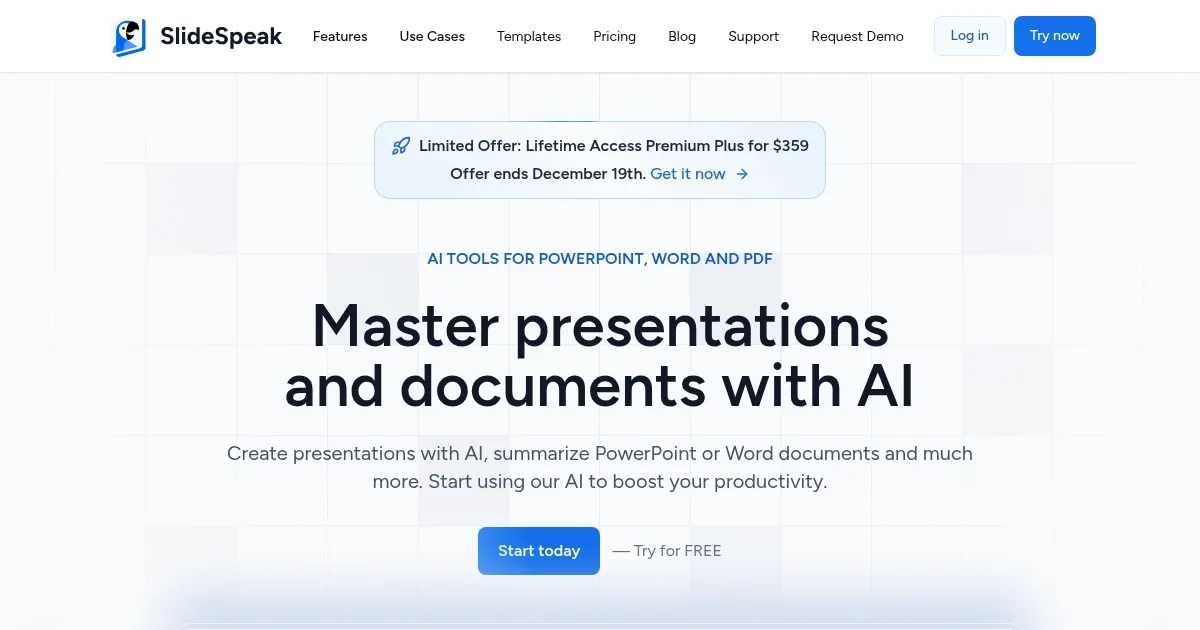
Homepage Screenshot 📸

SlideSpeak screenshot

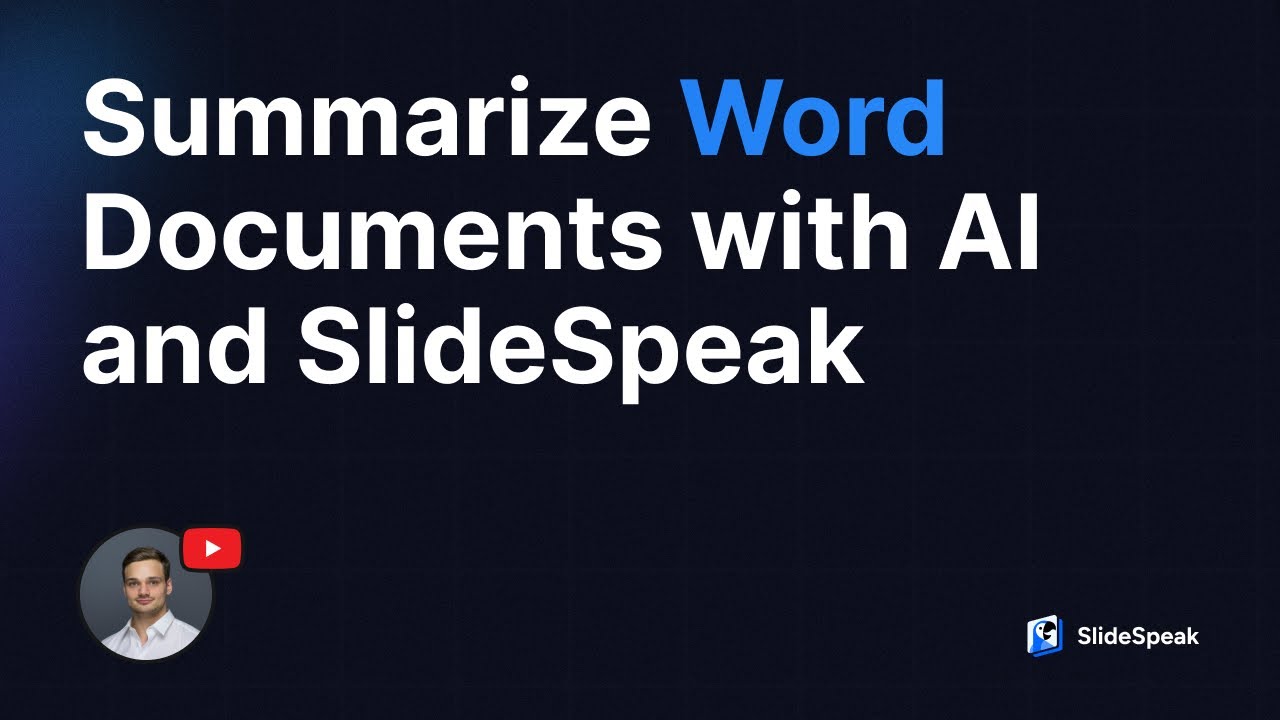
Video Overview 🎬

SlideSpeak - Video Overview

What are the key features? ✨

  • AI-generated presentations: SlideSpeak uses AI to create PowerPoint presentations from text documents.
  • Summarization: The platform can summarize PowerPoint, Word, and PDF documents using advanced AI algorithms.
  • Chat with documents: Users can interact with their uploaded documents, asking questions and receiving detailed answers about the content.
  • Cloud integration: SlideSpeak supports importing files from cloud storage to integrate into the existing workflow.
  • User-friendly interface: The tool is designed to be easy to use, even for those with minimal technical skills.

Who is it for? 🤔

SlideSpeak is made for business professionals, students, educators, content creators, marketers, and researchers. The platform's AI-powered features make it an attractive tool for anyone needing to quickly create or summarize presentations and documents. Its ease of use and cloud integration further broaden its appeal to a range of users looking for efficient document management solutions.

Examples of what you can use it for 💡

  • Create and summarize presentations for meetings and reports
  • Generate educational presentations and summarize lecture notes and research papers
  • Turning written content into visual presentations for videos or online courses
  • Prepare marketing presentations and campaign reports with minimal effort
  • Summarize complex documents and generate presentations for conferences and seminars

Pros & Cons ⚖️

  • Turn documents into presentations
  • Summarize large presentations and documents
  • Good for different user groups
  • These features are also available in PowerPoint and Google Sheets (when you pay)

FAQs 💬

What types of files can I upload to SlideSpeak?
You can upload PowerPoint (PPTX), Word documents, and PDFs. The AI then works with these to generate presentations, summaries, or answer questions.
Does SlideSpeak generate presentations from scratch?
Yes, you can describe a topic or provide text input, and the AI creates a full presentation with suggested layouts and content.
Can I edit the AI-generated slides?
Absolutely, the generated presentations come in native PowerPoint format, so you can open them in PowerPoint and make any changes you want.
How does the AI chat feature work?
After uploading a document, you chat with the AI like talking to ChatGPT, asking it to summarize sections, explain points, or pull out action items.
Is SlideSpeak good for educators?
Many teachers use it to turn lecture notes or Word docs into student-friendly slides quickly, often reducing preparation time significantly.
Does it support multiple languages?
Yes, it creates presentations in over 50 languages and includes AI-powered translation features.
Can I keep my brand styling?
The tool often respects uploaded templates or lets you apply brand colors, fonts, and styles to maintain consistency.
What makes SlideSpeak different from Gamma or Tome?
It specializes in converting existing documents (PDF/Word/PPT) into editable PowerPoint slides, while Gamma and Tome focus more on prompt-based creation with interactive/web-style designs.

Ready to try SlideSpeak?

An AI tool designed to streamline presentation design and summary

Visit SlideSpeak ↗

SlideSpeak alternatives 🔗

  1. Canva Magic Design Canva Magic Design Generates custom, on-brand designs from text prompts or uploaded media in seconds.
  2. Adobe Express Adobe Express Creates on-brand content with AI-driven design and video tools
  3. Gamma Gamma An AI tool for creating presentations, documents, or webpages.
  4. Prezi Prezi Creates engaging AI-powered presentations in seconds
  5. MiriCanvas MiriCanvas Creates stunning designs with AI-powered templates and editing tools
  6. Genspark Genspark An innovative AI-powered search engine designed to improve how we access information online
Share
SlideSpeak screenshot enlarged
Promote SlideSpeak
light badge
Copy Embed Code
dark badge
Copy Embed Code
neutral badge
Copy Embed Code
Best AI Tools

Discover the best AI tools for any use case

Explore
  • Tool Categories
  • AI Use Cases
  • AI Events
  • AI News
  • Saved Tools
Company
  • About Us
  • Contact Us
  • Media & Partnerships
  • Suggest a Tool
Legal
  • Privacy Policy
  • Terms of Service
Copyright © 2026 Best AI Tools 415 Mission Street, 37th Floor, San Francisco, CA 94105