Spikes Studio
Video editing tool for content creators looking to repurpose long-form videos into short clips
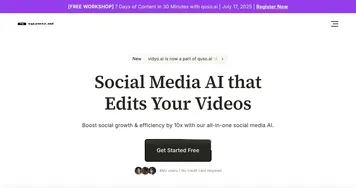
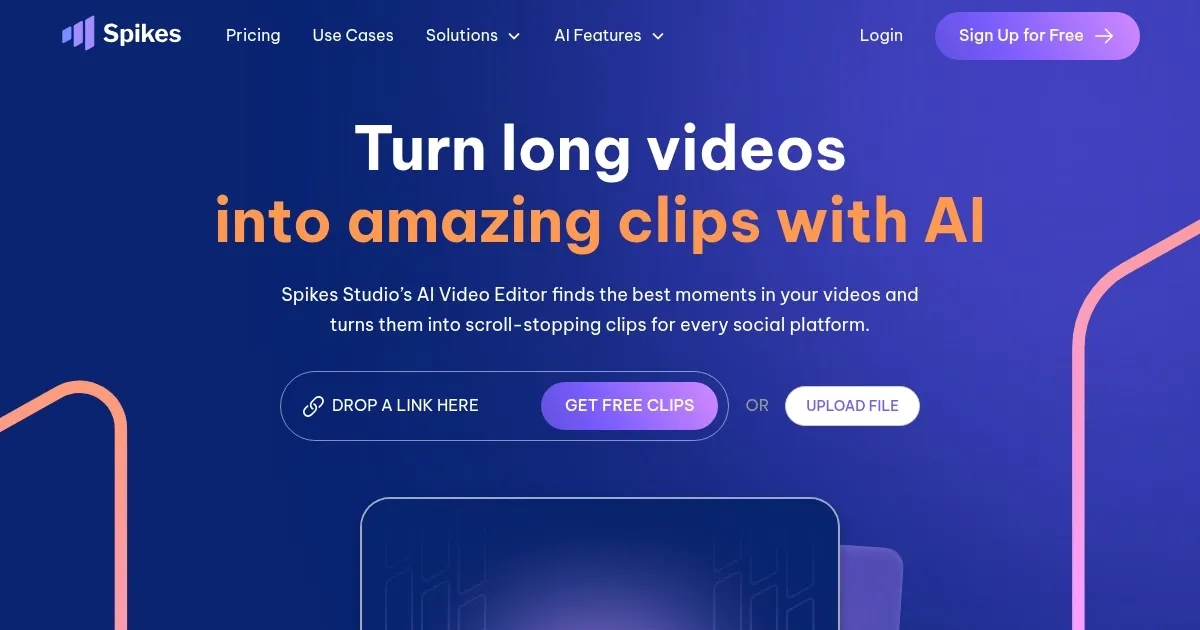
Spikes Studio is an AI-powered video editing tool designed for content creators looking to repurpose long-form videos into short clips optimized for social media platforms like YouTube Shorts, TikTok, and Instagram Reels. In that sense, the platform automates the process of finding key highlights in long videos, helping creators save time by quickly identifying and generating clips that are ready to post.
Spikes Studio can auto-detect scenes and apply customizations such as auto-captions, hashtags, and descriptions to enhance the discoverability of your content. The AI-driven editor is intuitive, allowing users to easily trim or edit clips, add music, and tweak timestamps. The tool supports multi-language captions in over 99 languages, making it accessible to a global audience and allowing creators to engage viewers in multiple regions. In addition, the ability to automatically format clips for different social media aspect ratios (such as 9:16 for TikTok or 1:1 for Instagram) ensures that videos are perfectly suited for each platform.
It is also worth adding that Spikes Studio offers an efficient workflow integration, as it allows importing videos from multiple sources like Google Drive or YouTube and instantly posting clips through its in-app publisher.
While the platform offers a freemium model, more advanced features, such as bulk editing and extended clip length, require a subscription.
In a nutshell, Spikes Studio is an excellent option for those looking to scale their content creation efforts efficiently, particularly for short-form video platforms.
Homepage Screenshot 📸
Video Overview 🎬
What are the key features? ✨
- AI-powered clip generation: Automatically creates engaging clips from live streams or recorded videos, tailored for platforms like YouTube, TikTok, and Twitch.
- Optimized for social platforms: Provides tools to resize and format clips for specific platforms, ensuring high-quality, platform-specific content.
- Quick editing tools: Users can edit clips easily with in-built tools, adding overlays, captions, and effects.
- Automated highlights: Detects key moments in videos, making it easy to find the best clips without manual searching.
- Easy sharing: Offers seamless integration for directly posting clips on multiple social media platforms.
Who is it for? 🤔
Examples of what you can use it for 💡
- Automatically generate and share clips of top moments from gaming streams on Twitch or YouTube
- Quickly create and optimize short-form videos for TikTok or Instagram Reels
- Easily extract and promote key moments from webinars or longer videos to engage audiences
- Repurpose existing long-form content into smaller clips for various platforms
- Increase interaction by sharing highlight reels or moments that spark conversations with followers
Pros & Cons ⚖️
- Automates highlight extraction from streams
- Significantly reduces editing time
- Works with over 20 languages
- AI-generated highlights might occasionally miss the mark
Ready to try Spikes Studio?
Video editing tool for content creators looking to repurpose long-form videos into short clips
Visit Spikes StudioSpikes Studio alternatives 🔗