Ssemble
An AI tool made to transform your YouTube videos into engaging short
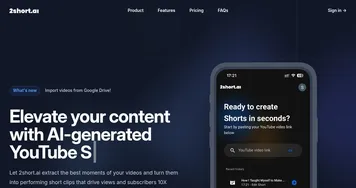
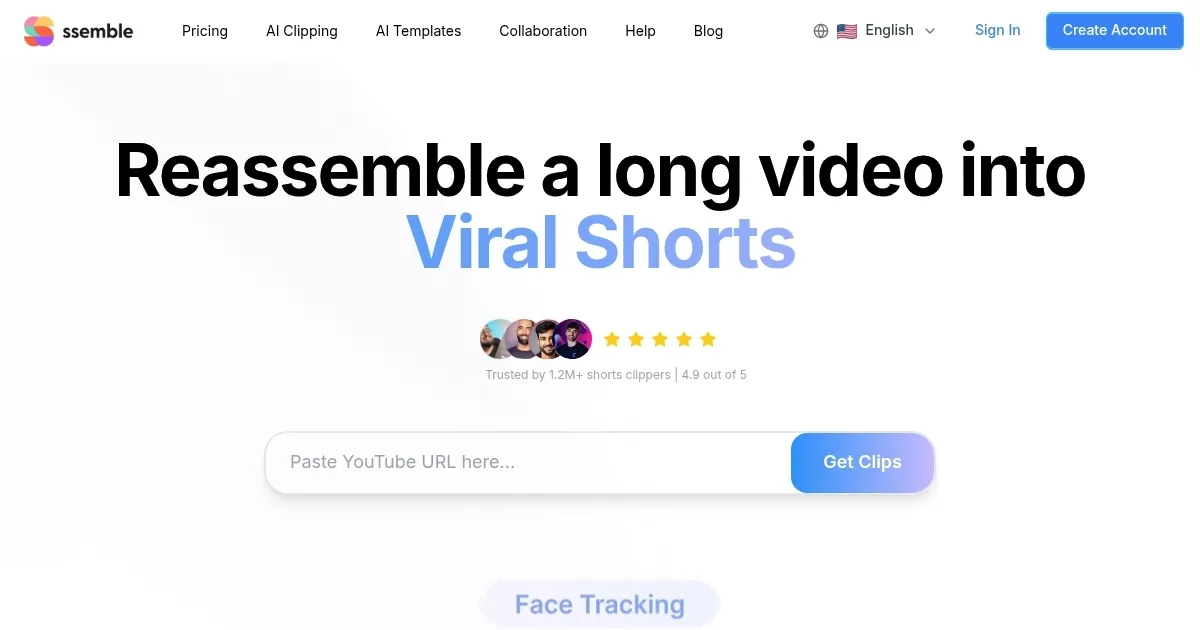
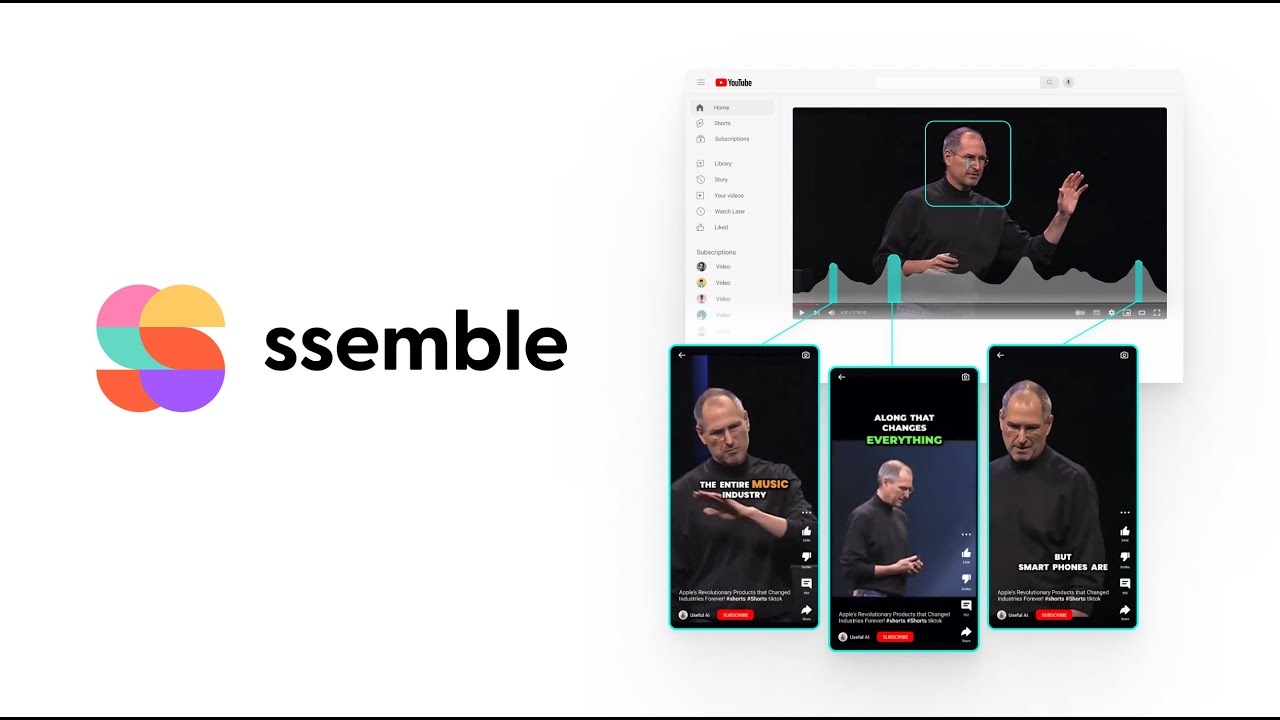
Ssemble is an AI tool made to transform your YouTube videos into engaging shorts. It automates the process of creating short videos from existing YouTube content, helping to expand your audience by making your videos more accessible and attractive to viewers who prefer shorter formats.
Easy to use, the platform allows users to customize their shorts with various features and effects. Ssemble’s AI-driven technology ensures that the most engaging parts of your videos are highlighted, making each short captivating and effective in retaining viewer attention.
The tool can also compress videos without compromising quality. This is useful for creators who need to manage storage space or want to ensure quick uploads. In addition, Ssemble includes a YouTube converter, making it easy to repurpose content across different platforms.
Furthermore, the tool offers various plugins that enhance its functionality, enabling users to add more features. This modular approach enables creators to tailor the tool to their specific needs, whether focused on social media, marketing, or personal content creation.
All in all, Ssemble is a powerful tool that leverages AI to streamline video creation and optimization. It is ideal for content creators looking to maximize their output and engagement with minimal effort.
Homepage Screenshot 📸
Video Overview 🎬
What are the key features? ✨
- Video formatting for YouTube Shorts: Ssemble ensures your content fits the vertical format required for YouTube Shorts, optimizing the visual appeal and viewer experience accordingly.
- Subtitle integration: Easily add and position subtitles anywhere on your video, enhancing accessibility and engagement for a wider audience.
- Direct export to YouTube Shorts: Export your edited videos directly to YouTube Shorts, streamlining the workflow from creation to publishing.
- Universal compatibility: The tool is accessible from any web browser and supports a variety of video formats, such as MP4, MOV, and AVI, making it a good option for all types of users.
- Customizable audio: Incorporate your choice of music or sound effects with plugins like Freesound for a wide range of high-quality sound options.
Who is it for? 🤔
Examples of what you can use it for 💡
- Create engaging shorts from existing long-form videos, making the content more digestible and shareable
- Social media managers can use it to create creating short, impactful videos tailored for various platforms
- Educators and trainers can use it to turn lectures and training sessions into brief, focused clips that highlight key points
- Small business owners can produce promotional videos that can be easily shared across social media
- Freelance video editors get an efficient tool for producing high-quality content for clients without investing in expensive software
Pros & Cons ⚖️
- An easy way to create videos for YouTube Shorts
- Lets you reach more potential customers on social media
- No need to hire an additional person for the job - anyone can do it
- Not suitable for all kinds of videos
Ready to try Ssemble?
An AI tool made to transform your YouTube videos into engaging short
Visit Ssemble