UI Auditor by Feedspace
An AI-powered tool designed to enhance user interfaces by conducting automated audits
UI Auditor by Feedspace is an AI-powered tool designed to enhance user interfaces by conducting automated audits of an app or website’s design. In that sense, it can be particularly useful for developers and designers who want to improve the usability and aesthetics of their digital products.
By simply uploading a screenshot of your user interface, UI Auditor will analyze the design and provide actionable recommendations to optimize the user experience. Such an approach allows for quick, efficient identification of issues that might otherwise require extensive manual review.
UI Auditor can assess different aspects of the user interface, including consistency, accessibility, and overall user satisfaction. It does that by leveraging AI to identify potential design flaws, ensuring that your interface not only looks good but is also functional and accessible to all users. This makes UI Auditor valuable for teams looking to enhance their product’s user experience without the need for extensive manual testing.
Aside from its auditing capabilities, UI Auditor provides detailed reports that help you understand where your design stands and what specific improvements can be made. These reports are written in an easy-to-understand manner, offering practical steps to refine your UI and making the design process more efficient and focused.
In summary, UI Auditor is a powerful tool for anyone involved in UI/UX design. Its combination of AI-driven insights and reporting makes it super-useful for maintaining high design standards and ensuring that your digital products are both visually appealing and provide an optimal user experience. Check it out.
Homepage Screenshot 📸
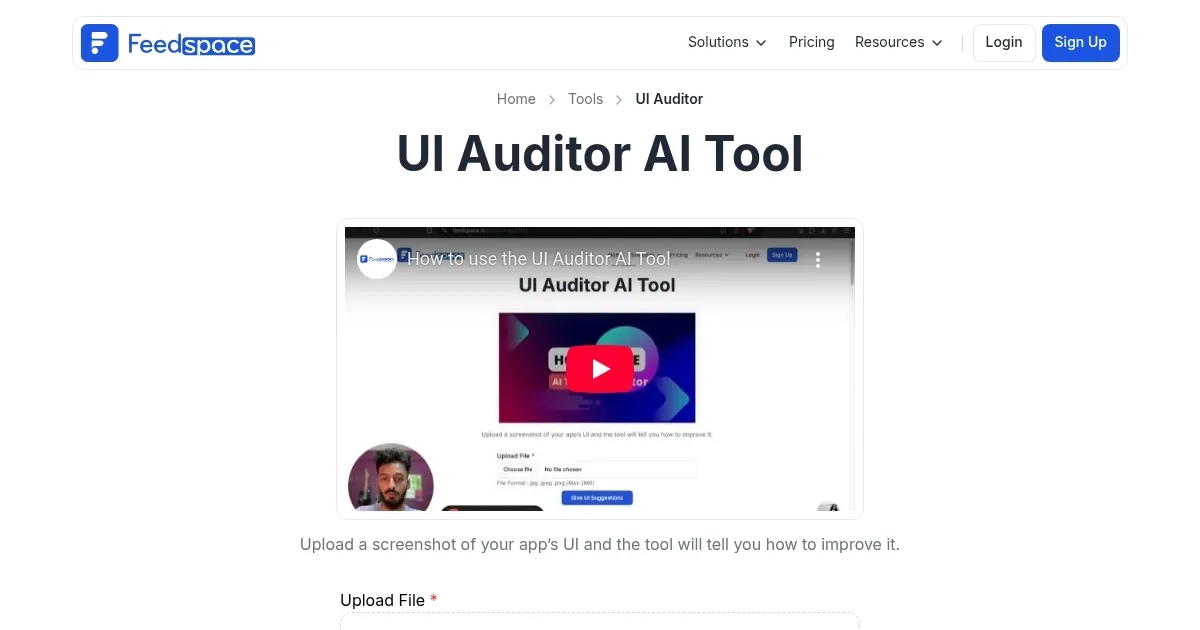
Video Overview 🎬
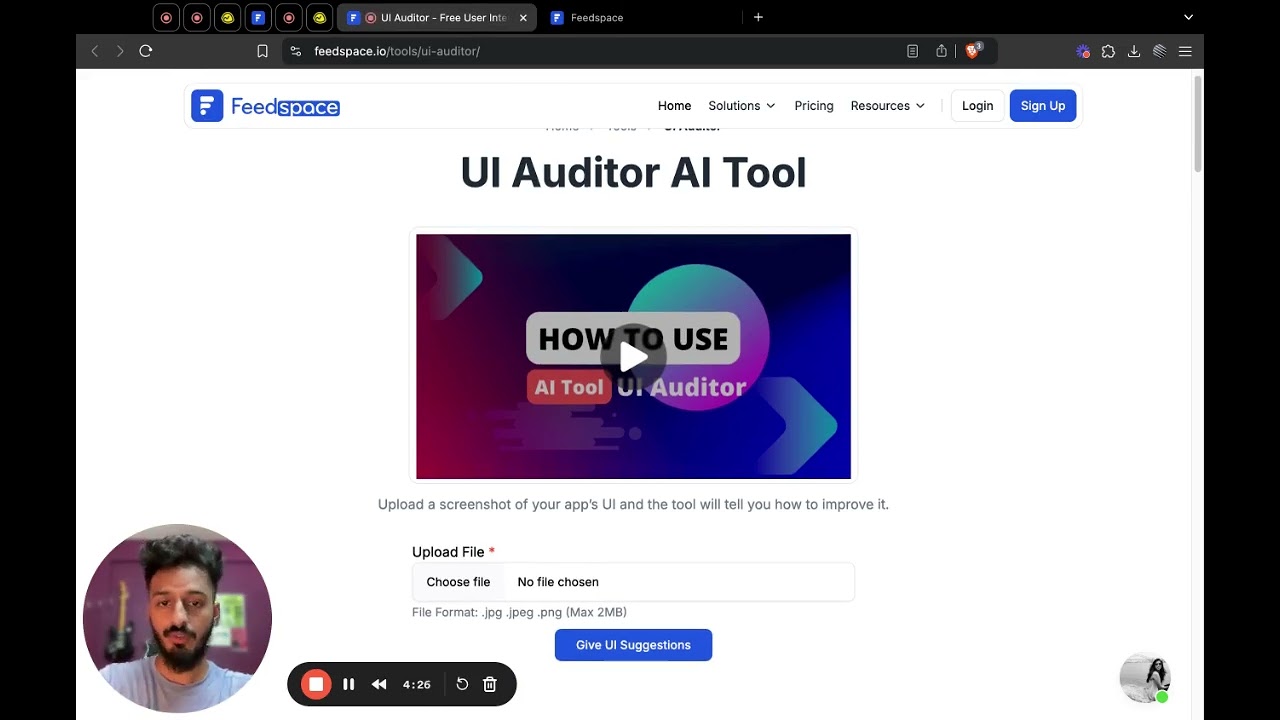
What are the key features? ✨
- Instant UI Feedback: Analyzes uploaded screenshots and delivers quick, detailed insights on design strengths and weaknesses.
- Actionable Suggestions: Provides specific, reasoned recommendations to fix issues like layout, contrast, and button placement.
- Honest Critique: Offers critical and direct feedback that highlights problems without unnecessary praise.
- Easy Screenshot Upload: Simple drag-and-drop or file select interface for fast analysis without setup.
- Free Access: Completely free tool with no mentioned limits or required account for basic use.
Who is it for? 🤔
Examples of what you can use it for 💡
- Product Designer: Uploads prototype screenshots to spot usability issues and refine layouts before developer handoff.
- Indie Developer: Analyzes app screen designs to improve button placement and flow for better user retention.
- Marketer: Evaluates landing page templates or live pages to boost conversions through clearer calls-to-action and hierarchy.
- Startup Founder: Checks website UI quickly when no in-house designer exists to ensure professional appearance on limited budget.
- Freelance Creator: Compares multiple design variations rapidly to select strongest options for client presentations.
Pros & Cons ⚖️
- Completely free to use
- Fast analysis results
- Honest and direct feedback
- Practical fix suggestions
- Depends on clear screenshots
- May miss brand context
FAQs 💬
Ready to try UI Auditor?
An AI-powered tool designed to enhance user interfaces by conducting automated audits
Visit UI Auditor