Visoid
Creates stunning 3D architectural visualizations from models in minutes using AI
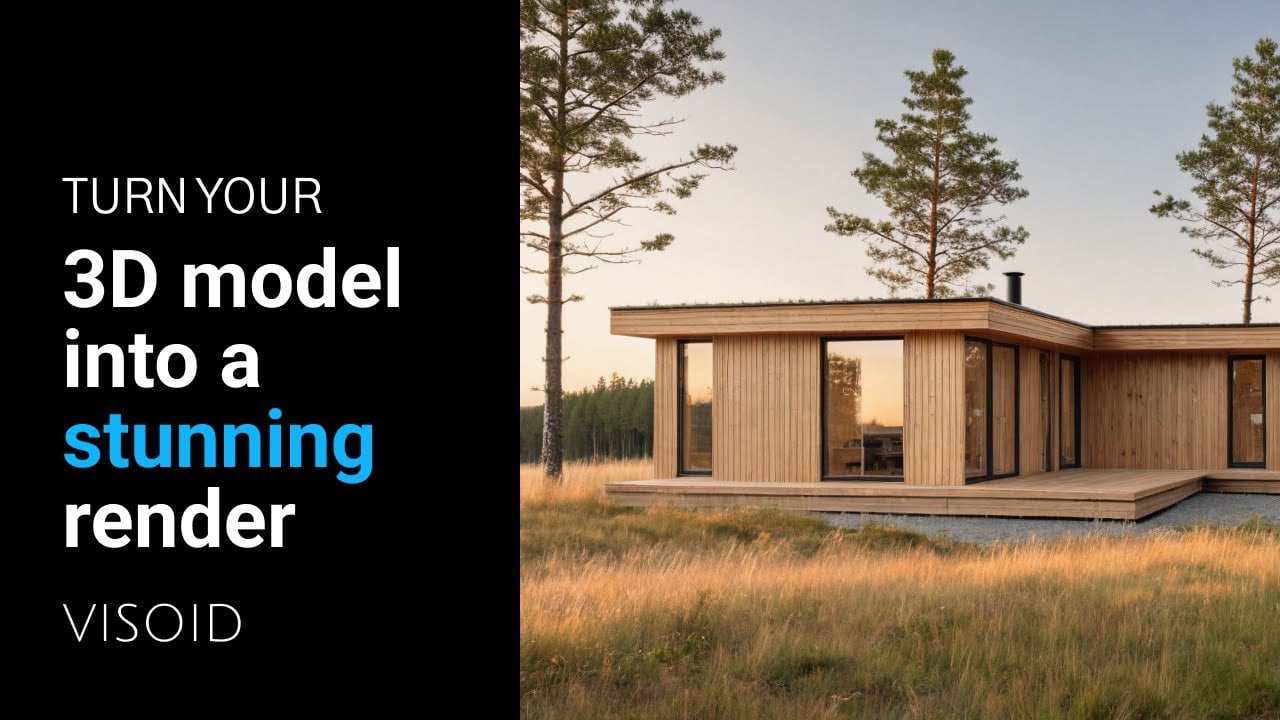
Architectural visualization used to be a slog. Hours spent tweaking textures, lighting, and camera angles in complex software, only to wait ages for a render that might not even hit the mark. Enter Visoid, a cloud-based, AI-driven tool that’s shaking up the game for architects and designers. Found at visoid.com, this platform promises to churn out photorealistic renders in minutes, not hours, and it’s built to slot right into your existing workflow. I think it’s a breath of fresh air, but let’s unpack what makes it tick, what it fumbles, and whether it’s worth your time.
Visoid’s biggest flex is its speed. Upload a 3D model from software like SketchUp, Revit, or Archicad, set a few basic parameters, and boom — high-quality renders appear faster than you can brew a coffee. The AI handles the heavy lifting, automating scene building, lighting, and material application. Features like the Iterative Render Mode let you tweak lighting or textures on the fly, so you can test a design in morning fog or autumn dusk without starting from scratch. It’s like having a super-smart assistant who knows exactly what you’re going for. The cloud-based setup means no beefy hardware is needed, which is a godsend for freelancers or small firms working on modest machines. Plus, plugins for tools like Enscape or Twinmotion make integration a breeze.
But it’s not all sunshine. Some users might find the customization options a bit thin compared to heavyweights like V-Ray or Lumion. While Visoid’s AI is great at producing polished results quickly, it can feel restrictive if you’re aiming for hyper-specific aesthetics or complex material effects. The reliance on a stable internet connection is another hiccup — cloud rendering is slick, but if your Wi-Fi drops, you’re stuck. Recent posts on X and reviews on sites like Techjockey note that while the interface is beginner-friendly, there’s a slight learning curve for mastering iterative tweaks. Still, the ability to render from simple sketches or even Photoshop collages is a surprise win, especially for early-stage concepts.
The pricing structure is flexible, with a free trial and subscription plans that scale from solo architects to larger teams. Compared to competitors like Enscape or Twinmotion, Visoid’s plans are competitive, especially for those prioritizing speed over granular control. User feedback on platforms like LinkedIn praises the tool’s ability to save time — some claim it cuts visualization workflows by up to 90%. That said, firms with niche needs, like advanced VR integration, might lean toward Lumion or V-Ray for their deeper feature sets.
What’s the takeaway? If you’re an architect or designer looking to churn out client-ready visuals without the usual hassle, Visoid is a solid pick. Start with the free trial to see if it fits your workflow. Experiment with its iterative tools to test design variations early on. If you need ultra-specific renders, pair it with a more customizable tool. For most, though, Visoid’s speed and ease make it a no-brainer for getting projects across the finish line.
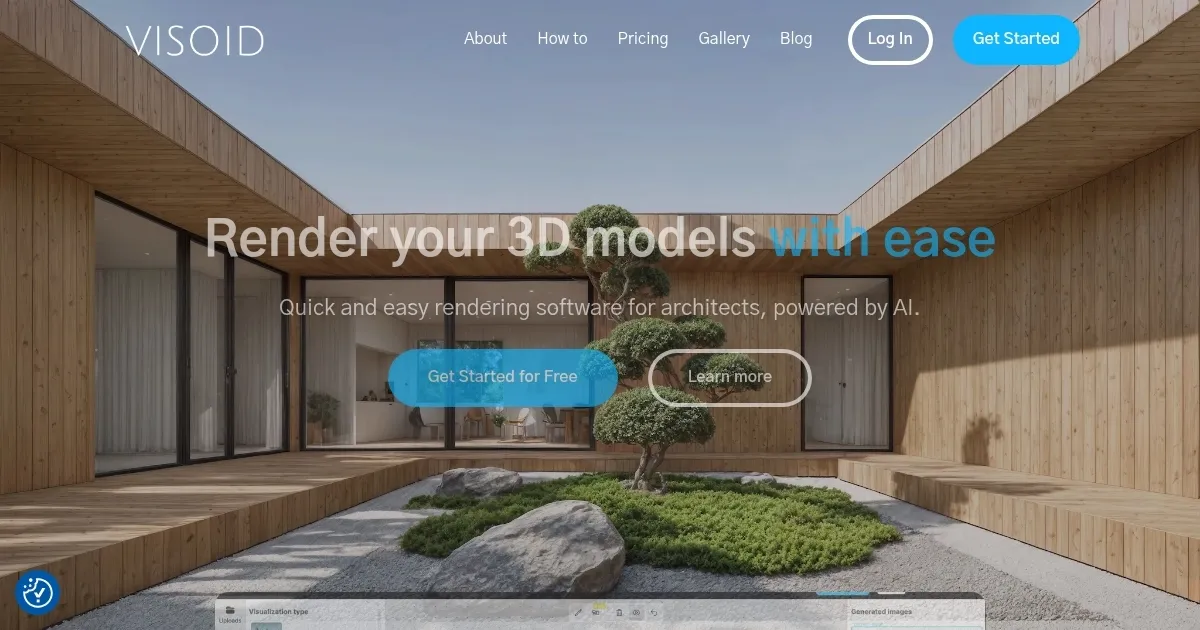
Homepage Screenshot 📸
Video Overview 🎬
What are the key features? ✨
- AI-Powered Rendering: Generates high-quality visualizations from 3D models or sketches in minutes.
- Iterative Render Mode: Allows quick adjustments to lighting, materials, or environments without restarting.
- Cloud-Based Platform: Enables fast rendering on any device without specialized hardware.
- Plugin Integration: Supports seamless workflows with tools like SketchUp, Revit, and Enscape.
- Material Experimentation: Lets users test various materials and seasonal settings for design flexibility.
Who is it for? 🤔
Examples of what you can use it for 💡
- Architect: Creates photorealistic renders from 3D models to pitch designs to clients.
- Interior Designer: Tests material and lighting variations for client-ready room visuals.
- Urban Planner: Visualizes large-scale projects to assess design impact in different seasons.
- Freelancer: Generates quick mockups from sketches for early-stage client discussions.
- Student: Produces professional-quality renders for academic projects on a budget.
Pros & Cons ⚖️
- Fast rendering in minutes.
- User-friendly, no experience needed.
- Cloud-based, no hardware required.
- Limited customization options.
FAQs 💬
Ready to try Visoid?
Creates stunning 3D architectural visualizations from models in minutes using AI
Visit VisoidVisoid alternatives 🔗