Wordware
A powerful platform that allows users to build AI applications using natural language
Wordware is a powerful AI platform that allows users to build AI applications using natural language. As such, it simplifies the process of creating AI agents — offering an intuitive interface that enables both technical and non-technical users to design and manage workflows.
Wordware’s platform supports multimodal capabilities, allowing users to combine text, images, and audio in their AI applications — all while providing advanced features such as branching, loops, and version control.
Thanks to Wordware’s support for multiple large language model (LLM) providers, users can seamlessly switch between models — optimizing for cost, speed, or quality depending on the application. For businesses that need to scale their AI operations, Wordware offers one-click API deployment, streamlining the process of launching AI-driven solutions along the way.
The tool can be particularly beneficial for teams that want to quickly iterate on prompts and efficiently collaborate. It offers a customizable environment for creating complex prompt chains and debugging them in real-time, while its multimodal capabilities expand the range of use cases. This, in turn, makes it suitable for a variety of industries including customer support, content generation, and AI-driven applications.
Ultimately, Wordware is made to empower users to build AI agents faster than traditional methods, making it valuable for teams looking to innovate and scale with AI. So, whether you’re a developer or a non-technical user, Wordware allows you to effortlessly deploy AI solutions.
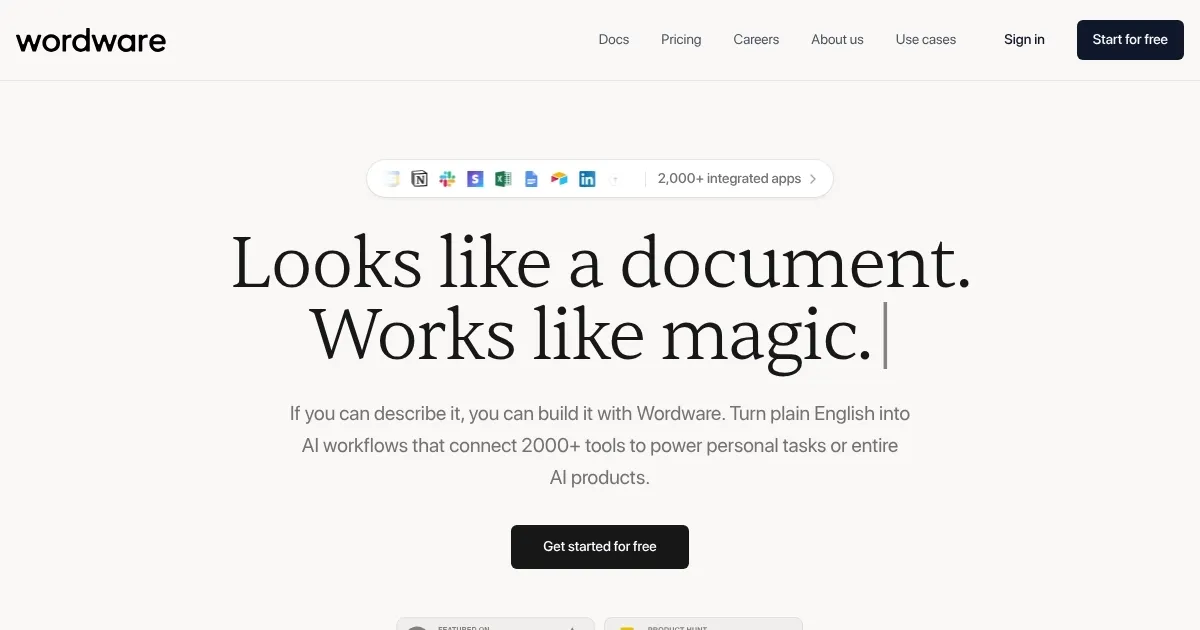
Homepage Screenshot 📸
Video Overview 🎬

What are the key features? ✨
- No-code AI development: Build and deploy AI applications without writing complex code.
- Multimodal support: Wordware lets you combine text, audio, video, and images within AI workflows.
- Prompt engineering IDE: It provides a user-friendly environment to create and manage AI prompts.
- Cross-platform LLM support: Wordware lets you switch between various large language models.
- One-click deployment: It could be used to deploy AI applications with a single click, ensuring rapid setup.
Who is it for? 🤔
Examples of what you can use it for 💡
- Build custom AI agents for specific tasks
- Teams can work together seamlessly using a Notion-like interface
- Create AI workflows integrating multiple data types for more complex tasks
- Connect custom AI models with external services for automation
- Quickly iterate on AI projects with an easy-to-use platform
Pros & Cons ⚖️
- Simplifies AI app development with natural language
- Enables quick creation and deployment of AI solutions
- No coding skills required
- Could face challenges with very large applications
Ready to try Wordware?
A powerful platform that allows users to build AI applications using natural language
Visit Wordware