Dify
Builds production-ready AI apps via visual workflows and LLM integration
Dify dubs itself as a groundbreaking platform for developing and orchestrating Generative AI applications, focused on leveraging Large Language Models (LLMs) to create diverse and complex AI-driven solutions.
At its core, Dify offers an open-source development environment that supports creating AI agents and managing intricate AI workflows, bolstered by a reliable and adaptable Retrieval-Augmented Generation (RAG) engine. The platform aims to streamline the building of generative AI apps, from single-purpose agents to comprehensive AI-powered systems, making it more accessible and efficient than similar platforms like LangChain and Flowise.
Its highlight features include a visual orchestration studio for designing AI applications, a prompt Integrated Development Environment (IDE) for crafting precise AI prompts, backend services for seamless integration, and specialized LLMOps tools for enhancing and managing the performance of generative AI applications in production environments.
Moreover, Dify facilitates the development of AI-driven applications and significantly enhances their functionality and adaptability. The platform allows users to create custom AI agents that can independently operate various tools and manage complex tasks — offering scalable solutions for businesses aiming for growth in the digital era. It supports an array of use cases, including deploying industry-specific chatbots, document generation without length limits, and integrating external knowledge through custom APIs for deeper insights.
In addition, Dify ensures high levels of security and compliance, delivering on-premise solutions that protect enterprise data.
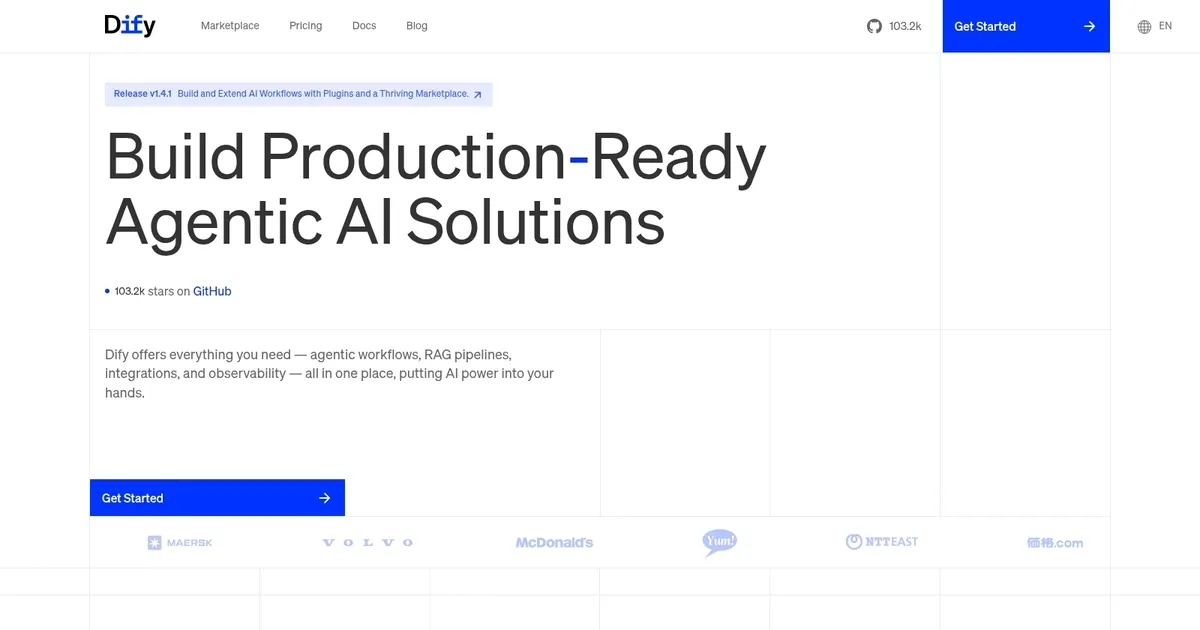
Homepage Screenshot 📸
Video Overview 🎬

What are the key features? ✨
- App Orchestration: Enables visual drag-and-drop building of AI workflows and applications with conditional logic and node connections.
- RAG Pipeline: Processes data from multiple sources through extraction, transformation, and vector indexing for LLM-ready knowledge bases.
- Agents: Constructs autonomous AI agents using ReAct strategies for multi-step reasoning, planning, and tool integration.
- Workflow Builder: Supports no-code creation of complex LLM flows with sequential, parallel processing, and event triggers.
- Observability: Provides tracing, logging, and performance monitoring to debug and optimize deployed AI applications.
Who is it for? 🤔
Examples of what you can use it for 💡
- Indie Developer: Crafts custom chatbots with RAG for personalized responses using drag-and-drop nodes and local LLM integration.
- Marketing Team: Automates content summarization workflows pulling from databases and generating reports via agent orchestration.
- Enterprise Analyst: Builds knowledge bases from internal docs for secure query handling with observability for compliance tracking.
- Startup Founder: Prototypes MVP agents for market research by chaining LLM calls and external API tools in minutes.
- Product Manager: Deploys event-triggered automations like daily news digests using Triggers and multi-model comparisons.
Pros & Cons ⚖️
- Visual ease speeds builds
- Multi-LLM flexibility
- Strong RAG tools
- Open-source freedom
- UI learning curve
- Free tier limits
FAQs 💬
Ready to try Dify?
Builds production-ready AI apps via visual workflows and LLM integration
Visit Dify