Yomu AI
Streamlines academic writing with AI-powered editing, citations, and plagiarism checks
Yomu AI feels like a trusty sidekick for anyone wrestling with the beast of academic writing. Imagine a tool that doesn’t just help you write but anticipates your needs, like a seasoned editor whispering suggestions over your shoulder. Built for students and researchers, Yomu AI tackles the chaos of crafting essays, theses, and research papers with a suite of features that blend brains and practicality. Its clean interface, powered by advanced models like GPT-4o and Claude 3.5 Sonnet, makes it a standout in a crowded field of writing assistants. You start typing, and Yomu jumps in with real-time suggestions, from sentence completions to full paragraph generation. It’s like having a co-writer who never sleeps.
The Document Assistant is the star of the show. It guides you through structuring sections, offering feedback that sharpens your arguments and tightens your prose. Need a punchy introduction or a coherent methodology? Yomu’s got your back, breaking down complex ideas into clear steps. The AI Autocomplete feature is another gem, finishing your sentences with a natural flow that saves time without sacrificing voice. I love how it handles citations — its tool, powered by Sourcely, digs up relevant sources and formats them in styles like APA or MLA, saving you from the soul-crushing task of manual referencing. Plus, the plagiarism checker is a lifesaver, scanning your work against a vast database to ensure originality. It’s not perfect, though. The tool can occasionally suggest overly formal phrasing that feels stiff, especially for creative essays. And while it supports over 75 languages, non-English performance can lag slightly, especially for niche academic terms.
What surprised me? The Library feature. You can save sources and reuse them across projects, which is a game-changer for researchers juggling multiple papers. It’s not just about writing faster; it’s about working smarter. Compared to competitors like Grammarly or Jenni.ai, Yomu carves a niche with its academic focus. Grammarly excels at general grammar fixes but lacks Yomu’s citation and research tools. Jenni.ai is a close rival, offering similar AI-driven writing aids, but Yomu’s interface feels snappier, and its plagiarism checker is more robust. Pricing-wise, Yomu offers a free tier with limited AI actions and premium plans that are competitive but not cheap. Some users on X have grumbled about subscription management, noting issues with accidental charges, so keep an eye on your account settings.
The tool’s not without quirks. The AI can sometimes overreach, suggesting edits that disrupt your tone if you’re aiming for something less formal. And while the interface is sleek, it can feel overwhelming for first-timers navigating the many features. Still, Yomu’s ability to streamline the writing process is undeniable. It’s like a Swiss Army knife for academics, packing tools for drafting, editing, and research into one platform. For students drowning in deadlines or researchers buried in references, it’s a tool that delivers.
Practical Advice: Start with the free plan to test Yomu’s features. Use the Document Assistant to outline your paper before diving in — it’ll save you hours. Save key sources to the Library early, and double-check citations for niche journals, as the AI occasionally misses obscure formats. Experiment with the AI Feedback Engine to refine your tone, but don’t let it overwrite your voice.
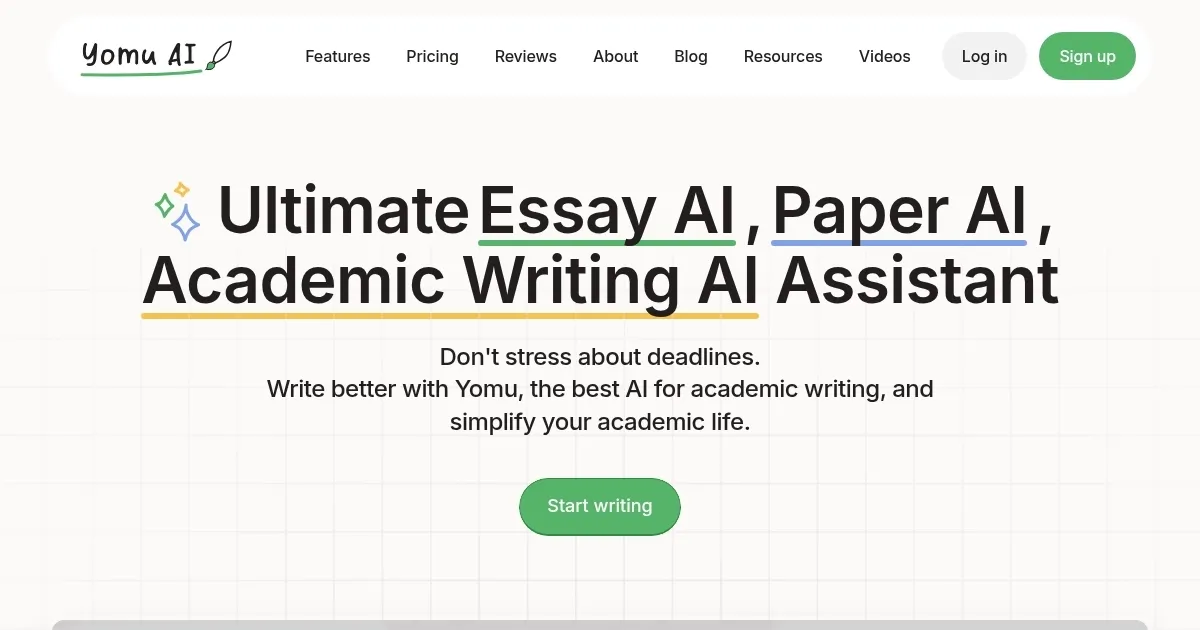
Homepage Screenshot 📸
Video Overview 🎬

What are the key features? ✨
- Document Assistant: Guides writing with structured feedback for essays and papers.
- AI Autocomplete: Completes sentences and paragraphs to boost writing efficiency.
- Citation Tool: Automates finding and formatting citations in styles like APA and MLA.
- Plagiarism Checker: Scans text to ensure originality against a vast source database.
- Library Feature: Saves and reuses sources across multiple writing projects.
Who is it for? 🤔
Examples of what you can use it for 💡
- Undergraduate Student: Uses Yomu to outline and draft essays with AI-guided feedback.
- Graduate Researcher: Employs the citation tool to format references for a thesis.
- Non-Native Speaker: Relies on AI Autocomplete to improve academic tone and clarity.
- Professor: Saves sources to the Library for reuse in multiple research papers.
- Academic Writer: Checks originality with the plagiarism tool before submission.
Pros & Cons ⚖️
- Streamlines writing with AI feedback.
- Robust citation and source tools.
- Supports 75+ languages for global use.
- Overly formal tone suggestions.
- Non-English support can lag.
FAQs 💬
Ready to try Yomu AI?
Streamlines academic writing with AI-powered editing, citations, and plagiarism checks
Visit Yomu AI