logo-darklogo-darklogo-darklogo-dark
  • Tool Categories
    • 🎨Art & Creative Design505
    • 🏢Business Management644
    • 💻Coding & Development515
    • 👮Detection83
    • 🧠General Use727
    • 🏥Health & Wellness55
    • 📷Image & Photo Analysis100
    • 🖼️Image Generation & Editing618
    • 📐Interior & Architectural Design37
    • 🎓Learning & Education483
    • ⚖️Legal & Finance90
    • 🎭Lifestyle & Entertainment236
    • 📢Marketing & Advertising627
    • 🎧Music & Audio138
    • 👔Office & Workplace1,014
    • 🔬Research & Data Analysis372
    • 👥Social Media245
    • 🎥Video Generation & Editing426
    • 👧🏻Virtual Companion135
    • 🎤Voice Generation & Editing381
    • ✍️Writing & Editing808
    • All Categories
    • AI Use Cases
  • News
  • Events
    • Academic Conferences
    • Developer Conferences
    • Expos / Trade Shows
    • Industry Summits
    • Workshops / Training
    • All Events
    • Past Events
  • Saved Tools
  • Suggest a Tool
✕
Home › Voice Generation & Editing › Transcriber› Beey AI
Beey AI

Beey AI

Converts audio/video to text with high accuracy and creates subtitles in multiple languages

Beey AI is an AI-powered tool that transcribes audio and video into text with over 90% accuracy and supports subtitle creation and translation in over 30 languages. It’s designed for professionals like journalists, educators, and video creators who need fast, reliable transcription. The platform requires no installation and works on browsers like Chrome or Firefox. Users get 30 minutes of free transcription to start.

The speech-to-text engine handles various content — podcasts, interviews, lectures, and meetings — with solid accuracy for clear recordings in English, German, and Czech. The editor includes a waveform preview for precise text corrections and a Subtitle Mode for crafting captions. Automatic translation preserves timestamps, making it easy to adapt content for global audiences. Team features, like shared credits and projects, support collaborative workflows. The full-text search allows users to create searchable media archives, and API integration is available for custom systems.

Competitors like Descript and Sonix offer similar transcription services. Descript excels in audio editing for podcasters, while Sonix provides a more polished interface. Beey AI stands out for its subtitle tools and multilingual support but may lag in interface design. Pricing is mid-range, competitive with similar tools but higher than free-tier options.

Users appreciate the speed and language support, but noisy audio can reduce accuracy, requiring manual edits. The interface, while functional, isn’t as intuitive as some competitors. The free trial and lack of a credit card requirement are big pluses for testing.

Start with the free 30-minute trial to test Beey AI on clear audio. Experiment with Subtitle Mode and translation features to assess their fit for your projects. For best results, use high-quality recordings and budget time for minor transcript corrections.

Visit Beey AI ↗
Categories
🎤 Voice
📝 Transcriber 💬 Speech-to-Text 🔠 Audio To Text
✍️ Writing
💬 Subtitle Generation
🎓 Education
🈸 Translation
🎥 Video
✏️ Video Editing

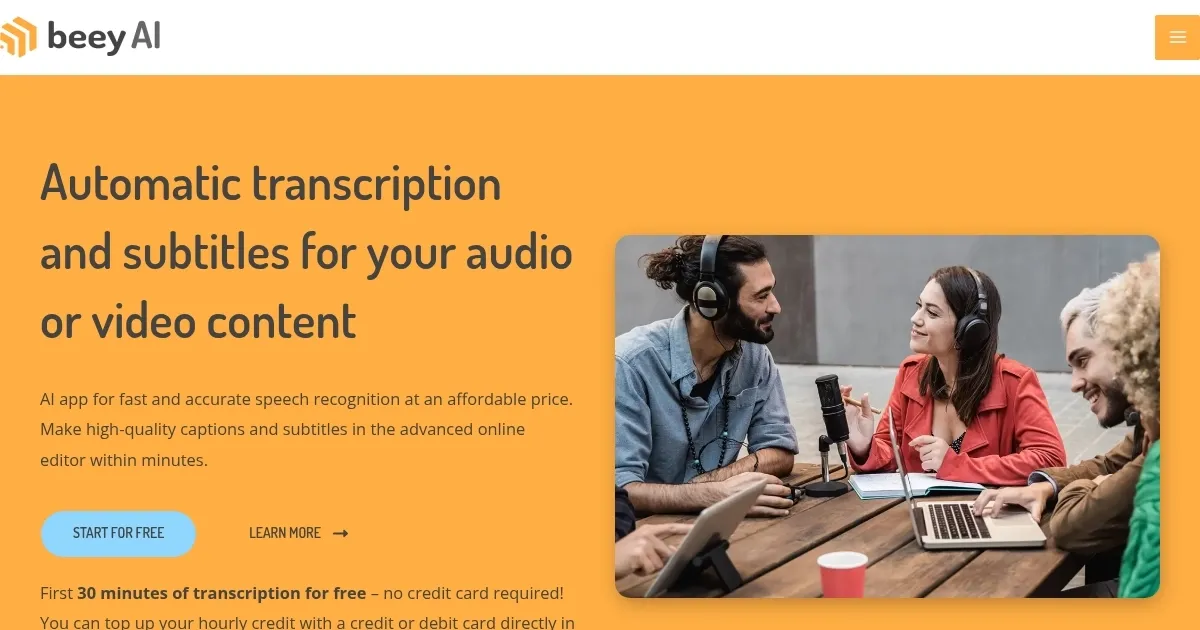
Homepage Screenshot 📸

Beey AI screenshot

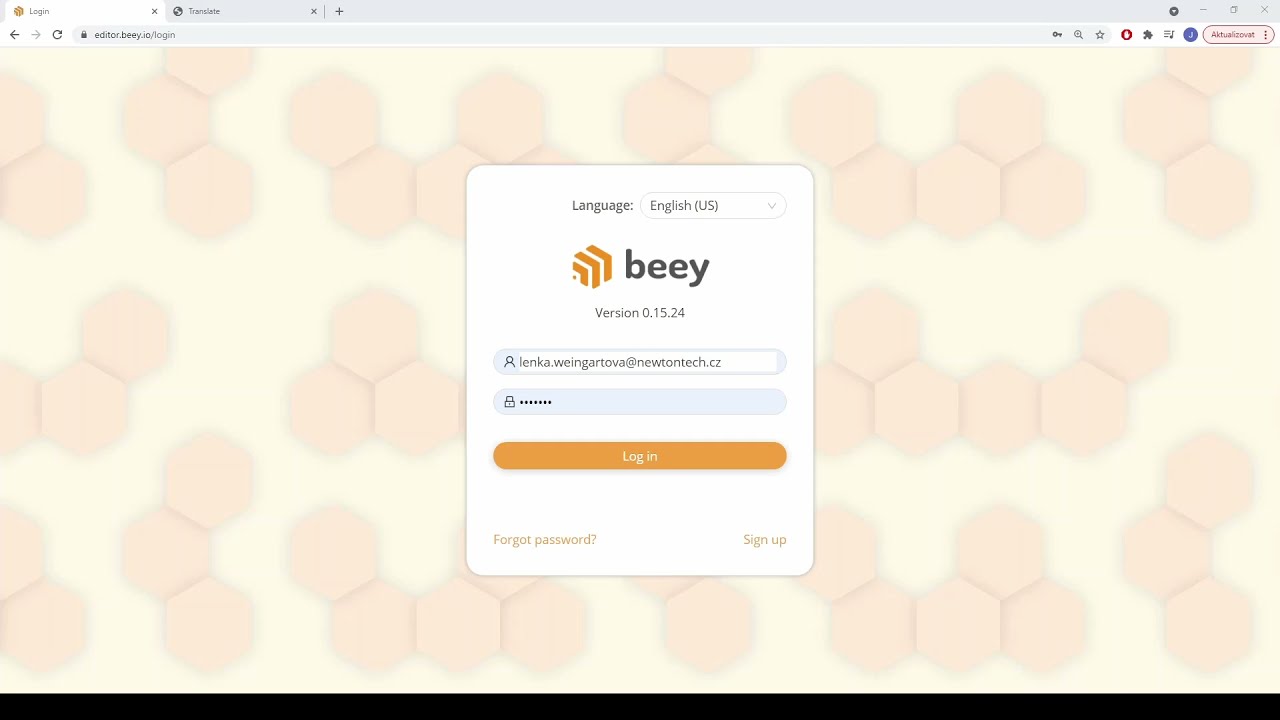
Video Overview 🎬

Beey AI - Video Overview

What are the key features? ✨

  • Speech-to-Text Conversion: Transcribes audio and video into text with over 90% accuracy in select languages.
  • Subtitle Mode: Creates professional captions and subtitles with an interactive waveform preview.
  • Automatic Translation: Translates transcripts into 30+ languages while preserving timestamps.
  • Full-Text Search: Builds a searchable archive of audio and video resources.
  • Team Collaboration: Supports shared credits and projects for team workflows.

Who is it for? 🤔

Beey AI is designed for professionals like journalists, podcasters, educators, and video creators who need quick, accurate transcriptions and subtitles for their content. It’s especially valuable for those working in multilingual settings or managing team projects, thanks to its translation tools and collaborative features. Small businesses, researchers, and media agencies will find its searchable archive and API integration useful for streamlining workflows.

Examples of what you can use it for 💡

  • Journalist: Transcribes interviews quickly for accurate article quotes.
  • Podcaster: Adds captions to episodes to boost audience accessibility.
  • Educator: Converts lectures into text for student study materials.
  • Video Creator: Creates multilingual subtitles for global YouTube reach.
  • Researcher: Archives and searches audio data for qualitative studies.

Pros & Cons ⚖️

  • Fast transcription with high accuracy.
  • Supports over 30 languages.
  • Free 30-minute trial offered.
  • Mid-range pricing may deter some.

FAQs 💬

What is Beey AI's accuracy like?
It achieves over 90% accuracy for clear recordings in English, German, and Czech.
Does Beey AI require software installation?
No, it runs on browsers like Chrome, Firefox, Opera, or Edge.
Can I try Beey AI for free?
Yes, it offers 30 minutes of free transcription without a credit card.
What languages does Beey AI support?
It supports over 30 languages, including Arabic, Spanish, and Russian.
Is Beey AI good for subtitle creation?
Yes, its Subtitle Mode creates professional captions with waveform previews.
Can teams use Beey AI together?
Yes, it offers shared credits and project collaboration features.
Does Beey AI offer translation?
Yes, it translates transcripts into 30+ languages with preserved timestamps.
How does Beey AI handle noisy audio?
Accuracy may drop, requiring manual edits in the editor.
Is API integration available?
Yes, Beey AI supports API integration for custom systems.
Who is Beey AI best for?
It's ideal for journalists, podcasters, educators, and video creators.

Ready to try Beey AI?

Converts audio/video to text with high accuracy and creates subtitles in multiple languages

Visit Beey AI ↗

Beey AI alternatives 🔗

  1. AWS HealthScribe AWS HealthScribe Automatically create clinical notes from patient-clinician conversations using generative AI
  2. Vimeo AI Vimeo AI Creates polished videos from single recordings using AI edits and scripts
  3. Zoom AI Companion Zoom AI Companion Get high-quality results when drafting emails and chat messages, summarizing meetings and chat threads
  4. TurboScribe TurboScribe Transcribes audio and video files to accurate text instantly
  5. Loom AI Loom AI Record better video messages with automatic titles, summaries, share messages, and more
  6. VEED VEED Creates pro-level videos with AI-powered editing and collaboration tools
Share
Beey AI screenshot enlarged
Promote Beey AI
light badge
Copy Embed Code
dark badge
Copy Embed Code
neutral badge
Copy Embed Code
Best AI Tools

Discover the best AI tools for any use case

Explore
  • Tool Categories
  • AI Use Cases
  • AI Events
  • AI News
  • Saved Tools
Company
  • About Us
  • Contact Us
  • Media & Partnerships
  • Suggest a Tool
Legal
  • Privacy Policy
  • Terms of Service
Copyright © 2026 Best AI Tools 415 Mission Street, 37th Floor, San Francisco, CA 94105