Briefy
Summarizes content into structured, digestible formats with one click
If you’ve ever stared at a sprawling webpage or a dense PDF, wishing you could extract its essence without wading through paragraphs, Briefy AI might just be your new best friend. This AI-powered tool, accessible via browser extensions and mobile apps, takes the chaos of lengthy content — think articles, YouTube videos, email threads, or podcasts — and distills it into neat, structured summaries. It’s like having a sharp-eyed assistant who reads everything for you, then hands you the key points on a silver platter. I think what sets Briefy apart is its knack for presenting information in multiple formats, from overviews to mind maps, making it a standout in the crowded field of summarization tools.
The magic starts with a single click. Install the Chrome or Safari extension, open a webpage, and hit Briefy’s button. In seconds, you get a summary — choose from an overview, table, mind map, or timeline. The Knowledge Base feature is a gem, letting you save summaries for later, search them, or even ask follow-up questions. It’s practical, especially for students tackling research papers or professionals skimming reports. Multi-language support and inline translations mean you’re not stuck with English-only content, which is a thoughtful touch for global users. Briefy also handles diverse content types, from YouTube videos to Gmail threads, with surprising finesse.
But it’s not flawless. Some users on the Chrome Web Store note occasional hiccups, like slow loading on complex pages or summaries missing niche details. If you’re dealing with highly technical content, you might need to double-check the source material, as Briefy’s AI sometimes simplifies too much. Compared to competitors like QuillBot or Scholarcy, Briefy’s strength is its visual formats and knowledge base, but it may lag in advanced text analysis for academic papers, where Scholarcy shines. QuillBot, meanwhile, offers robust paraphrasing alongside summarization, which Briefy lacks.
What surprises me is Briefy’s interactivity. You can “chat” with your summaries, asking questions to dig deeper, which feels like a conversation with the content itself. It’s a feature that makes you wonder why other tools haven’t caught up. The free plan, offering 30 summaries monthly, is generous for casual users, though heavy users might need a paid plan for more. Pricing feels competitive, aligning with tools like Summarizer.org, but check Briefy’s site for details.
For those new to AI summarizers, Briefy’s ease of use is a big draw. Yet, don’t expect miracles on every page — complex sites might trip it up. My advice? Start with the free plan, test it on articles or videos, and save your summaries to the Knowledge Base. It’s a low-risk way to see if Briefy fits your workflow. Play with the mind map view for complex topics — it’s a game-changer for visual learners.
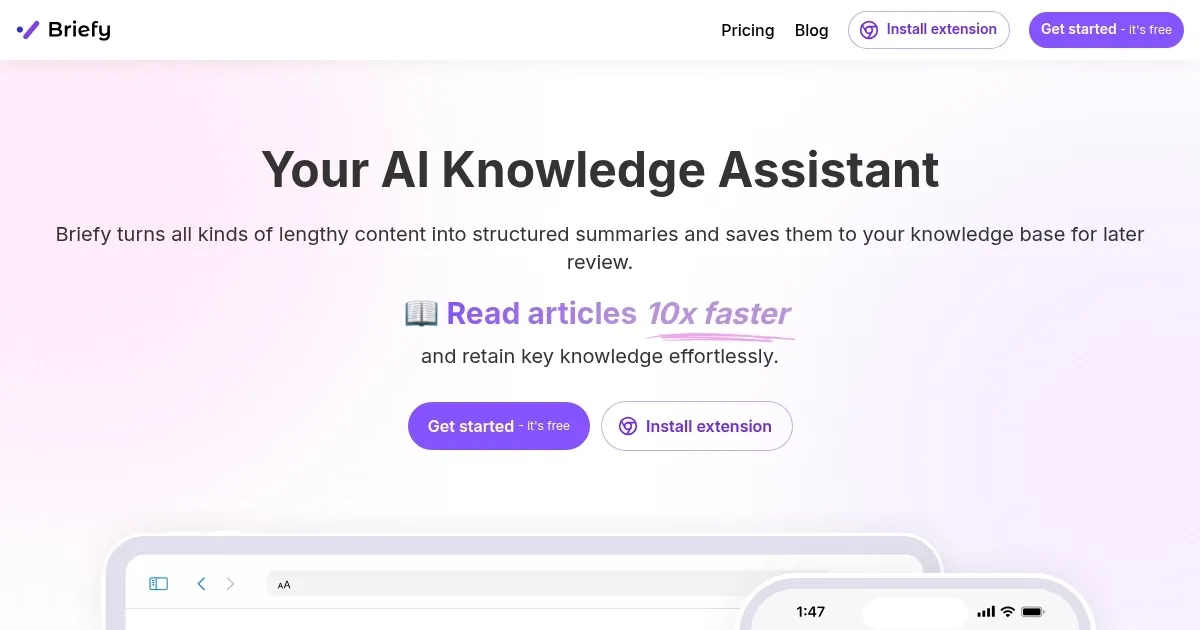
Homepage Screenshot 📸
Video Overview 🎬
What are the key features? ✨
- Multi-View Summarization: Offers summaries in overview, table, mind map, or timeline formats.
- Knowledge Base: Saves and organizes summaries for easy retrieval and querying.
- Multi-Modal Content Digest: Summarizes webpages, videos, PDFs, and emails.
- Interactive Q&A: Allows users to ask questions about summarized content.
- Multilingual Support: Provides inline translations and multi-language summaries.
Who is it for? 🤔
Examples of what you can use it for 💡
- Students: Summarize research papers for faster study and note-taking.
- Professionals: Condense email threads or reports for quick decision-making.
- Content Creators: Extract key ideas from videos or articles for research.
- Researchers: Organize summaries of academic texts in a knowledge base.
- Casual Readers: Skim news articles or blogs for key insights efficiently.
Pros & Cons ⚖️
- Summarizes diverse content types
- Visual formats like mind maps
- Supports multiple languages
- Slow on complex pages
- Limited free plan quota
FAQs 💬
Ready to try Briefy?
Summarizes content into structured, digestible formats with one click
Visit BriefyBriefy alternatives 🔗