logo-darklogo-darklogo-darklogo-dark
  • Tool Categories
    • 🎨Art & Creative Design505
    • 🏢Business Management644
    • 💻Coding & Development515
    • 👮Detection83
    • 🧠General Use727
    • 🏥Health & Wellness55
    • 📷Image & Photo Analysis100
    • 🖼️Image Generation & Editing618
    • 📐Interior & Architectural Design37
    • 🎓Learning & Education483
    • ⚖️Legal & Finance90
    • 🎭Lifestyle & Entertainment236
    • 📢Marketing & Advertising627
    • 🎧Music & Audio138
    • 👔Office & Workplace1,014
    • 🔬Research & Data Analysis372
    • 👥Social Media245
    • 🎥Video Generation & Editing426
    • 👧🏻Virtual Companion135
    • 🎤Voice Generation & Editing381
    • ✍️Writing & Editing808
    • All Categories
    • AI Use Cases
  • News
  • Events
    • Academic Conferences
    • Developer Conferences
    • Expos / Trade Shows
    • Industry Summits
    • Workshops / Training
    • All Events
    • Past Events
  • Saved Tools
  • Suggest a Tool
✕
Home › Office & Workplace › PDF› ChatDOC
ChatDOC

ChatDOC

AI based file-reading assistant that can quickly extract, locate, and summarize info from documents

ChatDOC is a ChatGPT-based file-reading assistant that can quickly extract, locate, and summarize information from documents. It can understand texts, tables, and images — and return highlights that matter.

What makes it different (better) than competing tools is its ability to go beyond PDF files, as it can also sing along .doc, .docx, .md, .epub, and .txt files — as well as websites and scanned files. Yes, it comes with a built-in OCR that will detect and read text on the image to return the summary.

Furthermore, and as mentioned above, it can understand tables — allowing you to select it and ask for analysis. Also, you can select partial text from the document and start the conversation about it to get more information on the subject at hand.

In addition, every response ChatDOC provides will come with a citation so that you know where in the document the information comes from. This makes it very useful for researchers who need to precisely cite all of their sources.

Finally, it’s worth adding that ChatDOC can make queries across multiple documents — which is another handy feature for researchers and students alike.

Visit ChatDOC ↗
Categories
👔 Work
📕 PDF 📑 PDF Summarizer 📤 Document Extraction
🧠 General
💬 Chatbot
🎓 Education
📰 Article Summarization 📖 Knowledge Base
🔬 Research
📄 Research Paper
✍️ Writing
📝 Summarizer

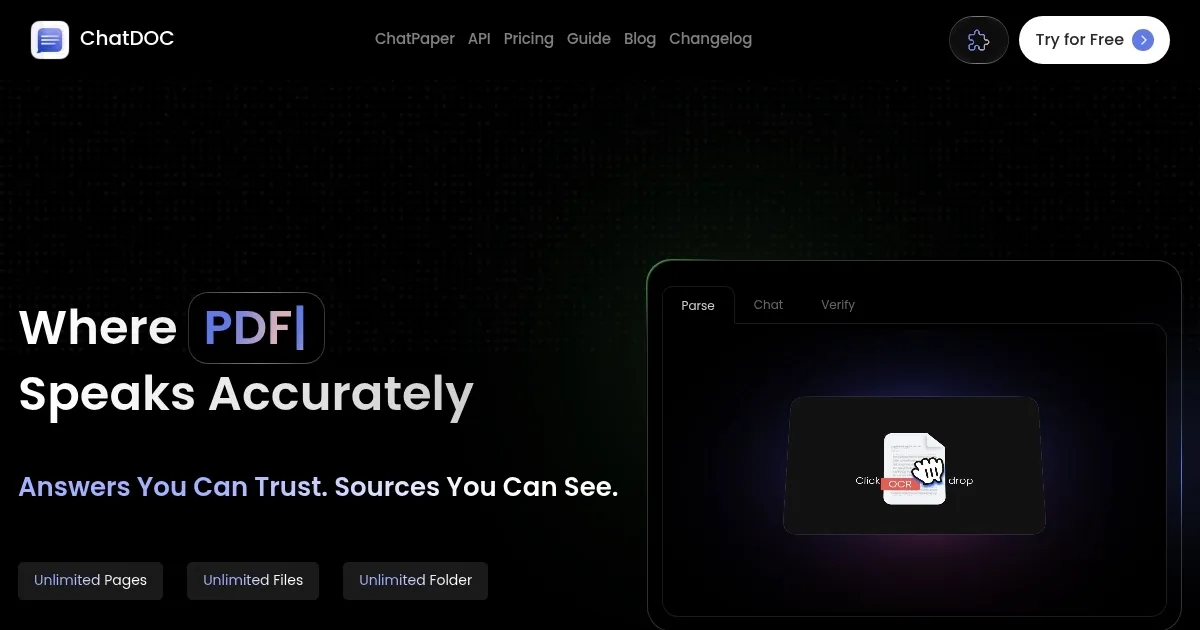
Homepage Screenshot 📸

ChatDOC screenshot

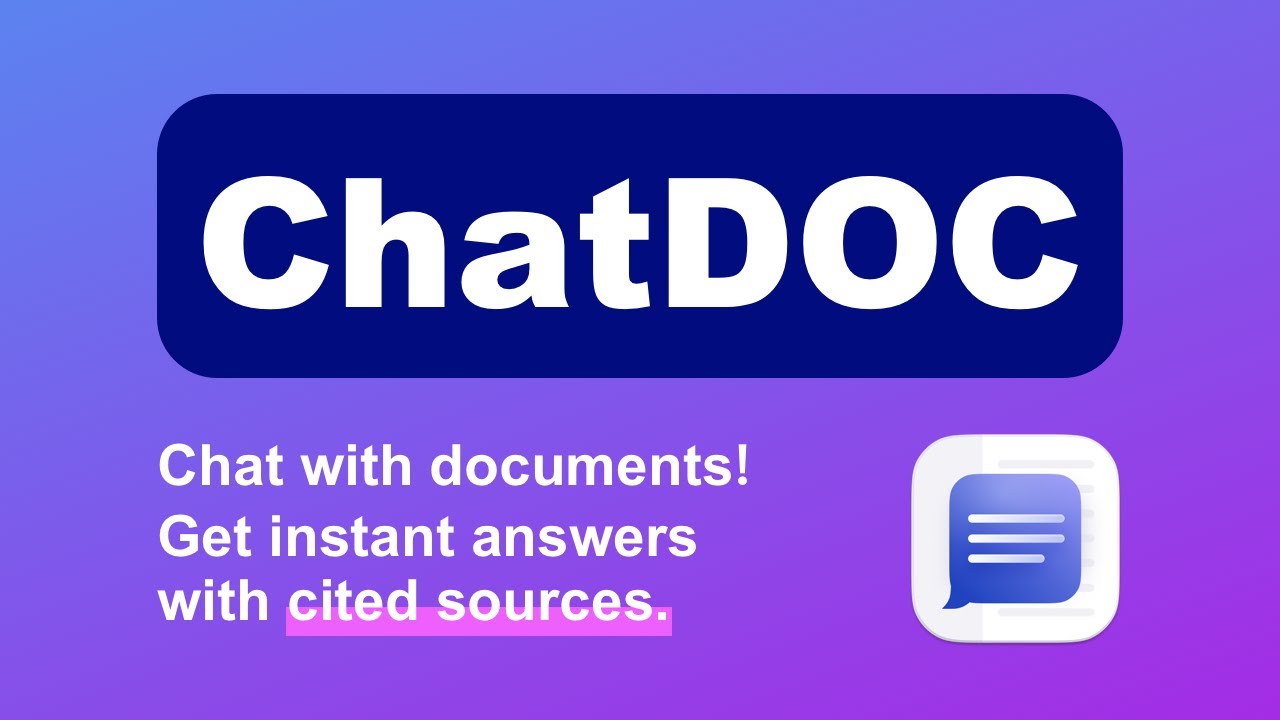
Video Overview 🎬

What are the key features? ✨

  • Insights from documents: Get insights from and chat with all the documents stored on your hard drive.
  • Summarize large texts: Instead of going to huge documents page by page, you can fire up ChatDOC and ask it to summarize it all in a shorter form that is much easier to understand.
  • Support for multiple file formats: ChatDOC goes beyond PDF files and can also read .doc, .docx, .md, .epub, and .txt files -- as well as websites and scanned files, thanks to its OCR capability.
  • Analysis of tables: The tool can also understand numbers and other data in tables and provide quick analysis. This could prove beneficial to all kinds of business folks.
  • Query across multiple documents: ChatDOC lets you query across up to 30 documents at once. This could be a huge time saver for researchers and everyone else who needs to go through large amounts of data.

Who is it for? 🤔

ChatDOC is made for everyone dealing with a ton of texts and needs to put all that data in context. Because of its ability to work with all kinds of files, not just PDFs, it is ideal for students, teachers, as well as researchers. The last mentioned will especially appreciate ChatDOC's citation feature that will provide appropriate references to every content generated by the tool. Additionally, since it can read and understand tables, even the business folks will love using ChatDOC to get quick readings of the data provided in their documents. All in all, this is one versatile tool many people will find useful.

Examples of what you can use it for 💡

  • Get insights from PDF, Word, TXT, and other documents
  • Find information faster by chatting with multiple documents at once
  • Get summaries of large texts like research papers
  • Generate insights from tables and numbered data

Pros & Cons ⚖️

  • Support for multiple file formats, not just PDFs
  • The ability to query multiple documents at once can be very handy
  • Provided citations are essential for researchers
  • The free plan is very limited

Ready to try ChatDOC?

AI based file-reading assistant that can quickly extract, locate, and summarize info from documents

Visit ChatDOC ↗

ChatDOC alternatives 🔗

  1. Box AI Box AI An assistant that taps into your enterprise content and documents
  2. Kimi Kimi An AI assistant that can interpret images, analyze code, and provide real-time information
  3. CoCounsel CoCounsel Tool for legal document review, research memos, deposition preparation, and contract analysis
  4. Monica Monica A browser extension powered by ChatGPT that acts as a chatbot assistant
  5. LINER LINER A web-based tool that combines searching and collecting information in a user-friendly interface
  6. SciSpace SciSpace Your AI assistant to discover and understand research papers
Share
ChatDOC screenshot enlarged
Promote ChatDOC
light badge
Copy Embed Code
dark badge
Copy Embed Code
neutral badge
Copy Embed Code
Best AI Tools

Discover the best AI tools for any use case

Explore
  • Tool Categories
  • AI Use Cases
  • AI Events
  • AI News
  • Saved Tools
Company
  • About Us
  • Contact Us
  • Media & Partnerships
  • Suggest a Tool
Legal
  • Privacy Policy
  • Terms of Service
Copyright © 2026 Best AI Tools 415 Mission Street, 37th Floor, San Francisco, CA 94105