Director.ai
Automates web tasks using natural language prompts for streamlined workflows
Director.ai is a web automation tool that enables users to create browser-based workflows using natural language prompts, built on Browserbase’s headless browser infrastructure. It simplifies tasks like data scraping, form filling, and API integration without requiring coding skills. The tool’s reasoning engine interprets user commands and generates Stagehand scripts to execute browser actions, making it accessible to both non-technical users and developers. It supports scalable workflows, handling multiple browser sessions, and integrates with APIs for extended functionality.
Key features include the natural language interface, which allows users to input commands like “Log into my account and export data” for instant script generation. The tool runs on Browserbase’s cloud, ensuring reliability for high-volume tasks. Integration with APIs, such as those from OpenAI or Anthropic, enhances its versatility. Compared to competitors like Zapier or Make, Director.ai focuses specifically on browser automation, offering a more targeted solution but with a narrower app ecosystem.
The tool excels in ease of use, particularly for non-coders, and its ability to handle complex browser tasks with minimal setup. Users on platforms like Reddit praise its intuitive design but note occasional slow response times, especially with intricate workflows. The lack of detailed error reporting can make debugging challenging, requiring users to refine prompts manually. Pricing aligns with industry standards for automation tools, though specific costs vary based on usage.
Director.ai surprises with its scalability, supporting businesses with high-volume automation needs. However, vague prompts can lead to misinterpretations, and users may need trial and error to perfect their commands. The tool’s documentation and community support help mitigate this.
To get started, focus on simple tasks to learn the prompt system. Use clear, specific instructions to avoid errors. Check the official documentation for examples, and explore community forums for practical tips from other users.
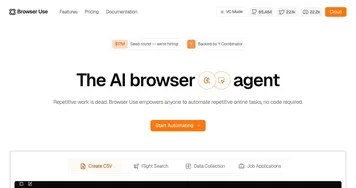
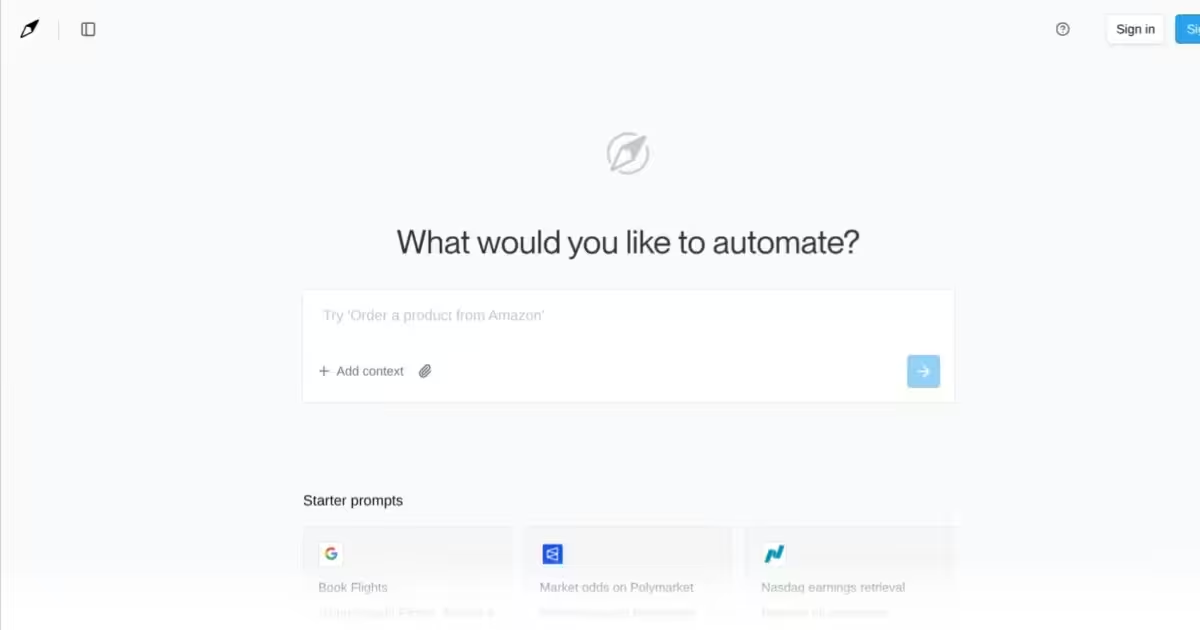
Homepage Screenshot 📸
What are the key features? ✨
- Natural Language Interface: Allows users to automate tasks with plain English prompts.
- Stagehand Script Generation: Converts user commands into executable browser scripts.
- API Integration: Connects with external APIs for enhanced functionality.
- Cloud-Based Execution: Runs on Browserbase’s scalable headless browser infrastructure.
- Multi-Session Support: Handles multiple browser sessions for complex workflows.
Who is it for? 🤔
Examples of what you can use it for 💡
- Small Business Owner: Automates inventory checks on e-commerce platforms to save time.
- Digital Marketer: Schedules social media posts across multiple platforms using simple prompts.
- Data Analyst: Scrapes public website data for market research with minimal setup.
- Developer: Integrates APIs to create custom automation workflows for clients.
- Customer Support Manager: Automates ticket responses by pulling data from a CRM.
Pros & Cons ⚖️
- Intuitive natural language interface
- Strong API integration options
- Supports complex browser tasks
- Narrower app ecosystem
FAQs 💬
Ready to try Director.ai?
Automates web tasks using natural language prompts for streamlined workflows
Visit Director.aiDirector.ai alternatives 🔗