Flowjin
Transforms long videos and audio into short, engaging social media clips with AI
Using Flowjin feels like having a tireless intern who knows exactly what TikTok wants. This AI-powered tool takes your long, rambling videos or podcasts and spits out short, punchy clips ready for social media. I uploaded a 30-minute Zoom call, and within minutes, Flowjin handed me a batch of clips, complete with captions and clever cuts. It’s not flawless, but it’s a time-saver that makes you feel like you’ve cracked the code to content creation.
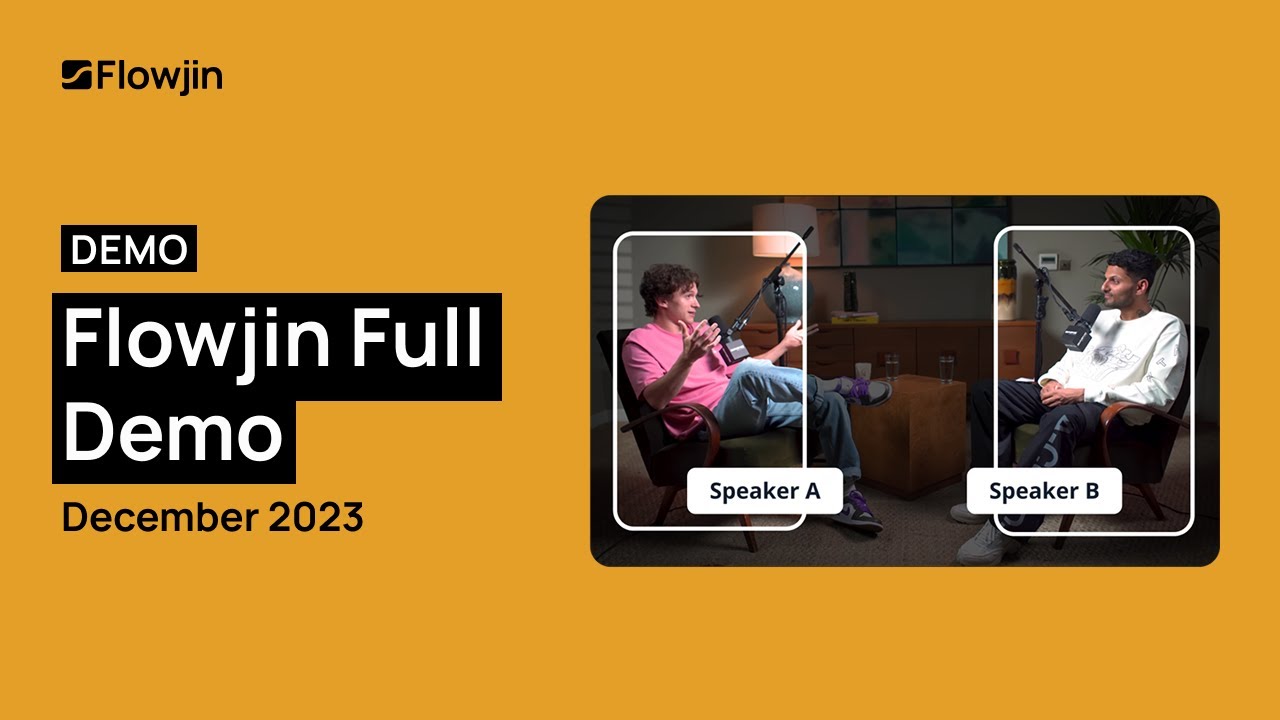
The AI Clip Generation feature is the heart of Flowjin. It scans your video, picks out moments it thinks will grab attention, and packages them into 15- to 60-second clips. I was skeptical, but when I saw it pull a funny quip from my Zoom call and pair it with clean captions, I was sold. The Automatic Captions feature is a standout — accurate enough to trust, with stylish fonts that don’t scream “generic.” Smart Cropping kept my face in frame, even when I was moving around, which is a big deal for vertical platforms like Instagram Reels. I also played with the Transcript-Based Editing, which lets you cut clips by selecting text. It’s a brilliant shortcut, though I noticed the transcript missed a few mumbled words.
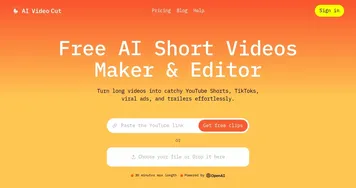
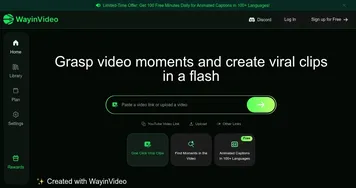
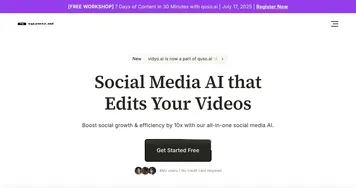
On the downside, Flowjin’s AI isn’t a mind-reader. One clip it generated focused on a dull moment instead of the punchline I wanted. I had to tweak it manually, which was easy but a reminder that AI isn’t perfect. Compared to quso.ai or Descript, Flowjin feels more focused on quick clips rather than full-scale editing. Vidyo.ai, for instance, offers similar AI clipping but with more customization options. Flowjin’s pricing seems fair for the automation, but if you’re on a tight budget, Descript’s free tier might be tempting. Still, Flowjin’s simplicity is its strength.
The Audiogram feature caught me off guard. I tossed in a podcast snippet, and Flowjin turned it into a slick visual clip with waveforms dancing across the screen. It’s perfect for podcasters who want to stand out on Instagram. The tool also generates titles and hashtags, which saved me from brainstorming. My only gripe? The interface, while sleek, takes a bit to get used to. I fumbled a bit finding the export options.
Want to try Flowjin? Upload a short video or audio file and let the AI do its thing. Play with the transcript editor to fine-tune clips. If you’re a social media manager or podcaster, this tool can cut your workload significantly. Just be ready to double-check the AI’s choices to ensure they align with your brand’s voice.
Homepage Screenshot 📸
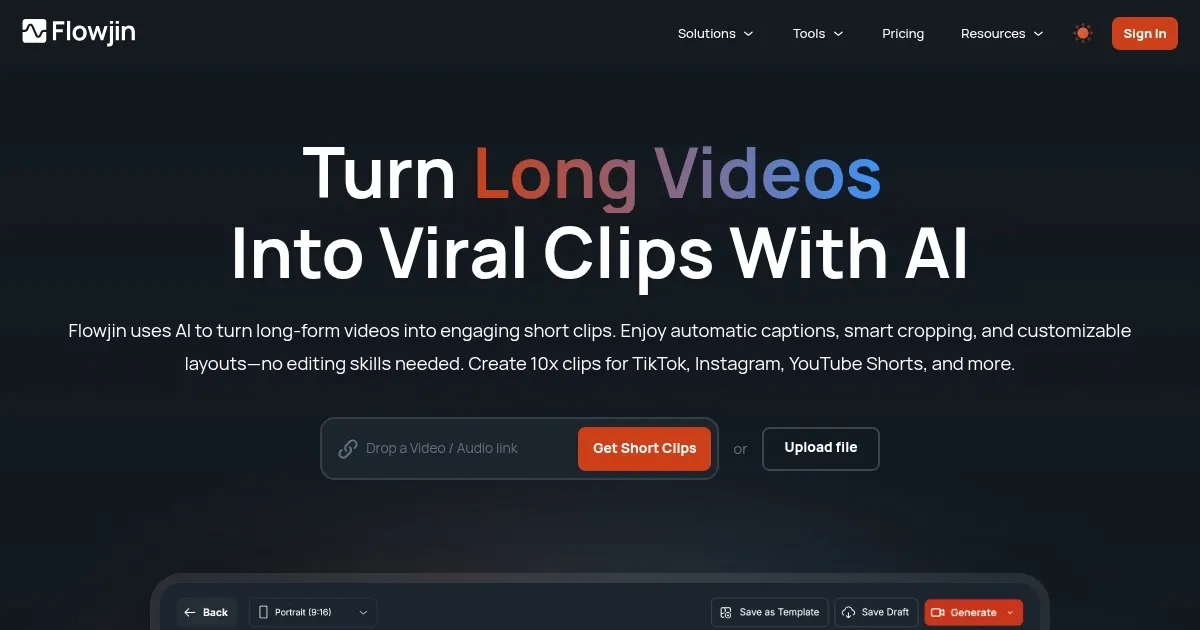
Video Overview 🎬
What are the key features? ✨
- AI Clip Generation: Automatically creates multiple short clips from long videos or audio.
- Automatic Captions: Adds accurate, stylish captions to enhance accessibility and engagement.
- Smart Cropping: Adjusts framing to optimize clips for vertical or square formats.
- Transcript-Based Editing: Allows clip trimming by selecting text from transcripts.
- Audiogram: Converts audio into visual clips with dynamic designs for social media.
Who is it for? 🤔
Examples of what you can use it for 💡
- Podcaster: Creates visual clips from podcast episodes for Instagram Reels.
- Social Media Manager: Generates quick TikTok clips from long marketing videos.
- Educator: Turns lengthy lectures into short, engaging YouTube Shorts.
- Marketer: Produces branded clips for LinkedIn from webinar recordings.
- Content Creator: Converts YouTube videos into bite-sized Instagram posts.
Pros & Cons ⚖️
- Saves time with AI automation
- Supports multiple platforms
- Easy transcript-based editing
- Limited manual editing options
FAQs 💬
Ready to try Flowjin?
Transforms long videos and audio into short, engaging social media clips with AI
Visit FlowjinFlowjin alternatives 🔗