Hex Magic
AI-powered tools for humans doing amazing things with data
Hex Magic is an advanced AI-powered feature designed to enhance analytical and data exploration workflows within the Hex platform. It leverages the latest in large language models (LLMs) customized for your data model and SQL habits, integrating seamlessly where users already work.
Hex Magic can automate and accelerate a wide range of tasks, from writing SQL queries with proper joins and date functions to answering complex data-related questions. In addition, it offers Python scripting capabilities — assisting users with predictive model building, employing unfamiliar packages, and generating complex visualizations swiftly.
The tool is not just about generating code — it’s also an automation layer for the entire Hex tool, offering features such as auto-fixing failed queries, changing chart specifications through simple commands, and automatically naming cells and projects.
Beyond accelerating code generation and project scaffolding, Hex Magic prioritizes accuracy and privacy in its operations. It combines state-of-the-art AI technologies with a commitment to security and privacy — ensuring that customer data is neither used for training its models nor shared.
Hex incorporates metadata from various sources to provide relevant context to its LLMs, enhancing the tool’s effectiveness and reliability. Furthermore, all metadata is stored in a secured vector database within Hex’s architecture to protect users’ intellectual property and maintain user confidentiality.
There’s a lot to unpack with Hex Magic – you can try it out and see whether it can help you get the job done faster.
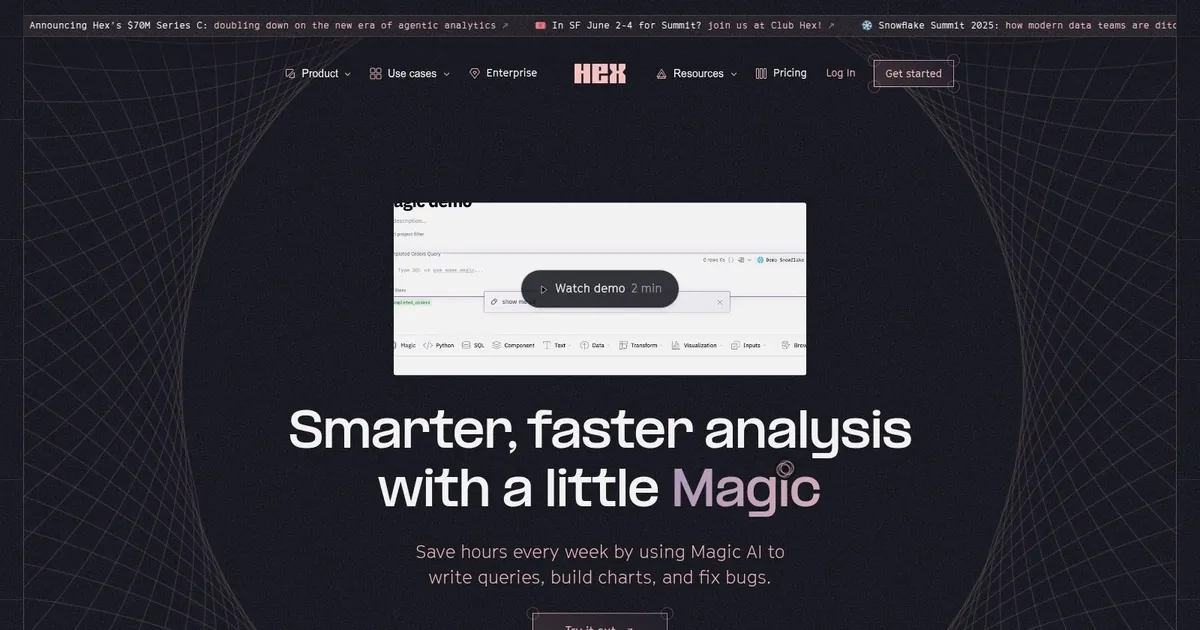
Homepage Screenshot 📸
What are the key features? ✨
- Notebook Agent: AI assistant that generates, edits, and debugs code in collaborative notebooks using full project context
- Threads: Conversational interface for natural language questions with governed, auditable insights from semantic models
- Code Typeahead: Real-time suggestions that speed up SQL and Python writing within cells
- Context Studio: Tool for monitoring AI usage, managing semantic layers, and improving agent accuracy with business rules
- Multiplayer Notebooks: Real-time collaboration environment supporting SQL, Python, and no-code for mixed teams
Who is it for? 🤔
Examples of what you can use it for 💡
- Data Analyst: Uses Notebook Agent to accelerate exploratory analysis, generate complex queries, and iterate on insights quickly
- Business Stakeholder: Asks natural language questions in Threads to get governed answers and visuals without involving the data team
- Analytics Engineer: Builds semantic models in Context Studio to ensure consistent metrics across AI-driven responses
- Product Manager: Starts Threads from shared data apps to explore user trends or performance metrics on demand
- Data Team Lead: Monitors AI usage and refines context to improve overall accuracy and trust in automated insights
Pros & Cons ⚖️
- Strong AI agents speed up work
- Governed answers stay consistent
- Great for mixed technical teams
- Easy Slack integration
- Visualizations feel basic
- AI suggestions need occasional review
FAQs 💬
Hex Magic alternatives 🔗