MimicPhoto
Edit facial expressions and enhance photos with AI precision for natural-looking results
The other day, I had a chance to tinker with MimicPhoto, and let me tell you, it’s like having a photo retoucher in your pocket — one that doesn’t charge by the hour. This AI tool, designed for tweaking facial expressions and sprucing up images, feels like a magic wand for portraits. Upload a photo, pick a feature like the Face Expression Editor, and watch it transform a squinting subject into a wide-eyed stunner. I tried it on a selfie where I looked half-asleep, and in seconds, my eyes were open, my smile brighter, all without looking like I’d been dipped in a filter vat. The results? Natural. Polished. Impressive.
The interface is clean, almost too simple, with buttons for tools like Object Removal and Background Replacement staring you right in the face. I used Object Removal to erase a random signpost from a beach shot, and the AI filled the gap so well I had to double-check the original. The Resolution Upscaler also caught my eye — zooming in on an enlarged portrait showed crisp details, not the pixelated mess you’d expect. The AI Hug Video Generator, though, was the wild card. I uploaded a photo of my dog and a friend, and the resulting hug clip was oddly heartwarming, perfect for a quick Instagram post. It took about five minutes to generate, which felt like forever compared to the instant photo edits.
But it’s not flawless. The free trial hooked me, but it’s stingy with credits, pushing you to upgrade fast. I also noticed the AI stumbled a bit on a group photo — three faces confused it, leaving one smile slightly off. Compared to BetterPic, which excels at selfie-to-pro transformations, MimicPhoto’s strength is its hyper-focus on expressions. It’s pricier than FaceApp but feels more professional, less gimmicky. Recent X posts praised its ease but grumbled about the credit system, and I get why — free users hit a wall quickly.
What surprised me most was the privacy angle. MimicPhoto’s site boasts enterprise-grade encryption, and I felt secure uploading personal shots, knowing they’re not stored long-term. That’s a big win for anyone wary of AI apps hoarding data. Still, the video generation needs patience, and group shots can be hit-or-miss.
Practical Advice: Dive into the free trial with a clear portrait to test the Face Expression Editor. Save the AI Hug feature for fun, emotional content, but stick to single faces for now. Check your budget before committing, as the paid plan adds up compared to FaceApp.
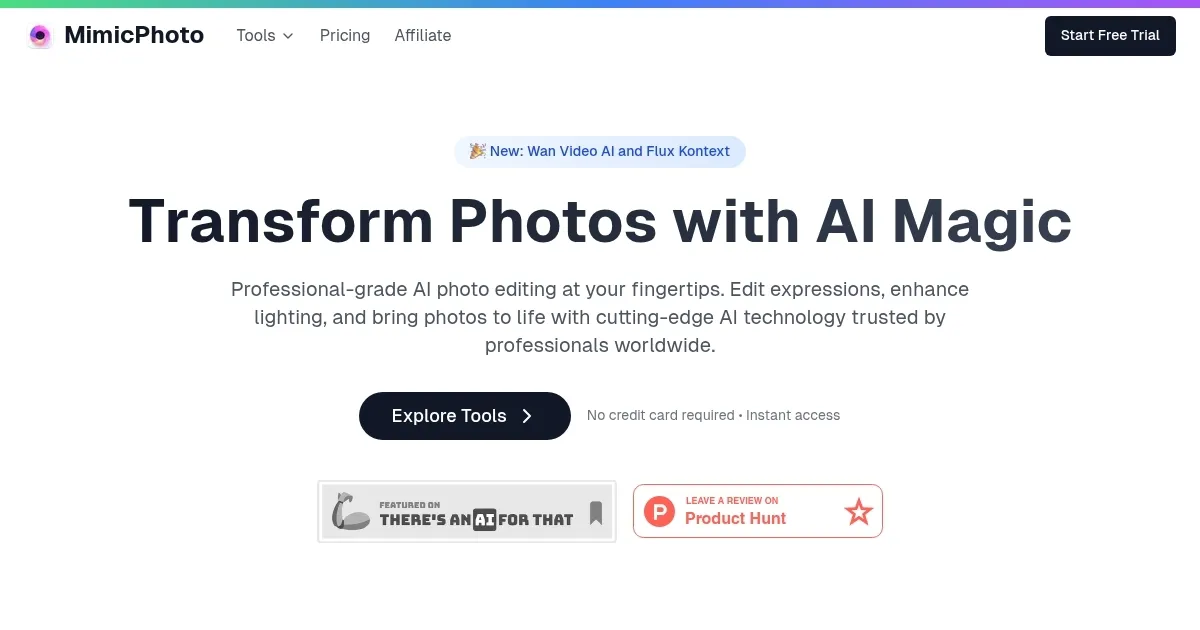
Homepage Screenshot 📸
What are the key features? ✨
- Face Expression Editor: Adjusts smiles, eyes, and facial features for natural-looking portraits.
- Object Removal: Erases unwanted elements from photos with AI-driven background filling.
- Background Replacement: Swaps photo backgrounds to create new settings seamlessly.
- Resolution Upscaling: Enhances image clarity for enlargements without quality loss.
- AI Hug Video Generator: Creates short, emotional hug videos from static photos.
Who is it for? 🤔
Examples of what you can use it for 💡
- Portrait Photographer: Enhances client photos by adjusting expressions for perfect smiles.
- Social Media Influencer: Creates engaging Instagram content with polished portraits.
- E-commerce Business: Improves product images by removing distracting backgrounds.
- Content Creator: Generates emotional AI hug videos for viral social media posts.
- Hobbyist Photographer: Upscales low-resolution images for high-quality prints.
Pros & Cons ⚖️
- Natural facial expression edits
- Intuitive, beginner-friendly interface
- Unique AI hug video feature
- Limited free trial credits
FAQs 💬
Ready to try MimicPhoto?
Edit facial expressions and enhance photos with AI precision for natural-looking results
Visit MimicPhoto