Mirage Studio by Captions
Creates lifelike video content with AI-generated actors from audio or text prompts
Mirage Studio is a potential game-changer for video content creation. I think it’s fair to say that producing professional-grade videos used to mean wrangling cameras, lighting crews, and actors, along with a hefty budget. Not anymore. This tool lets you craft expressive, lifelike videos with AI-generated actors, all from a simple audio file or text prompt. Upload a voice clip, tweak an actor’s look, and boom — you’ve got a polished video ready for TikTok, YouTube, or a client pitch. It’s like having a Hollywood studio in your browser, minus the overpriced coffee runs.
What makes Mirage Studio stand out is its ability to generate actors that don’t just lip-sync but actually emote. The tool uses a foundation model — branded as the world’s first fully licensed for acting — to produce characters with natural skin textures, subtle hand gestures, and eye movements that feel eerily human. You can customize everything: hairstyle, outfit, background, even the tone of voice. Need a polished spokesperson for a corporate ad? Done. Want a casual creator vibe for Instagram Reels? No problem. The platform supports videos up to 60 seconds on its Business plan, which is plenty for most social media needs. I was particularly impressed by the Character Consistency feature, which lets you reuse the same AI actor across multiple videos, building brand recognition without hiring a recurring talent.
Compared to competitors like Synthesia or Runway, Mirage Studio feels more tailored for marketers who need quick, scalable content. Synthesia excels at multilingual corporate videos but leans on pre-rendered templates, which can feel less dynamic. Runway offers robust AI editing tools but lacks Mirage’s focus on generating fully synthetic actors from scratch. Both are strong, but Mirage’s edge lies in its photorealistic output and rights-free content ownership. You own every video you create, no licensing headaches, which is a big win for agencies juggling client campaigns.
That said, Mirage Studio isn’t flawless. The free plan limits videos to 15 seconds, which might frustrate creators needing longer content. Some users on X have noted occasional glitches in rendering complex backgrounds, though these seem rare. The Business plan, while feature-rich, is pricier than some entry-level options from competitors, so budget-conscious freelancers might hesitate. Still, the ability to generate videos in 29+ languages, from Arabic to Vietnamese, makes it a versatile choice for global campaigns.
One surprise? The platform’s team collaboration features. You can invite colleagues, assign roles, and share credits, streamlining workflows for agencies. It’s not just a solo creator’s tool — it scales for teams. I also found the ability to tweak micro-expressions a bit mind-blowing. It’s not perfect, but it’s close enough to make you double-check if the actor is real.
For those looking to jump in, start with a simple script and experiment with the free plan to test the waters. Play with the customization options to match your brand’s vibe. If you’re scaling up, the Business plan’s extended video length and collaboration tools are worth exploring. Just be ready to invest time in learning the prompt system to get the best results.
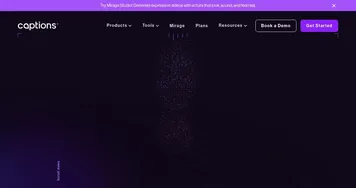
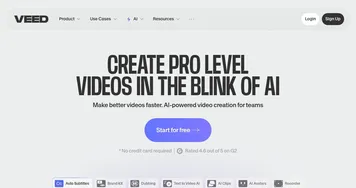
Homepage Screenshot 📸
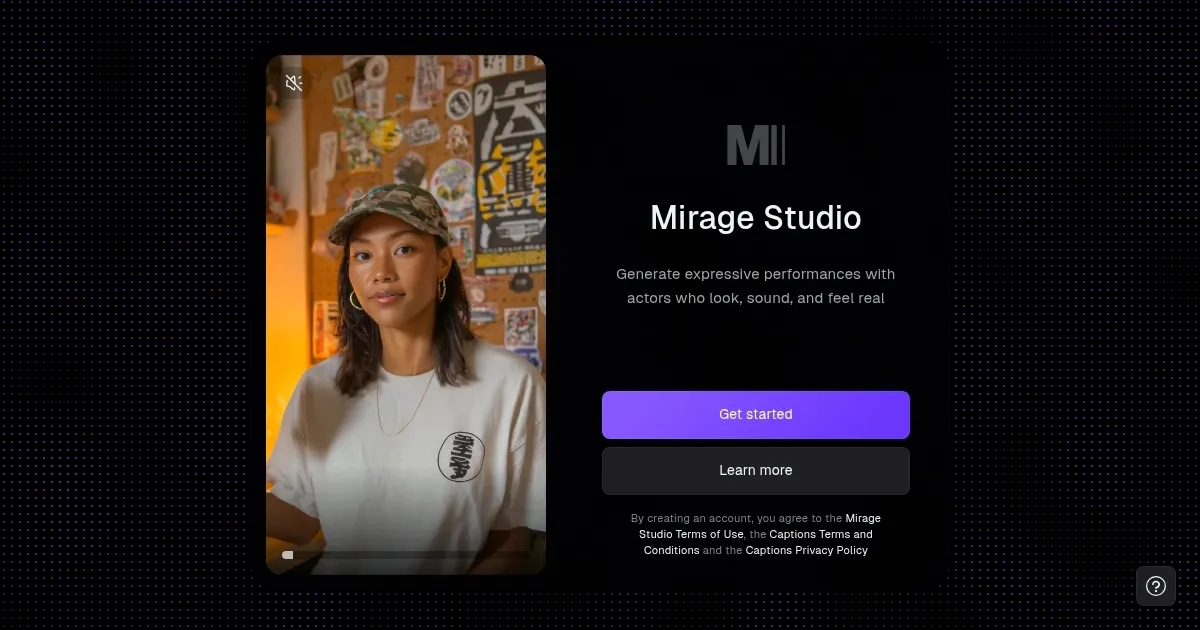
Video Overview 🎬
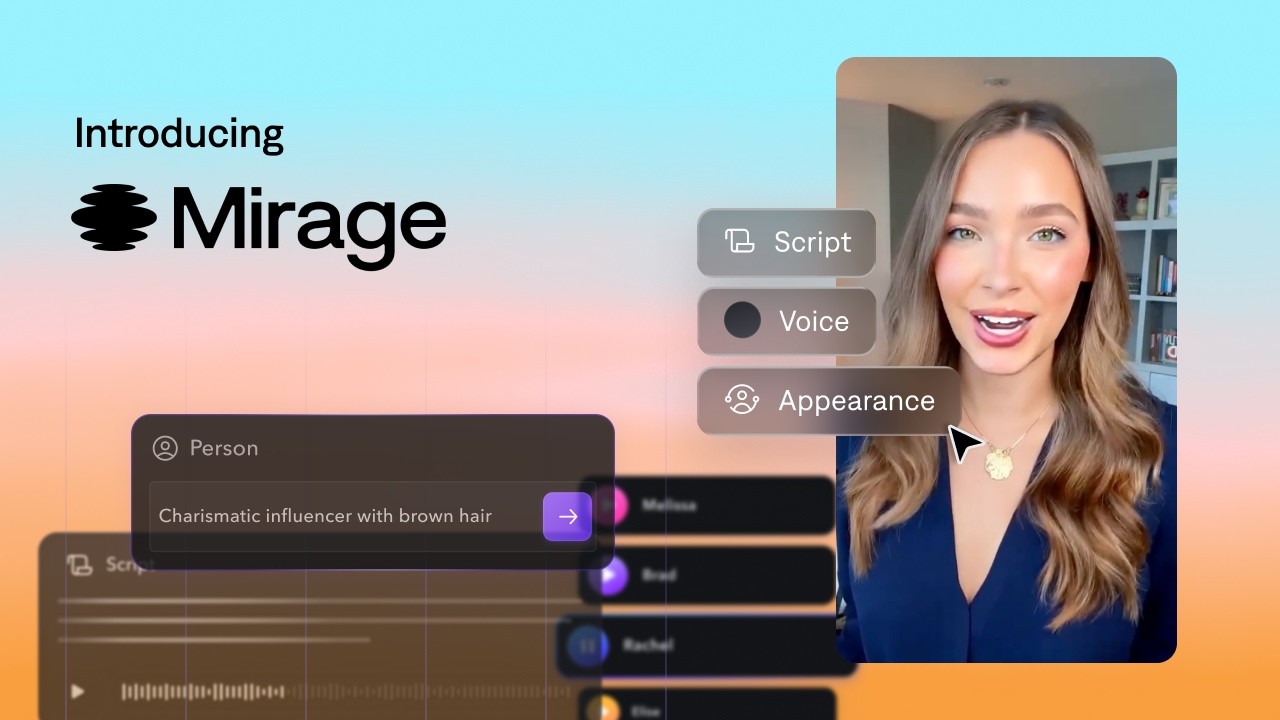
What are the key features? ✨
- AI Actor Creation: Customizes actor appearance, voice, and background from images or prompts.
- Character Consistency: Reuses the same AI actor across multiple videos for brand recognition.
- Voice-to-Video: Generates lifelike videos from audio or script with synced expressions and gestures.
- Multilingual Support: Creates videos in 29+ languages for global campaign scalability.
- Team Collaboration: Enables shared workspaces, roles, and credits for team projects.
Who is it for? 🤔
Examples of what you can use it for 💡
- Digital Marketer: Crafts scroll-stopping ad videos for Meta and TikTok in minutes.
- Content Creator: Produces consistent YouTube tutorials with reusable AI actors.
- Advertising Agency: Tests multiple ad variations with different actors and backgrounds.
- Small Business Owner: Creates affordable, professional-grade product videos.
- Social Media Influencer: Generates engaging Reels with customized AI personas.
Pros & Cons ⚖️
- Photorealistic AI actors
- Full content ownership
- Supports 29+ languages
- Free plan 15-sec limit
- Pricey Business plan
FAQs 💬
Ready to try Mirage Studio?
Creates lifelike video content with AI-generated actors from audio or text prompts
Visit Mirage StudioMirage Studio alternatives 🔗