Octoparse AI
Automates workflows with AI agents and no-code bots for busywork
Octoparse AI is a no code platform for building AI agents and software robots that automate repetitive tasks. It supports workflow creation through natural language prompts, drag and drop interfaces, and optional code integration. Core features remain free indefinitely, with paid plans adding advanced collaboration and scaling options.
The tool integrates with external AI services to enhance automations, such as generating code snippets or analyzing scraped data. Users access an App Store with community built templates for common scenarios like web scraping or email personalization. Technical capabilities include time triggers for scheduling and custom commands for tool connectivity.
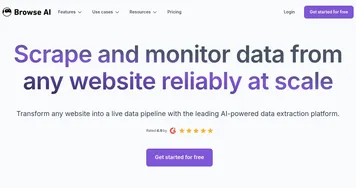
Targeted at teams and individuals in data heavy fields, Octoparse AI handles tasks from lead generation to content summarization. It processes dynamic web elements and supports exports to formats like Excel and CSV. Compared to competitors, it offers broader workflow depth than Browse AI but requires more setup for simple grabs.
Strengths include accessibility for non developers and strong community resources. Limitations involve occasional interface inconsistencies during complex builds. Pricing starts free, with team plans providing more bots and seats at moderate costs, generally lower than Apify for equivalent features.
For implementation, begin with the AI Workflow Wizard on a single task to test compatibility. Expand to team shared workspaces once basics align with needs. Regular updates improve reliability for large scale runs.
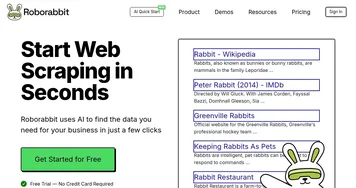
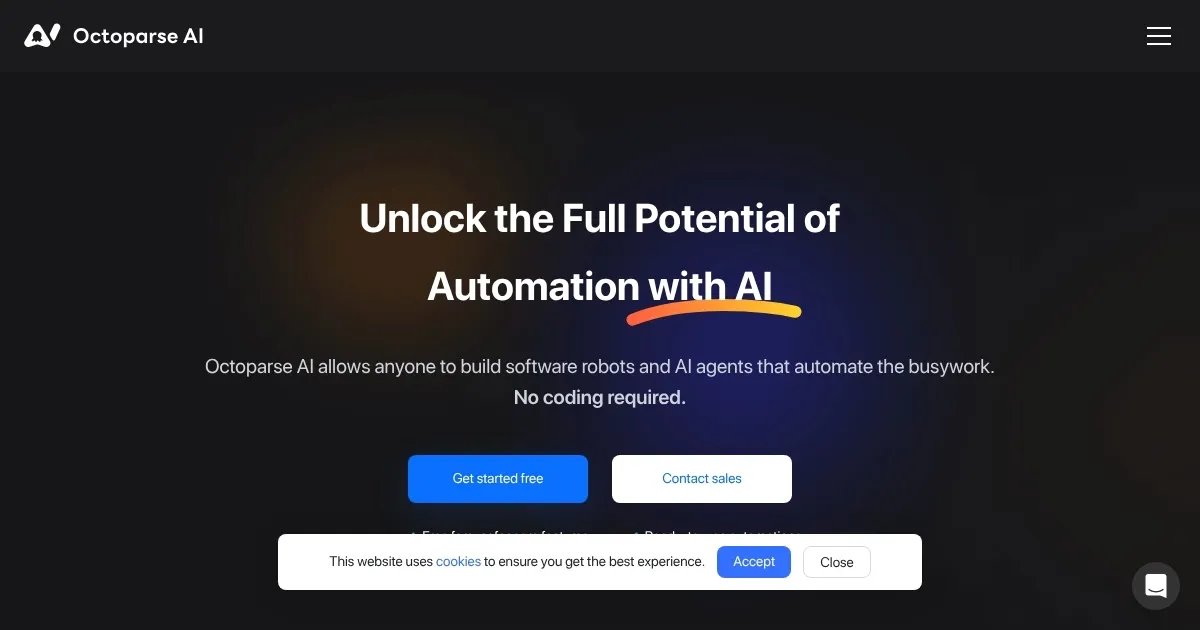
Homepage Screenshot 📸
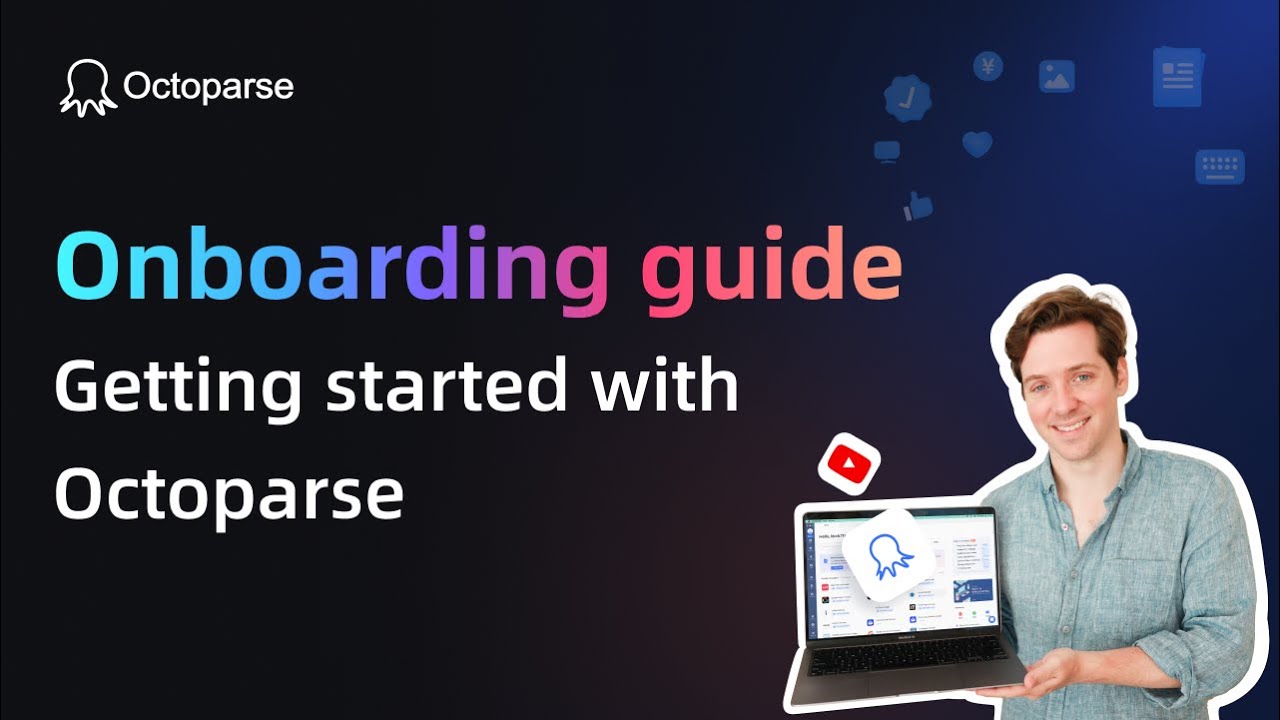
Video Overview 🎬
What are the key features? ✨
- AI Workflow Wizard: Generates complete automation setups from natural language descriptions in minutes.
- App Store: Provides ready-to-use templates and community-built apps for quick customization and deployment.
- Drag-and-Drop Builder: Enables visual workflow creation without coding, supporting loops and conditional logic.
- AI Integrations: Connects to external AI tools for tasks like data analysis, code generation, and content summarization.
- Team Collaboration: Allows shared workspaces with roles and permissions for multi-user automation development.
Who is it for? 🤔
Examples of what you can use it for 💡
- Marketer: Automates competitor price monitoring by scraping sites and summarizing trends for weekly reports.
- E-commerce Seller: Builds bots to extract product reviews from Amazon and personalize customer follow-up emails.
- Data Analyst: Uses templates to gather LinkedIn company data and analyze it with integrated AI for lead scoring.
- Content Creator: Schedules content summarization from news sites, exporting insights to draft blog outlines.
- Small Business Owner: Sets up invoice processing workflows that pull data from emails and update spreadsheets automatically.
Pros & Cons ⚖️
- No-code ease
- Free core features
- Strong AI ties
- Team sharing
- Learning curve
- Paid scaling
FAQs 💬
Ready to try Octoparse AI?
Automates workflows with AI agents and no-code bots for busywork
Visit Octoparse AI