Skip to content
logo-darklogo-darklogo-darklogo-dark
  • Tool Categories
    • 🎨Art & Creative Design505
    • 🏢Business Management644
    • 💻Coding & Development514
    • 👮Detection83
    • 🧠General Use728
    • 🏥Health & Wellness55
    • 📷Image & Photo Analysis100
    • 🖼️Image Generation & Editing618
    • 📐Interior & Architectural Design37
    • 🎓Learning & Education483
    • ⚖️Legal & Finance90
    • 🎭Lifestyle & Entertainment236
    • 📢Marketing & Advertising627
    • 🎧Music & Audio138
    • 👔Office & Workplace1,014
    • 🔬Research & Data Analysis373
    • 👥Social Media245
    • 🎥Video Generation & Editing426
    • 👧🏻Virtual Companion135
    • 🎤Voice Generation & Editing381
    • ✍️Writing & Editing808
    • All Categories
    • AI Use Cases
  • News
  • Events
    • Academic Conferences
    • Developer Conferences
    • Expos / Trade Shows
    • Industry Summits
    • Workshops / Training
    • All Events
    • Past Events
  • Saved Tools
  • Suggest a Tool
    ✕
    Home › Coding & Development › Web Scraping› Hexomatic
    Hexomatic

    Hexomatic

    Automates web scraping and tasks with no-code solutions

    Hexomatic is a no-code platform for web scraping and task automation, enabling users to extract data from websites and streamline sales, marketing, and research tasks with over 100 built-in automations. It supports 1-click scraping for popular sites like Amazon and Google Maps, plus custom recipes for complex pages. The platform integrates AI tools like ChatGPT and Google Gemini for tasks such as content rewriting and data summarization, making it versatile for businesses.

    Key features include a point-and-click interface for scraping, pre-built workflow templates, and integrations with tools like Zapier and Google Sheets. The platform offers over 100 automations, such as Email Address Validation, SEO Meta Tags extraction, and Amazon Product Data scraping. Users can create workflows combining scraping and automation, with options to schedule tasks or export data. The Chrome extension provides tools like Tech Stack Analyzer for quick website insights.

    Compared to competitors like Apify and Octoparse, Hexomatic excels in AI integration and ease of use for non-coders. However, its automation credits system limits task volume based on pricing plans, which may restrict heavy users. Custom scraping recipes can be challenging for complex sites, requiring trial and error.

    The pricing structure includes Silver, Gold, and Enterprise plans, with higher tiers offering more automation credits and features like API access. This is competitive with ScrapingBee, though Hexomatic’s AI capabilities give it an edge. The platform is trusted by over 130,000 businesses, per its website.

    To get started, use pre-built templates for quick wins. Monitor automation credits to avoid surprises. Explore the Chrome extension for additional insights, and leverage tutorials on the Hexomatic Academy for guidance.

    Visit Hexomatic ↗
    Categories
    💻 Coding
    🕷️ Web Scraping
    🏢 Business
    🔄 Workflow
    🔬 Research
    ⛏️ Data Mining 🔬 Research
    👔 Work
    ⚡ Work Productivity 🔗 Agent
    📢 Advertising
    🎯 Lead Generation 🔍 SEO

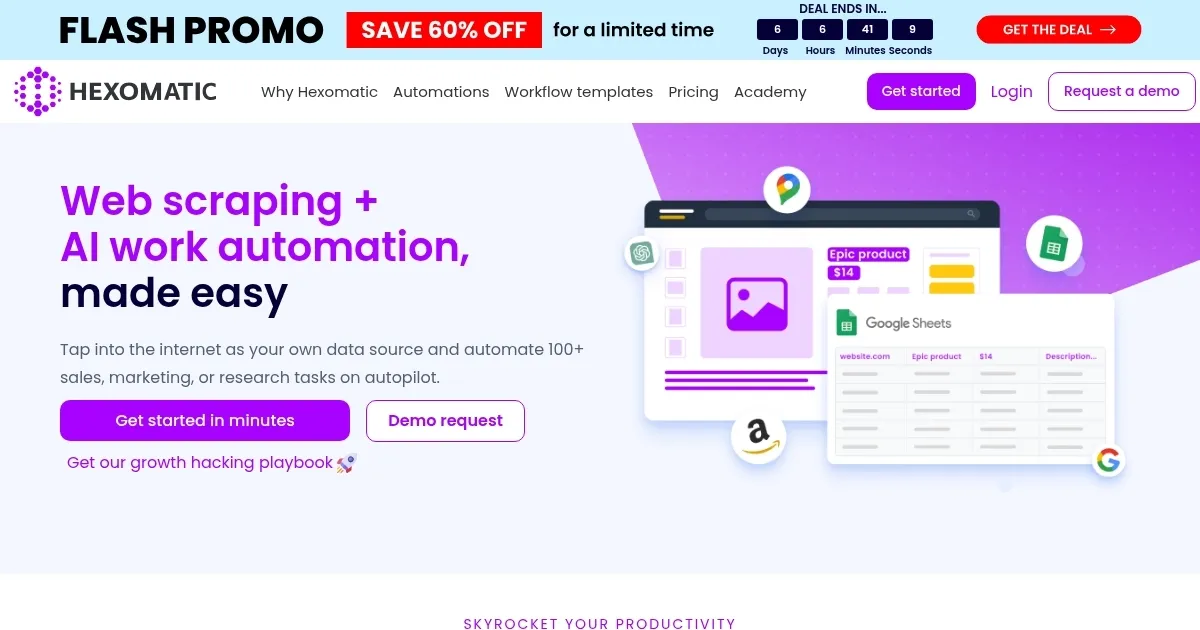
    Homepage Screenshot 📸

    Hexomatic screenshot

    Video Overview 🎬

    Hexomatic - Video Overview

    What are the key features? ✨

    • 1-Click Scraping: Extracts data from popular websites with a single click.
    • Workflow Templates: Offers pre-built templates for tasks like Amazon scraping.
    • AI Automations: Uses ChatGPT and Gemini for content and data tasks.
    • Integrations: Connects with tools like Zapier and Google Sheets.
    • Chrome Extension: Analyzes websites with tools like Tech Stack Analyzer.

    Who is it for? 🤔

    Hexomatic is made for small business owners, marketers, and researchers who need to extract web data or automate repetitive tasks without coding skills. It suits eCommerce sellers scraping product data, digital marketers analyzing SEO metrics, and startups conducting market research. Its no-code interface and AI features make it accessible for non-technical users aiming to scale productivity.

    Examples of what you can use it for 💡

    • E-commerce Seller: Scrapes Amazon product listings to analyze competitors.
    • Digital Marketer: Extracts SEO meta tags for website optimization.
    • Market Researcher: Pulls contact details from directories for lead generation.
    • Content Creator: Uses AI to rewrite scraped product descriptions.
    • Startup Founder: Analyzes tech stacks of competitors via Chrome extension.

    Pros & Cons ⚖️

    • Over 100 automations save time.
    • AI integrations enhance functionality.
    • Chrome extension adds quick insights.
    • Complex sites may need tinkering.
    • Interface can feel cluttered.

    FAQs 💬

    What is Hexomatic’s main function?
    Extracts web data and automates tasks with no-code tools.
    Do I need coding skills to use Hexomatic?
    No, it’s designed for non-coders with a point-and-click interface.
    Which websites can Hexomatic scrape?
    Most websites, including Amazon, Google Maps, and Tripadvisor.
    What are automation credits?
    Credits limit task volume based on your pricing plan.
    Can Hexomatic integrate with other tools?
    Yes, it connects with Zapier, Google Sheets, Slack, and more.
    Does Hexomatic offer AI features?
    Yes, it uses ChatGPT and Gemini for content and data tasks.
    Is there a free trial available?
    Check Hexomatic’s website for current trial offers.
    How does Hexomatic compare to Apify?
    Hexomatic is more no-code and AI-focused than Apify.
    Can I scrape password-protected sites?
    No, Hexomatic cannot access password-protected pages.
    What support does Hexomatic offer?
    Email support and tutorials via Hexomatic Academy.

    Ready to try Hexomatic?

    Automates web scraping and tasks with no-code solutions

    Visit Hexomatic ↗

    Hexomatic alternatives 🔗

    1. Thunderbit Thunderbit Extracts structured data from websites in two clicks using AI-powered automation
    2. Roborabbit Roborabbit Automates web scraping and browser tasks with AI-driven, no-code solutions
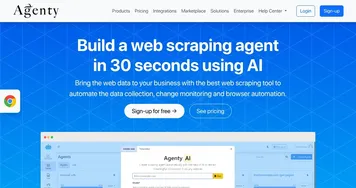
    3. Agenty Agenty Extracts web data using AI-powered point-and-click automation for easy collection and analysis
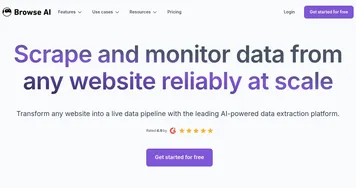
    4. Browse AI Browse AI The easiest way to extract and monitor data from any website
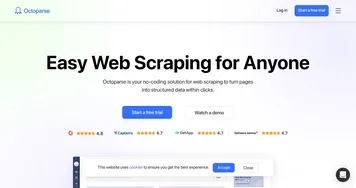
    5. Octoparse Octoparse A no-code web scraping tool that effortlessly converts web pages into structured data
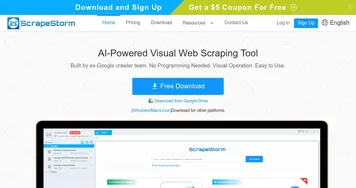
    6. ScrapeStorm ScrapeStorm Extracts web data visually with AI, no coding needed
    Share
    Hexomatic screenshot enlarged
    Best AI Tools

    Discover the best AI tools for any use case

    Explore
    • Tool Categories
    • AI Use Cases
    • AI Events
    • AI News
    • Saved Tools
    Company
    • About Us
    • Contact Us
    • Media & Partnerships
    • Suggest a Tool
    Legal
    • Privacy Policy
    • Terms of Service
    Copyright © 2026 Best AI Tools 415 Mission Street, 37th Floor, San Francisco, CA 94105