PodcastAI
Generates full podcasts from text inputs using AI voices and scripting
Picture yourself knee-deep in a solo podcast project, staring at a half-baked outline on a rainy Tuesday afternoon. That’s where I was last week, dipping my toes into PodcastAI for the first time after a friend swore it would slash my production headaches. With just a couple hours under my belt messing around, I can say this: it’s like that clever sidekick in a heist movie, handling the techy lifts so you pull off the big score, your voice echoing through episodes without you lifting a mic. I fed it a quick note on urban gardening tips, and boom, 15 minutes later, a full script unfurled, witty transitions and all, narrated in a voice that nailed my casual drawl.
The standout for me was the Episode Builder feature, which weaves your input into a tight narrative arc, tossing in hooks and recaps that keep listeners glued. I laughed out loud when it auto-added a quirky factoid about rooftop bees, pulling from my scribbles like it read my mind. Pair that with the AI Voice Studio, and you’ve got options galore, from gravelly storyteller tones to upbeat host vibes. My test run cloned a snippet of my voice decently, though it stumbled on my occasional Southern twang, coming off a tad polished for my raw style. Reddit threads echo this; one user griped about initial mismatches but praised how tweaks make it personal. Folks love it for cranking out bonus content, like Q&A spin-offs from main episodes, without extra sweat.
But here’s the rub, and it’s a sharp one: the platform’s learning curve hits if you’re not text-savvy. I fumbled exporting a draft to my DAW for custom music beds, and the interface, while clean, buried some advanced settings under menus that begged for a search bar. Against competitors, it holds its own against Podcastle‘s all-in-one vibe but trails Descript in seamless clip extraction for socials. Descript’s Overdub lets you fix flubs post-record, a luxury PodcastAI skimps on without add-ons. Pricing? Entry-level plans keep it affordable for dabblers like me, cheaper than Riverside.fm’s pro tier for similar output volume, though power users might pony up for unlimited voices. It’s a solid middle-ground, not the flashiest, but it delivers without the bloat.
The real kicker came when I shared a generated clip on X, and replies poured in about the “human touch” in the pacing, a surprise since I expected cookie-cutter results. Turns out, the AI’s rhythm engine adapts to your script’s energy, dodging that monotonous drone that plagues lesser tools. Drawback? Longer episodes over 30 minutes tax the free tier’s limits, nudging you toward paid faster than I’d like. Still, for creators juggling day jobs, it’s a witty workaround that turns “someday” ideas into deploys. My advice? Grab the trial, script something fun like a pet peeves rant, and iterate from there. You’ll end up with episodes that feel like you, minus the midnight edits.
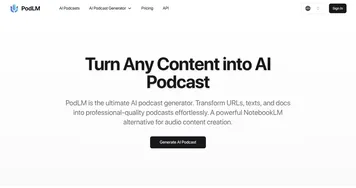
Homepage Screenshot 📸

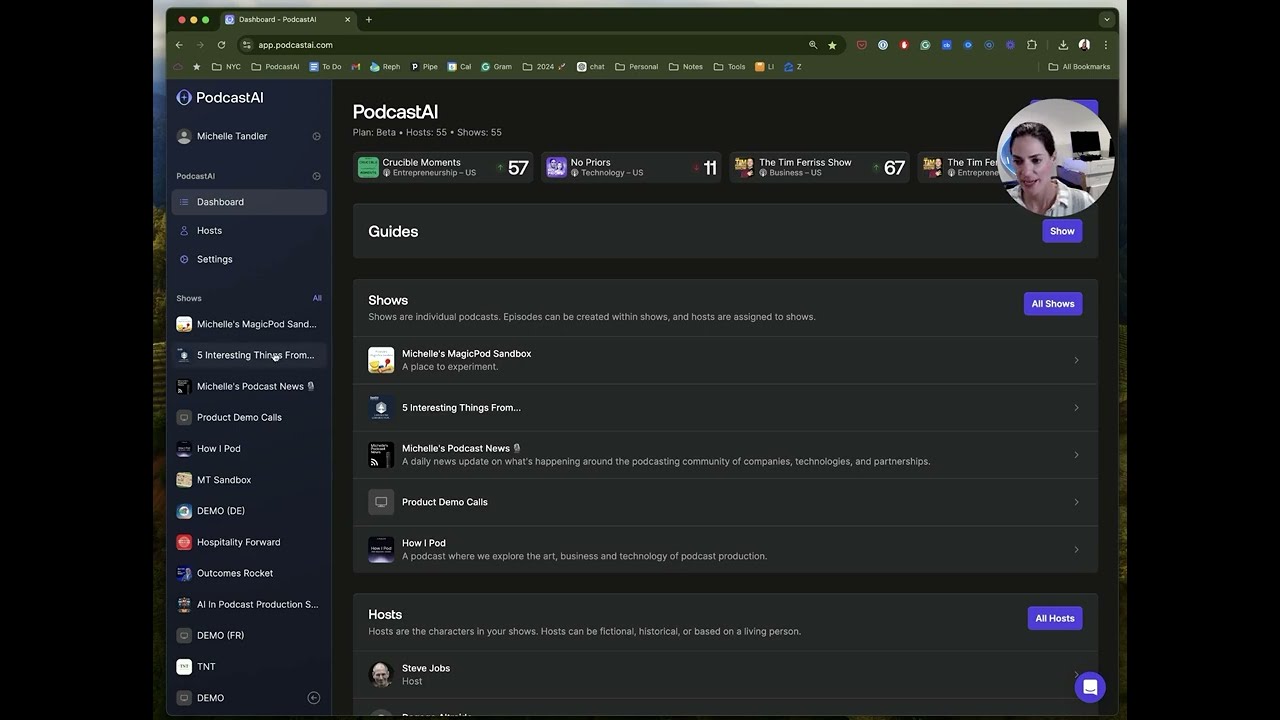
Video Overview 🎬
What are the key features? ✨
- Script Generator: Analyzes text inputs to create episode outlines with intros, body segments, and conclusions in under two minutes.
- Voice Studio: Offers 50+ AI voices or custom cloning from user samples, producing natural-sounding narration at 44.1kHz quality.
- Auto-Editor: Trims silences, adds transitions, and generates timestamps during rendering for quick post-production.
- RSS Builder: Produces optimized feeds with metadata and show notes for direct submission to major podcast directories.
- Multilingual Support: Translates and voices scripts into 10 languages, enabling global episode distribution.
Who is it for? 🤔
Examples of what you can use it for 💡
- Solo Podcaster: Inputs a blog post to generate a narrated episode with custom voice, ready for weekly release in 10 minutes.
- Content Marketer: Converts product notes into branded audio clips for social promotion, auto-adding calls to action.
- Educator: Transforms lecture outlines into multilingual lessons, distributing via RSS to student platforms.
- Business Owner: Creates internal training podcasts from meeting transcripts, using cloned voices for consistency.
- Niche Blogger: Builds themed series from topic lists, with AI-suggested segments for engaging listener retention.
Pros & Cons ⚖️
- Affordable entry plans
- Natural voice options
- Multilingual output
- Free tier caps
- Accent inconsistencies
FAQs 💬
Ready to try PodcastAI?
Generates full podcasts from text inputs using AI voices and scripting
Visit PodcastAIPodcastAI alternatives 🔗