logo-darklogo-darklogo-darklogo-dark
  • Tool Categories
    • ๐ŸŽจ Art
    • ๐Ÿข Business
    • ๐Ÿ’ป Coding
    • ๐Ÿ‘ฎ Detection
    • ๐Ÿง  General
    • ๐Ÿฅ Health
    • ๐Ÿ“ท Image Analysis
    • ๐Ÿ–ผ๏ธ Image
    • ๐Ÿ“ Architecture
    • ๐ŸŽ“ Education
    • โš–๏ธ Legal/Finance
    • ๐ŸŽญ Lifestyle
    • ๐Ÿ“ข Advertising
    • ๐ŸŽง Music
    • ๐Ÿ‘” Work
    • ๐Ÿ”ฌ Research
    • ๐Ÿ‘ฅ Social
    • ๐ŸŽฅ Video
    • ๐Ÿ‘ง๐Ÿป Companion
    • ๐ŸŽค Voice
    • โœ๏ธ Writing
    • All Categories
    • AI Use Cases
  • News
  • Events
    • Academic Conferences
    • Developer Conferences
    • Expos / Trade Shows
    • Industry Summits
    • Online Events
    • Workshops / Training
    • All Events
    • Past Events
  • Saved Tools
  • Suggest a Tool
โœ•
Home › Art & Creative Design › Poster Generation› PosterMyWall
PosterMyWall

PosterMyWall

Create stunning posters, flyers, and social media graphics with easy-to-use templates

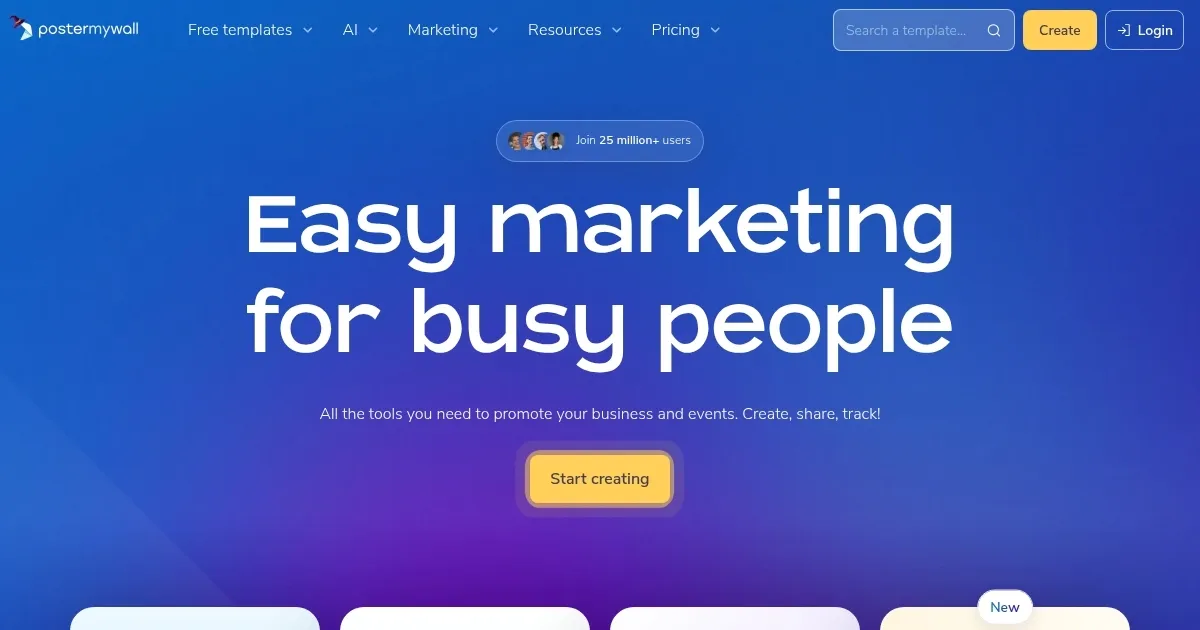
PosterMyWall is an online design platform offering over 1.19 million templates for creating posters, flyers, social media graphics, and email campaigns, with AI-powered tools and event promotion features. Users can customize designs using a drag-and-drop editor, access AI-generated images, remove backgrounds, and generate text. The platform supports social media scheduling, email campaign tracking, and event page creation with registration forms.

The template library covers diverse categories, including business, education, and events, with sizes like US Letter flyers and Instagram posts. The AI Image Generator creates visuals from text prompts, while the AI Background Remover eliminates unwanted backgrounds in one click. The AI Writer generates captions and email content, though results may vary in quality. Event promotion tools allow users to convert designs into shareable pages or embeddable calendars. The platform offers a free plan with basic features and Premium plans for advanced tools like Brand Kits and analytics.

Compared to Canva and Crello, PosterMyWall has a larger template library but a less polished interface. Canva offers a smoother user experience, while Crello focuses on video content. The free plan limits high-resolution downloads, and some users report lag with complex designs. The mobile app supports editing and publishing, matching desktop functionality closely.

Pricing includes a free tier and affordable Premium plans, competitive with Canva and Crello. Analytics for social media and email campaigns provide engagement insights, though not as advanced as dedicated tools. The platform’s strength lies in its template variety and event promotion capabilities, ideal for small businesses and marketers.

New users should explore the template library, test AI tools for quick edits, and use the free plan to evaluate features before upgrading.

Visit PosterMyWall ↗

Categories

๐ŸŽจ Art

๐Ÿชง Poster Generation ๐Ÿ–Œ๏ธ Graphic Design ๐Ÿ–ผ๏ธ Design Generation ๐Ÿ“ Mockup Generation ๐Ÿ’  Logo Generation

๐Ÿ“ข Advertising

๐Ÿš€ Marketing ๐ŸŽจ Ad Creative

๐Ÿ‘ฅ Social

๐Ÿ“ Social Media Post Generation

๐Ÿ–ผ๏ธ Image

๐Ÿ–ผ๏ธ Image Generation

๐ŸŽฅ Video

โœ๏ธ Video Editing

Screenshot 📸

PosterMyWall screenshot

Video Overview 🎬

What are the key features? ✨

  • Template Library: Over 1.19 million customizable templates for posters, flyers, and social media graphics.
  • AI Image Generator: Creates images from text prompts for unique visuals.
  • AI Background Remover: Removes image backgrounds with a single click for clean designs.
  • Event Promotion Tools: Converts designs into shareable event pages with registration forms.
  • Social Media Scheduling: Publishes and schedules posts directly to platforms like Instagram and Facebook.

Who is it for? 🤔

PosterMyWall is made for small business owners, event organizers, educators, and marketers who need quick, professional-looking designs without advanced graphic design skills. Its vast template library and AI tools make it perfect for those juggling multiple promotional tasks, while the event promotion features cater to community leaders and nonprofit organizers looking to boost engagement.

Examples of what you can use it for 💡

  • Small Business Owner: Designs eye-catching flyers to promote a local sale or new product launch.
  • Event Organizer: Creates a shareable event page for a community festival with registration forms.
  • Educator: Crafts classroom posters or schedules for school events using customizable templates.
  • Marketer: Schedules social media posts for a brand campaign directly from the platform.
  • Nonprofit Leader: Builds email campaigns to drive donations with trackable analytics.

Pros & Cons ⚖️

  • Vast template library for diverse needs.
  • AI tools simplify design and editing.
  • Free plan offers generous functionality.
  • Free plan limits high-res downloads.
  • AI Writer may produce generic text.

FAQs 💬

What types of designs can I create with PosterMyWall?
You can create posters, flyers, social media graphics, email campaigns, and event pages.
Is the free plan sufficient for basic use?
Yes, the free plan allows design creation and downloads, but high-res exports are limited.
How does the AI Image Generator work?
Enter a text prompt, and the tool generates a custom image based on your description.
Can I schedule social media posts directly?
Yes, the platform supports scheduling to platforms like Instagram and Facebook.
Does PosterMyWall offer templates for specific industries?
Yes, it includes templates for businesses, education, events, restaurants, and more.
Is the mobile app as functional as the desktop version?
The mobile app supports most editing and publishing features, closely matching desktop functionality.
Can I track engagement on my designs?
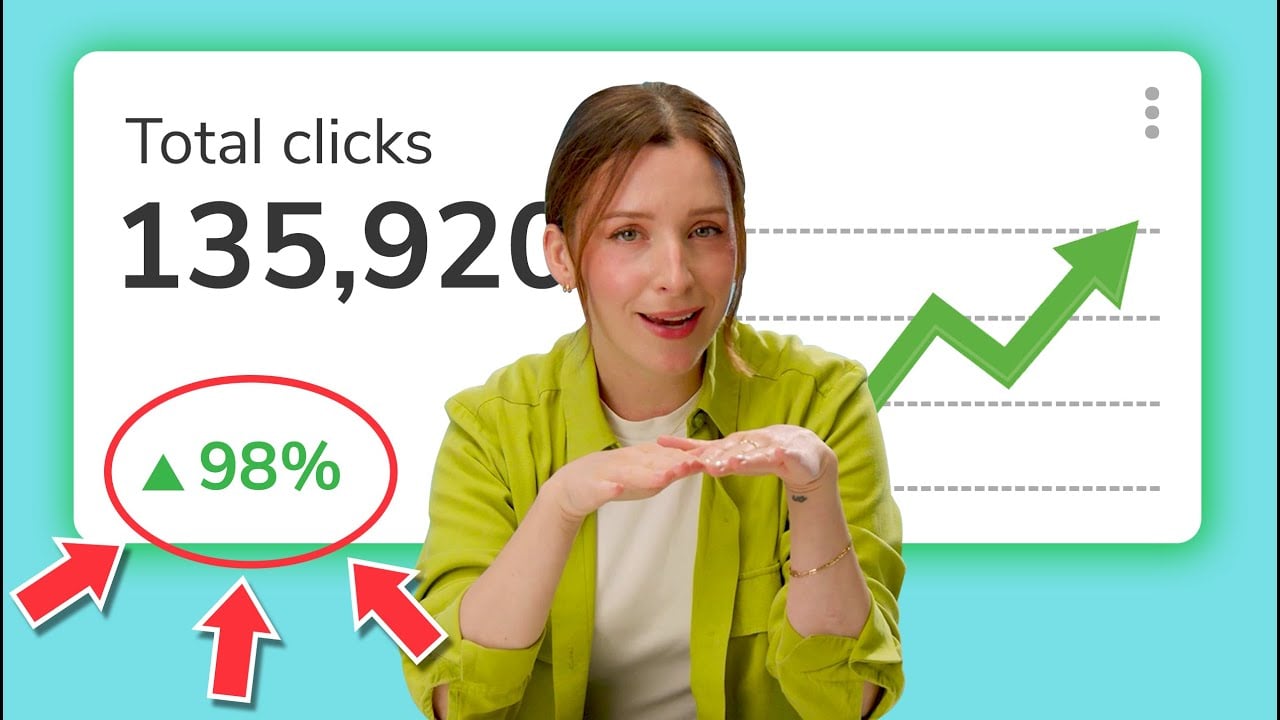
Premium plans offer analytics to track clicks and engagement on social posts and emails.
How does PosterMyWall compare to Canva?
It offers more templates but a less polished interface compared to Canvaโ€™s smoother design experience.
Are there tools for event promotion?
Yes, you can create shareable event pages and embeddable calendars with registration forms.
Can I collaborate with a team on designs?
Premium+ plans include team collaboration features for shared editing and feedback.

Ready to try PosterMyWall?

Create stunning posters, flyers, and social media graphics with easy-to-use templates

Visit PosterMyWall ↗

PosterMyWall alternatives 🔗

  1. Midjourney Midjourney Generates high-quality images from text prompts using AI.
  2. DALL-E DALL-E Generates detailed images from text prompts with enhanced nuance and safety features
  3. Canva Magic Design Canva Magic Design Generates custom, on-brand designs from text prompts or uploaded media in seconds.
  4. Adobe Express Adobe Express Creates on-brand content with AI-driven design and video tools
  5. MiriCanvas MiriCanvas Creates stunning designs with AI-powered templates and editing tools
  6. Ideogram Ideogram Integrating advanced AI technologies to transform text descriptions (prompts) into visual creations
Share
PosterMyWall screenshot enlarged
Promote PosterMyWall
light badge
Copy Embed Code
dark badge
Copy Embed Code
neutral badge
Copy Embed Code
Best AI Tools

Discover the best AI tools for any use case

About Us | Contact Us | Suggest an AI Tool
Privacy Policy | Terms of Service
Copyright © 2026 Best AI Tools 415 Mission Street, 37th Floor, San Francisco, CA 94105