Prezo
Creates professional presentations, documents, and websites using AI-driven design
I gave Prezo a whirl over a few afternoons, and my first impression is that it’s like having a design assistant who never sleeps. Picture me, a freelancer with a client pitch looming, fumbling with a messy Google Doc full of ideas. Prezo took that chaos and turned it into a sleek presentation in under 10 minutes. The AI Document Processing feature is the star here — it scanned my doc, pulled out key points, and arranged them into slides with clean layouts. I was skeptical, but the results were sharp, with bold headings and bullet points that actually made sense.
The AI Image Generation tool caught me off guard. I typed “futuristic city skyline” for a tech-themed slide, and Prezo spat out a crisp, stylized image that fit perfectly. It’s not Photoshop, but it’s darn close for zero effort. The drag-and-drop editor is a breeze, letting me nudge elements around without breaking a sweat. I also loved the real-time collaboration — my teammate jumped in from her laptop, tweaking text while I adjusted images. It felt seamless, like we were in the same room. Mobile optimization is another gem; my slides looked just as good on my phone as on my laptop.
Still, I hit a few snags. The customization options, while decent, don’t match the granular control of Adobe Express or Canva. I wanted to tweak font sizes beyond the presets, but Prezo nudged me toward its AI-suggested designs instead. For a tool that’s all about speed, this makes sense, but it left me itching for more freedom. Also, the AI Text Generation occasionally overdid it — rewriting my text to sound overly formal when I wanted a casual vibe. And if your internet’s spotty, good luck; Prezo’s cloud-based nature means you’re stuck without a connection.
Pricing feels fair, with a free plan that’s great for dabbling and premium tiers for teams needing extras like collaboration tools. Compared to Visme, which offers similar AI features but leans more toward infographics, Prezo holds its own for quick presentations. A surprise standout? The template library with AI autofill — it suggests content to fit your layout, saving brainpower. My advice: start with a simple prompt, like a one-sentence topic, and let Prezo build a draft. Then, use the drag-and-drop editor to make it your own. It’s a time-saver that feels like a secret weapon.
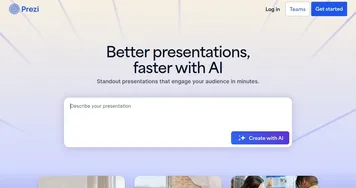
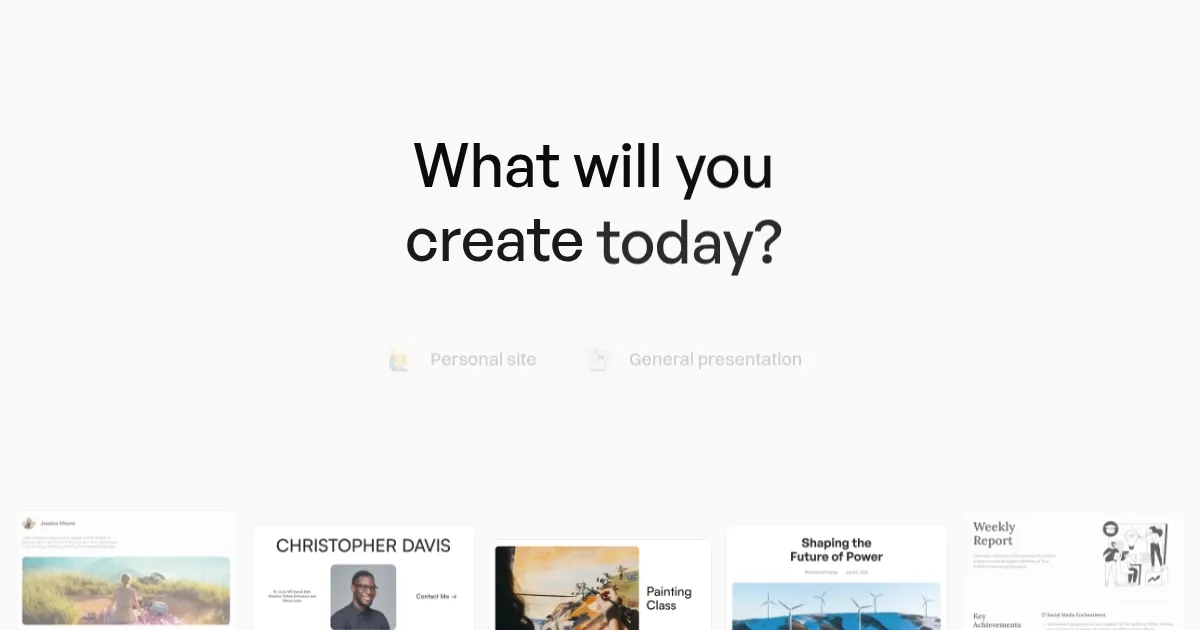
Homepage Screenshot 📸
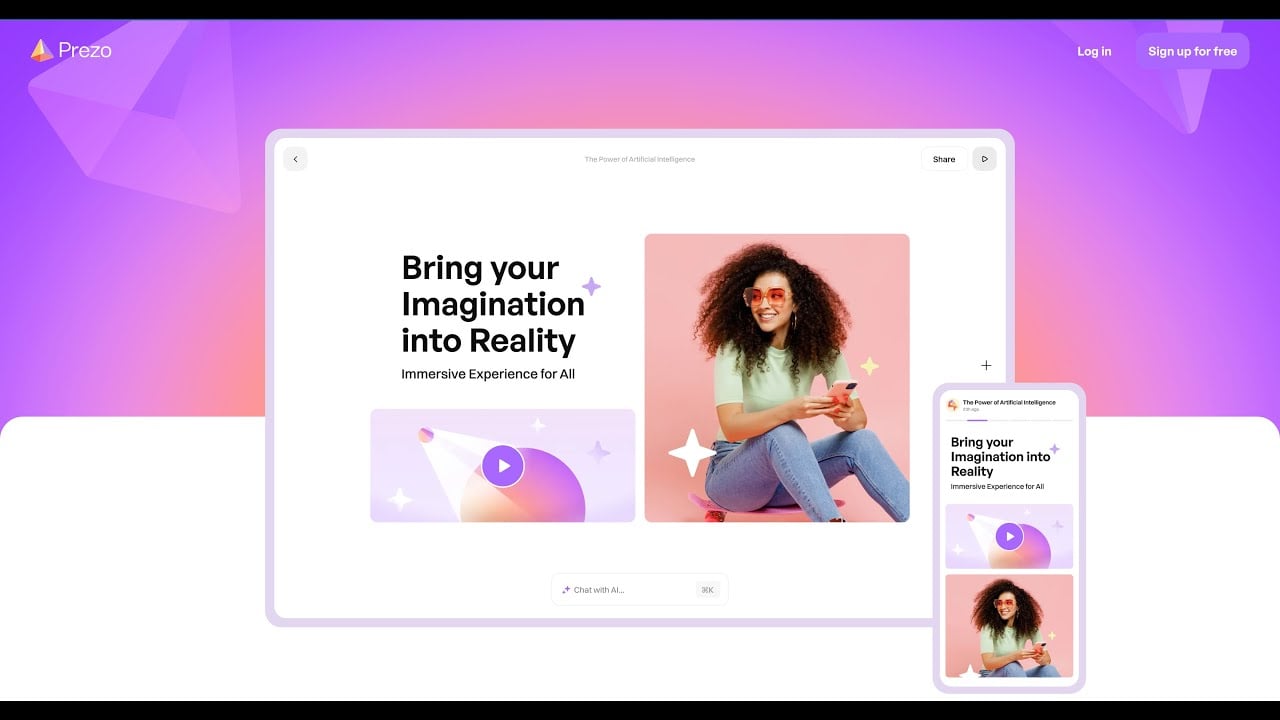
Video Overview 🎬
What are the key features? ✨
- AI Document Processing: Extracts key points from documents to create structured slides.
- AI Image Generation: Generates custom visuals from text descriptions in various styles.
- AI Text Generation: Rewrites and adjusts text tone or length for different audiences.
- Real-Time Collaboration: Allows multiple users to edit presentations simultaneously.
- Mobile Optimization: Ensures content looks great on desktops, tablets, and smartphones.
Who is it for? 🤔
Examples of what you can use it for 💡
- Marketer: Creates compelling sales pitches with AI-generated visuals and layouts.
- Educator: Turns lesson notes into interactive student presentations.
- Consultant: Converts reports into client-ready slide decks efficiently.
- Student: Builds professional project presentations with minimal effort.
- Small Business Owner: Designs marketing materials or websites quickly.
Pros & Cons ⚖️
- Fast AI-driven slide creation.
- Intuitive drag-and-drop interface.
- Custom AI-generated visuals.
- AI designs can feel generic.
FAQs 💬
Ready to try Prezo?
Creates professional presentations, documents, and websites using AI-driven design
Visit PrezoPrezo alternatives 🔗