Rotor by LyricFind
Creates music, lyric, and promo videos quickly using AI-driven editing
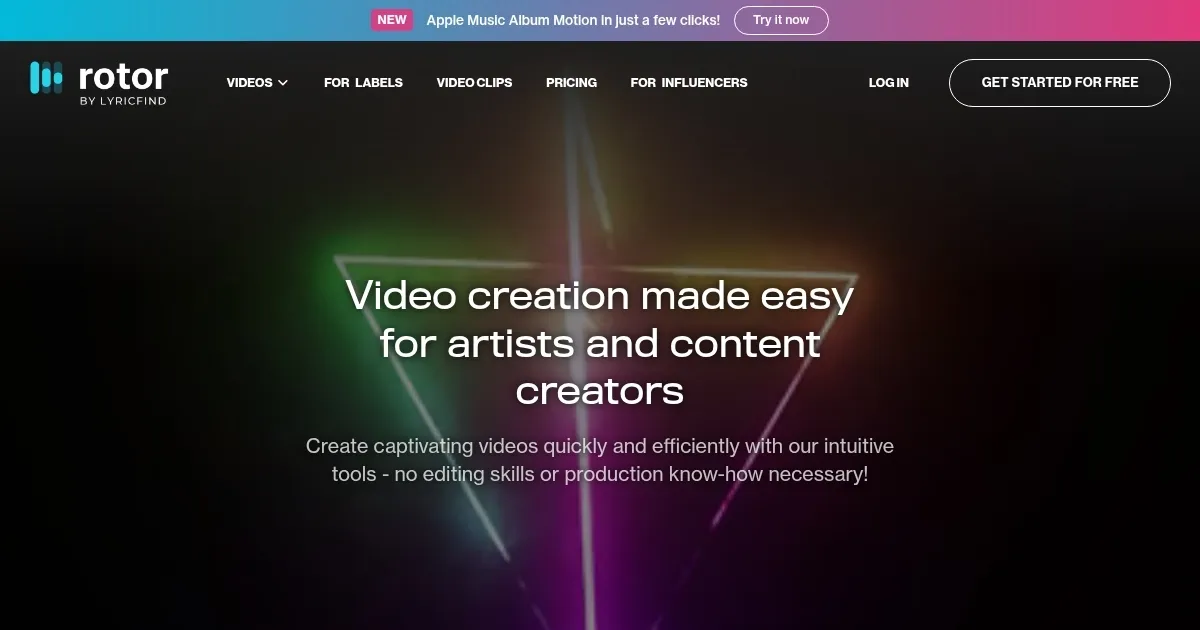
Rotor, or Rotor Videos, is an AI-powered platform that enables musicians to create music, lyric, and promo videos quickly without advanced editing skills. Users upload audio tracks, select from over a million rights-cleared stock clips or their own footage, and choose from 150+ customizable styles and templates. The Smart Editing Engine analyzes the music to sync cuts and transitions, producing professional-grade videos in minutes. The platform supports formats for TikTok, YouTube, Spotify Canvas, and Apple Music Album Motion, making it ideal for social media and streaming.
Key features include a vast stock library, animated text overlays, and filters for customization. The platform, acquired by LyricFind in 2023, integrates with SoundCloud for seamless access. Rotor’s free plan allows experimentation, but downloads require credits, starting at $5.99 per credit. Recent updates have improved stability, addressing past user complaints about syncing issues. The platform’s API also allows developers to embed video creation into other systems.
Compared to Animoto and Videobolt, Rotor focuses heavily on music-specific video formats, like lyric videos and Spotify Canvas, which competitors don’t always prioritize. However, its credit-based pricing can be less cost-effective for frequent users than subscription-based platforms like Renderforest. Some users report occasional AI syncing errors with complex tracks, and the template variety, while extensive, may not satisfy those seeking highly bespoke designs.
Rotor excels for artists needing quick, polished videos for promotion. Its intuitive interface and AI-driven editing save time, but the pay-per-download model may deter high-volume creators. The platform’s social media optimization is a standout, ensuring videos fit platform-specific requirements.
To get started, upload a high-quality audio file (MP3 or WAV) for best syncing results. Experiment with templates to find the right vibe, and use text overlays sparingly for impact. Check video previews to catch any errors before purchasing credits. If creating multiple videos, compare Rotor’s pricing with subscription-based competitors to find the best fit.
Homepage Screenshot 📸
Video Overview 🎬

What are the key features? ✨
- Smart Editing Engine: Analyzes music to sync video cuts and transitions automatically.
- Stock Clip Library: Offers over 1 million rights-cleared clips for video creation.
- Customizable Templates: Provides 150+ styles and animated text overlays for personalization.
- Spotify Canvas Support: Creates short, looping videos optimized for Spotify’s platform.
- Social Media Formats: Generates square and vertical videos tailored for TikTok and Instagram.
Who is it for? 🤔
Examples of what you can use it for 💡
- Indie Musician: Creates a lyric video to build hype for a new single on TikTok.
- Record Label: Produces Spotify Canvas videos to boost engagement on streaming platforms.
- Content Creator: Crafts a promo video with stock clips for an Instagram music campaign.
- Band Manager: Generates a visualizer for YouTube using album artwork and animated text.
- DIY Artist: Combines personal footage with Rotor’s library for a unique music video.
Pros & Cons ⚖️
- Large stock clip library
- Social media optimization
- Spotify Canvas support
- Limited niche templates
FAQs 💬
Ready to try Rotor?
Creates music, lyric, and promo videos quickly using AI-driven editing
Visit Rotor