Frequently Asked Questions
What is the best AI vocal remover?
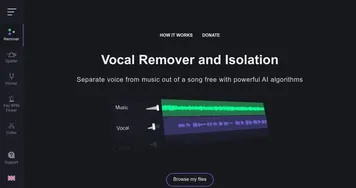
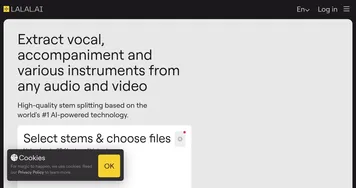
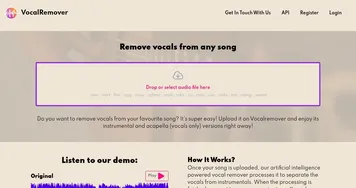
The best AI vocal remover for clean results is usually LALAL.AI or Moises, both known for minimal artifacts on the separated stems. Vocal Remover is a solid free browser option for quick karaoke tracks. The right pick depends on how much you value separation quality versus cost.
Is vocal removal the same as noise cancellation?
No, vocal removal and noise cancellation solve different problems. Vocal removal separates a finished song into its musical layers, pulling the singing away from the instrumental. Noise cancellation removes unwanted background sound, like hum or chatter, from a recording. One splits a clean mix apart; the other cleans up a messy one.
How do AI vocal removers work?
AI vocal removers use models trained on thousands of songs to recognize what a voice, drum, bass, or instrument sounds like inside a mix. When you upload a track, the model rebuilds each part as its own audio file. This stem separation is far cleaner than the old trick of inverting channels.
Can I make a karaoke track by removing vocals?
Yes, removing the vocals from a song leaves the instrumental, which is exactly what a karaoke track is. Most vocal removers export the instrumental and the isolated vocal separately, so you can also keep the acapella. Results sound best on well-produced songs where the vocals sit clearly above the music.
Are AI vocal removers free to use?
Several AI vocal removers are free for basic use, often letting you process a few tracks at standard quality in your browser. Paid plans remove limits and add higher-fidelity separation, batch processing, and extra stems like drums and bass. For a one-off karaoke track, a free tool is usually plenty.